
Project Goals:
Create an immersive first-person VR puzzle-horror experience built on solid level design principles
Design and build a complete game solo, concept, flow, whiteboxing, and systems
Learn environmental lighting in Unity and use it to drive horror atmosphere and tension
Learn to optimize for standalone VR and hold stable performance on the Meta Quest 3
Script the game's systems and player interactions myself
Produce and edit the gameplay trailer
Details:
Solo Project
Genre: First-Person VR Puzzle Horror
Role: Solo Developer
Engine: Unity 2022.3.62f2 (XR)
Platform: Windows PC, with a Meta Quest 3 VR port
Development: October 2025 – November 2025
Tools Used: Unity XR, Visual Studio, Premiere Pro, Photoshop
Trailer
Gameplay Walkthrough & Images
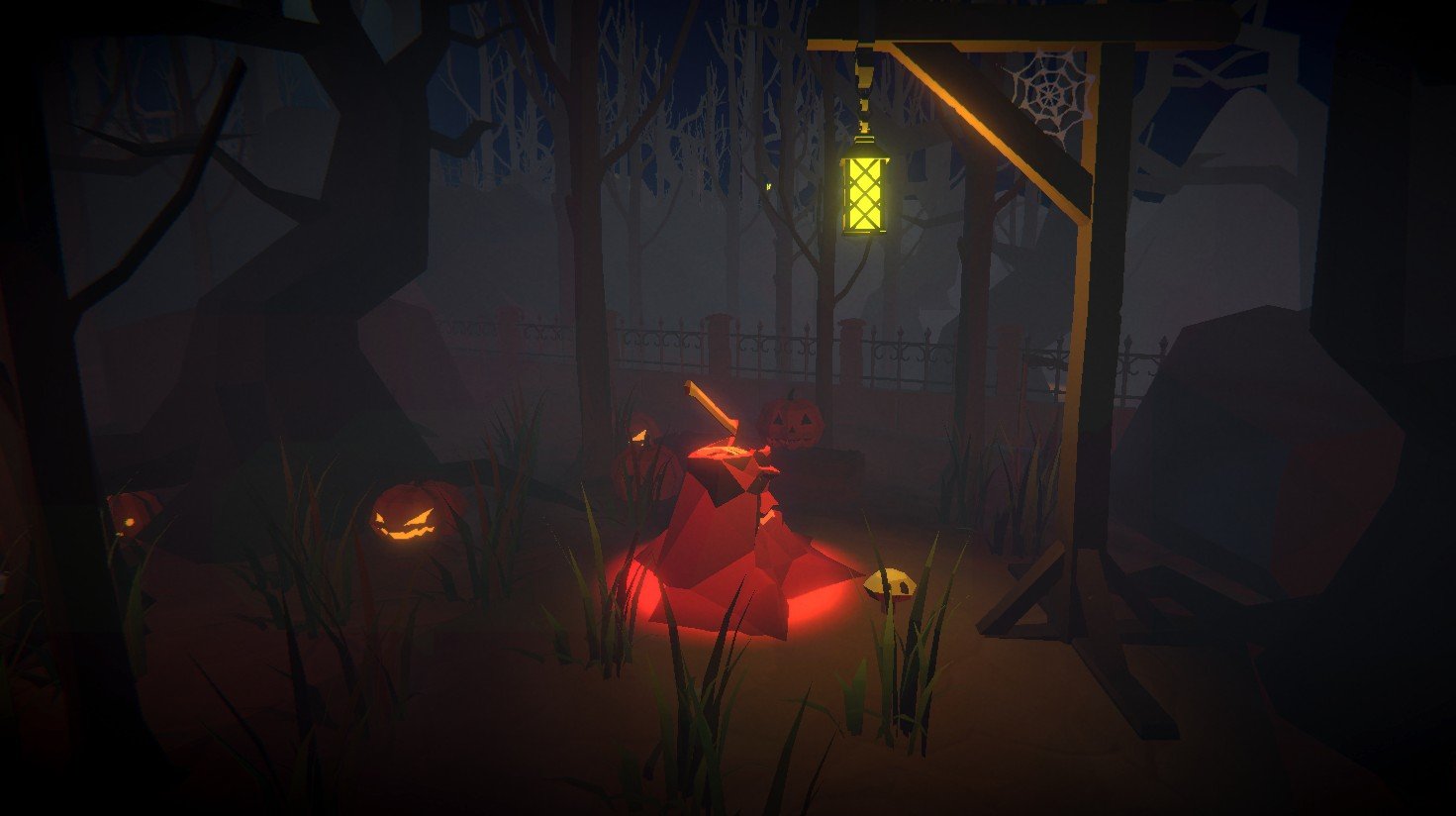
Collection Item: "Hand of the Unlucky"
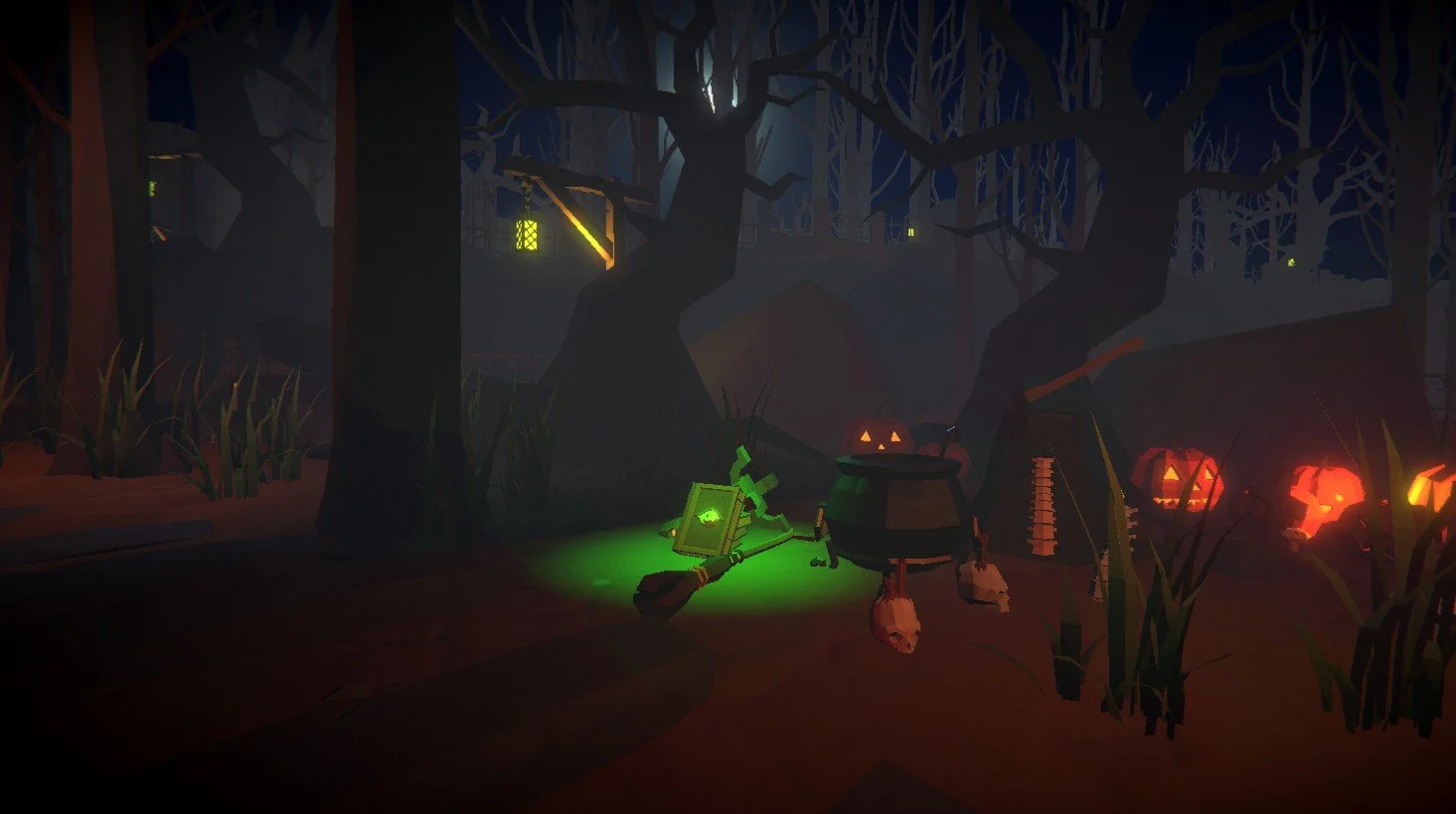
Collection Item: "Book of Secrets"
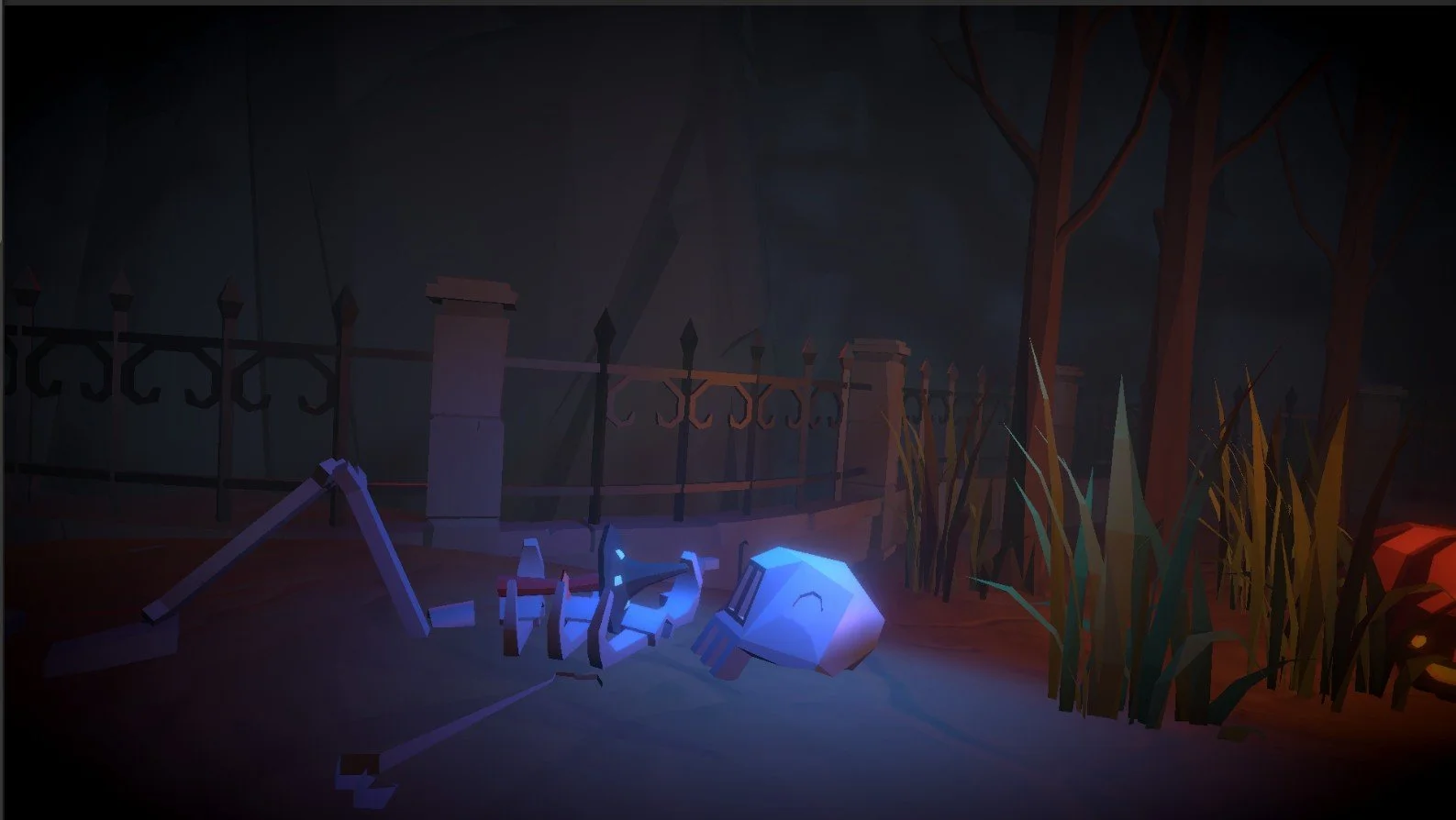
Collection Item: "Mushroom of the Dead"
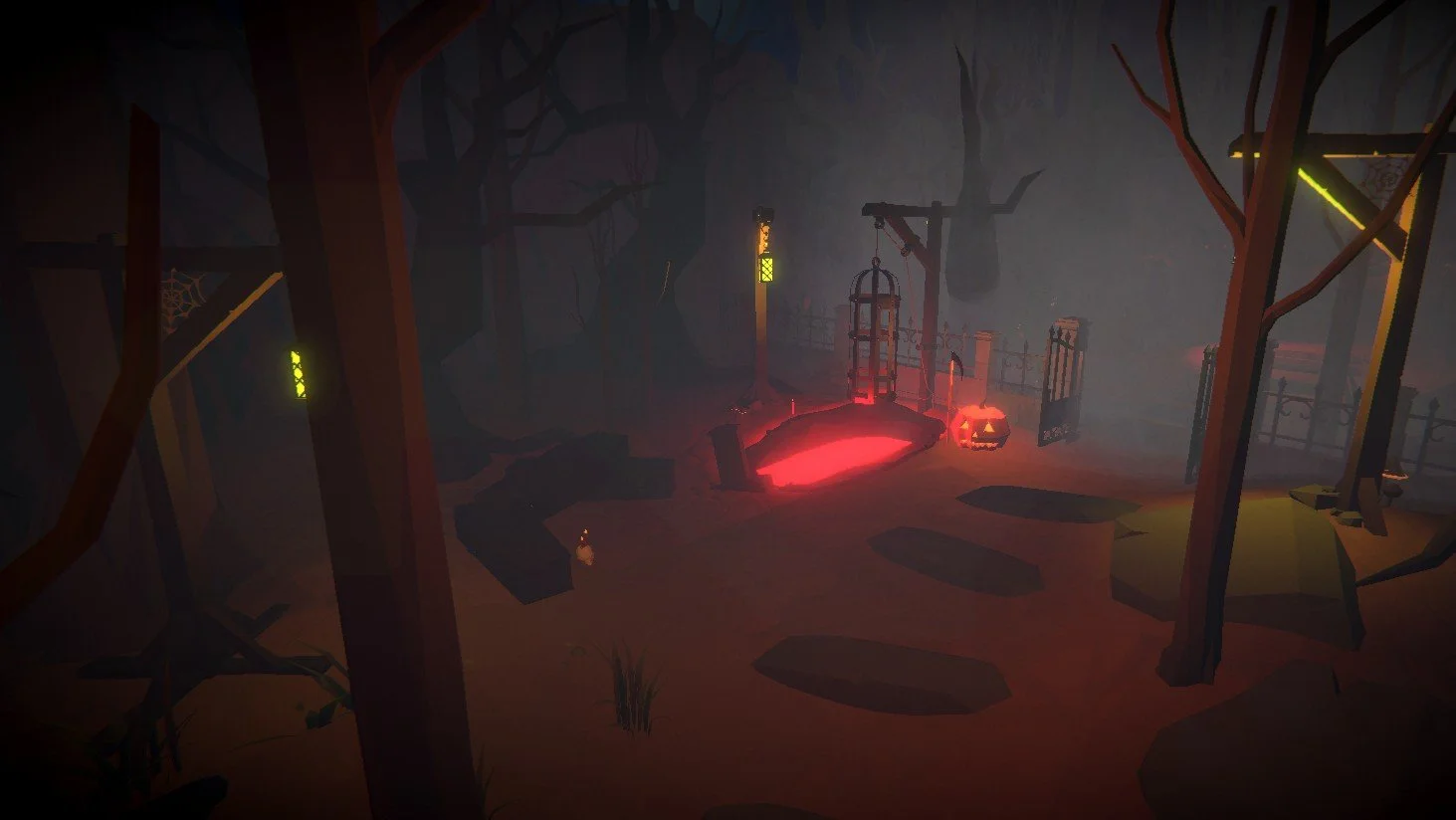
1st Objective: "Grave of Sacrifice"
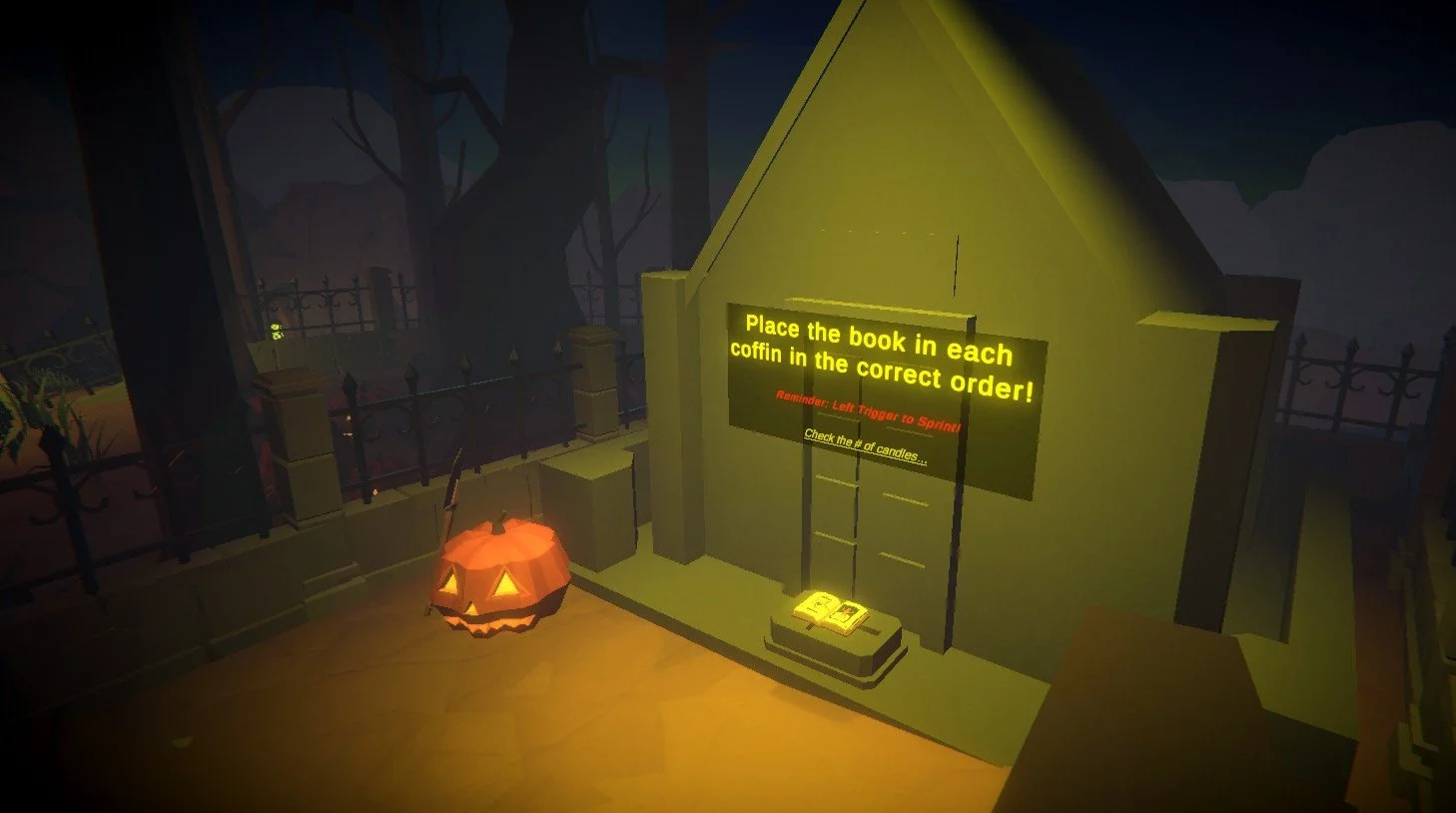
2nd Objective: "Necronomicon Sequence"
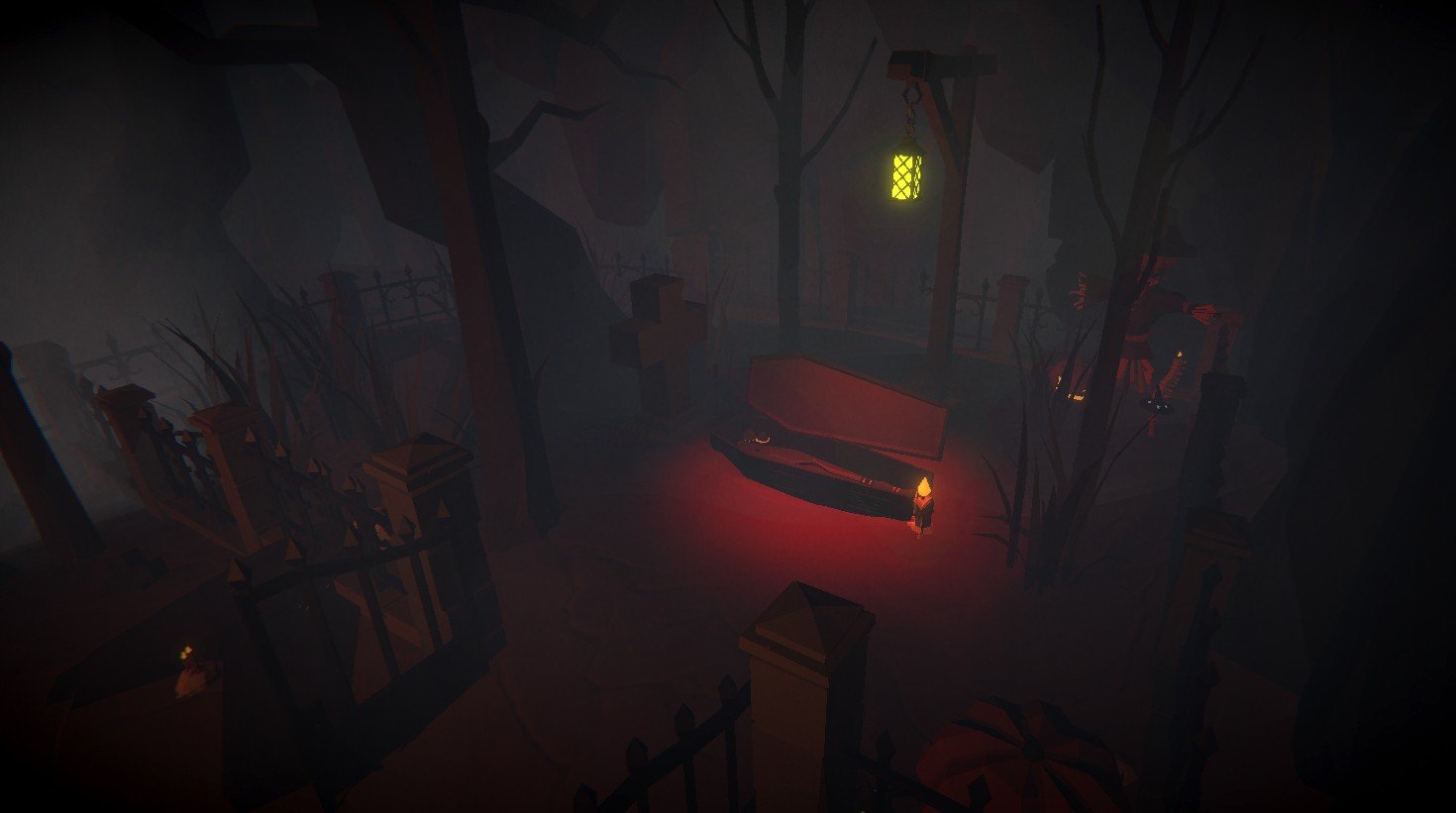
Coffin Puzzle Example 1/2
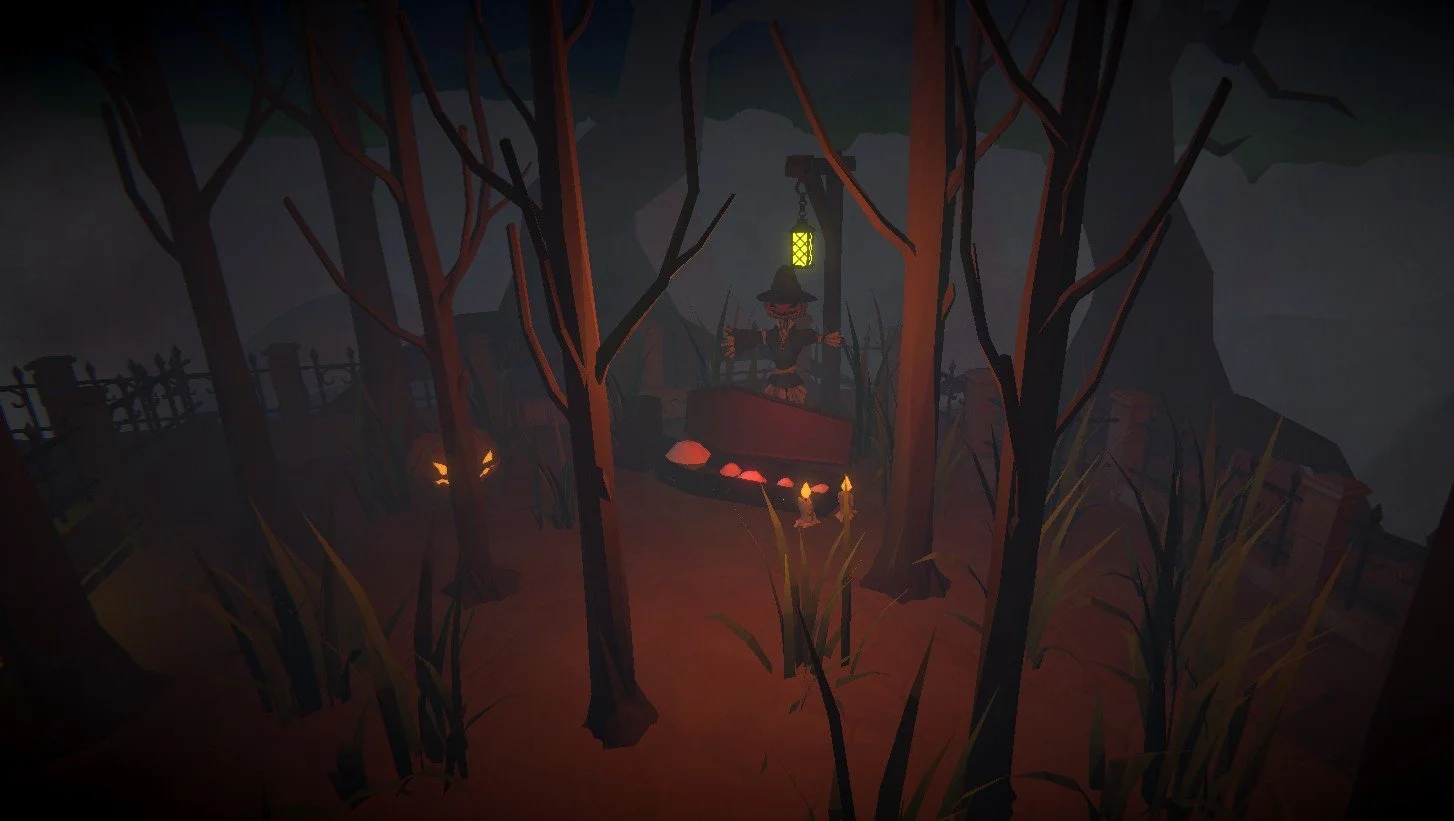
Coffin Example 2/2
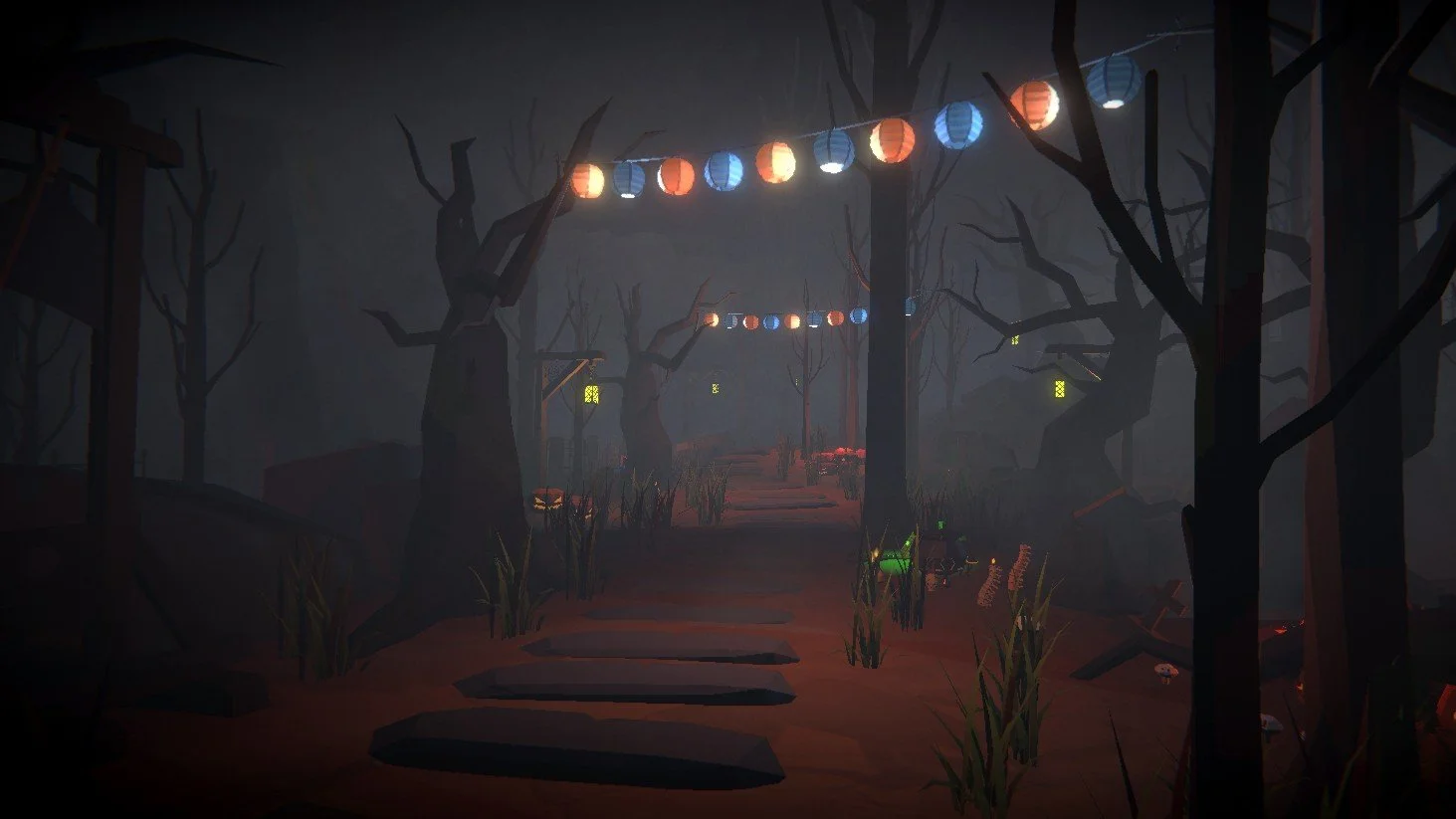
Critical Path Set Dressing 1/3
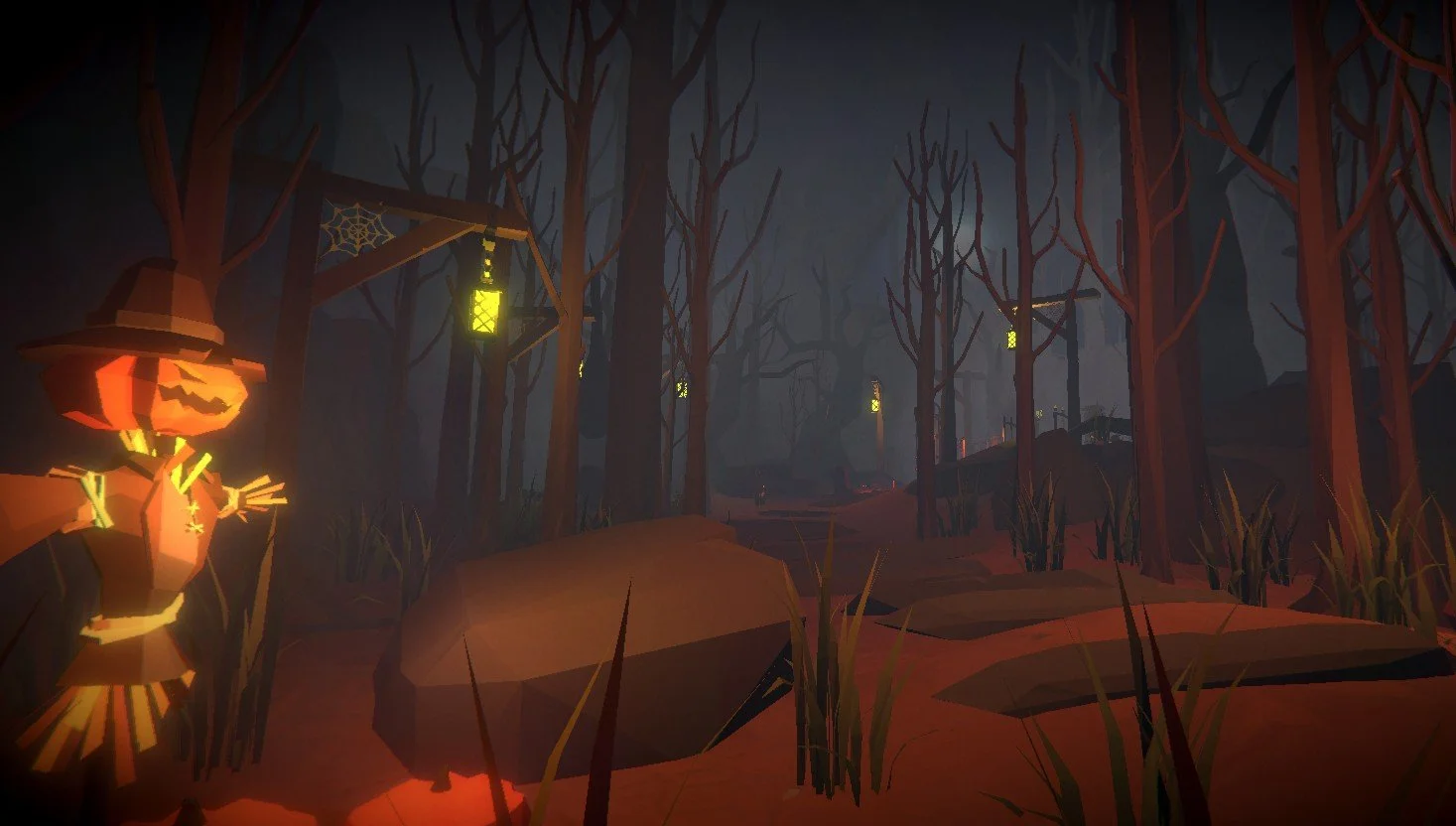
Critical Path Set Dressing 2/3
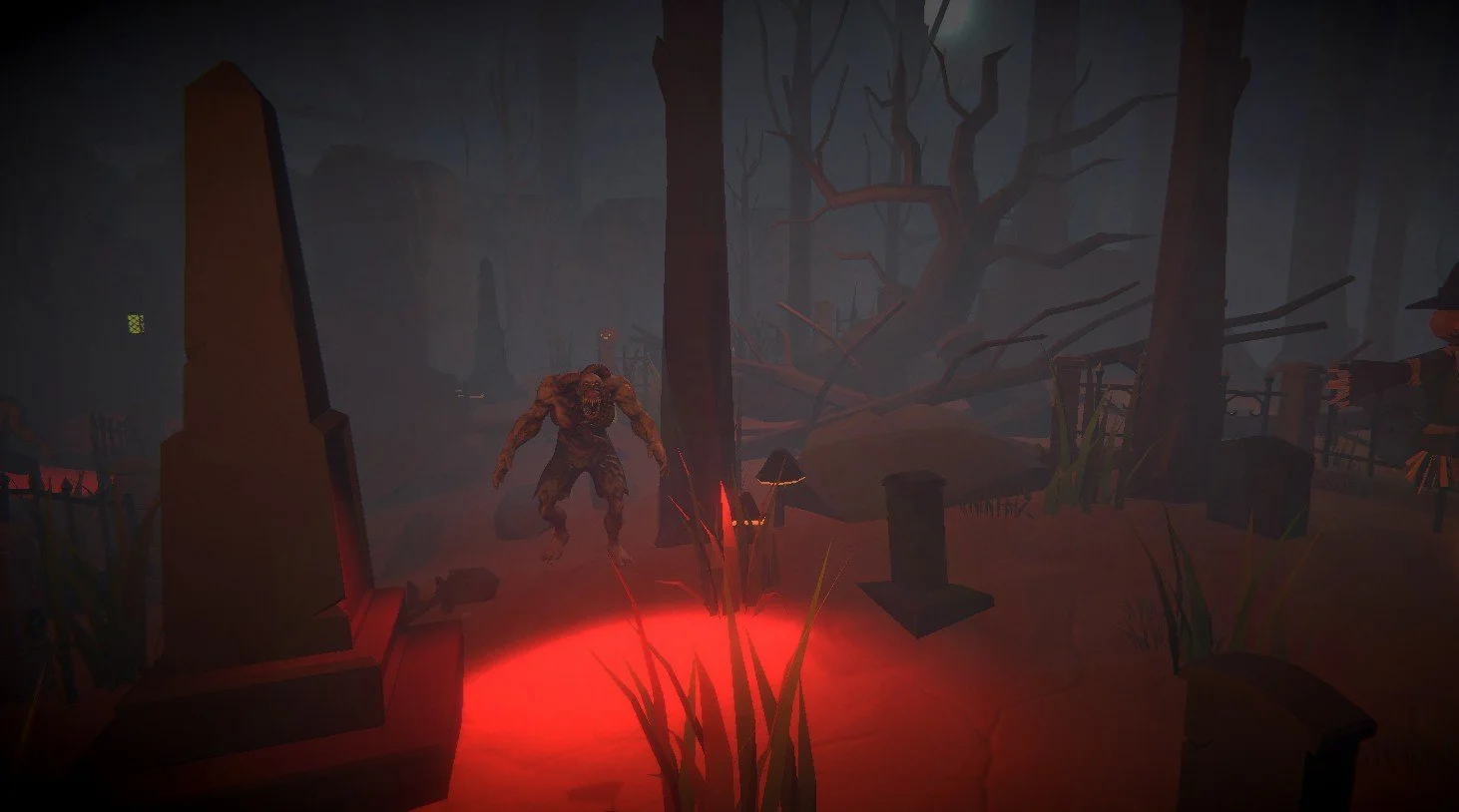
Critical Path Set Dressing 3/3
Pre - Production
Theme & Inspiration:
I wanted to make a VR horror experience, inspired by games like Five Nights at Freddy’s and The Walking Dead: Saints & Sinners. I focused on atmosphere rather than strict realism, which helped the game run smoothly on the Meta Quest 3. Lighting, particle effects, and post-processing were used to create suspense and guide the player, while sound and environmental details helped build a world that felt tense and alive.
Concept to Layout:
I wanted the environment to feel packed and slightly claustrophobic in key areas, while still including open sections with a rough, uneven landscape to convey the aged, worn nature of the space. This contrast helped emphasize tension and scale while guiding player movement naturally.
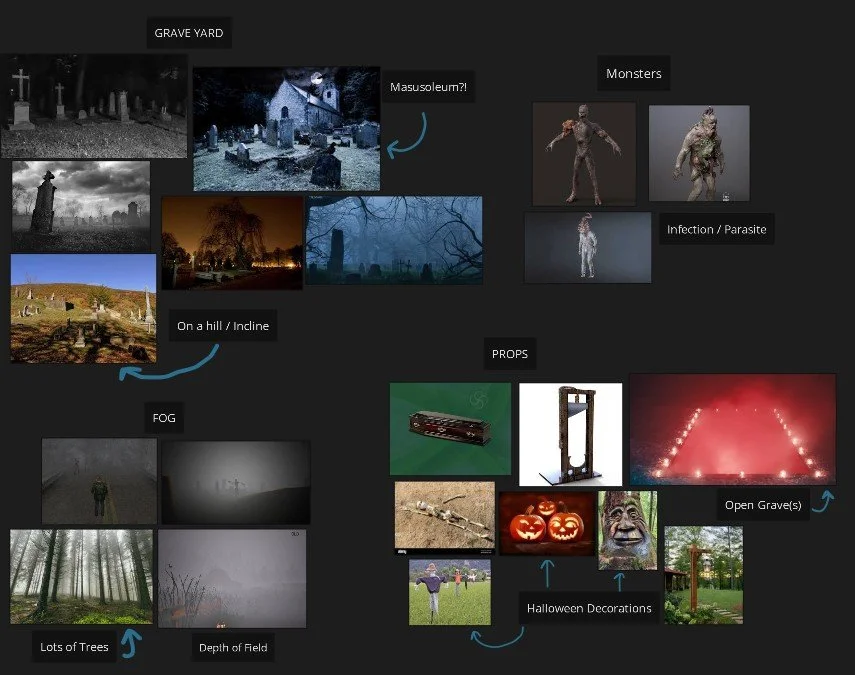
PureRef Enviornment Board
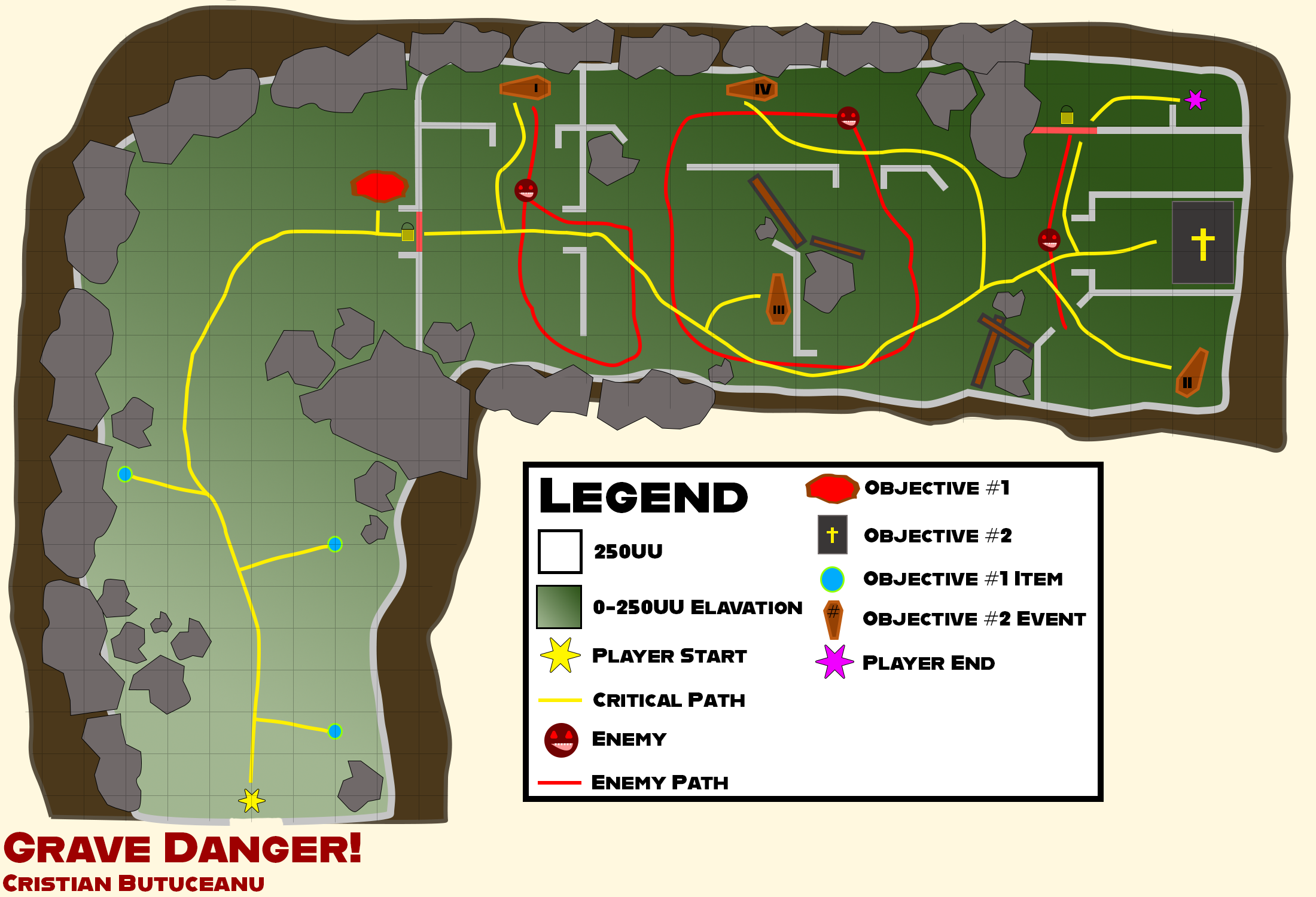
2D Map
Blockout
Using Unity’s ProBuilder Tool, I created simple props to block out the level and test player flow. I explored alternative routes influenced by enemy patterns but relied on rocks and terrain to guide players along the main path. This kept objectives clear, pacing natural, and the environment believable.
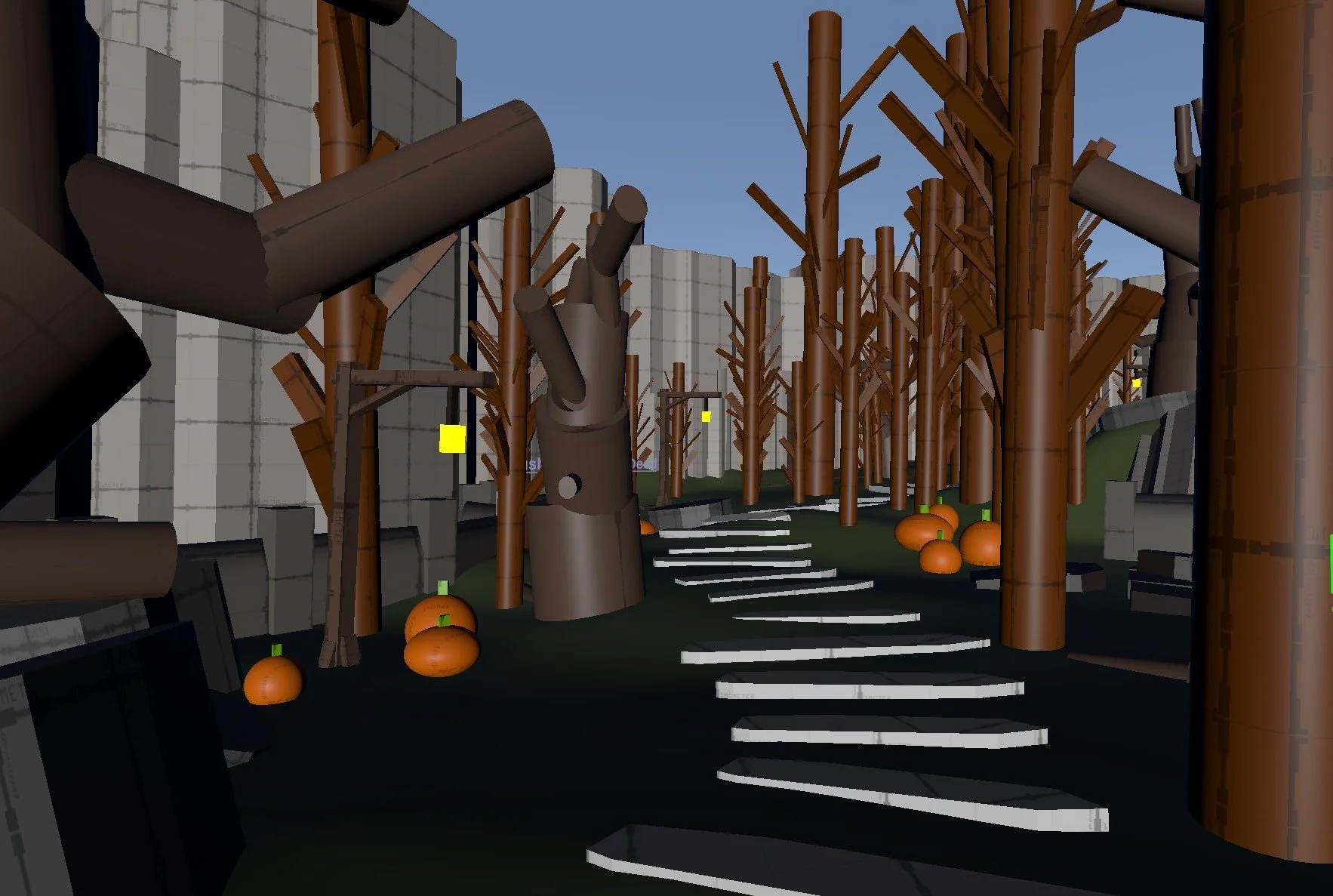
Probuilder Props
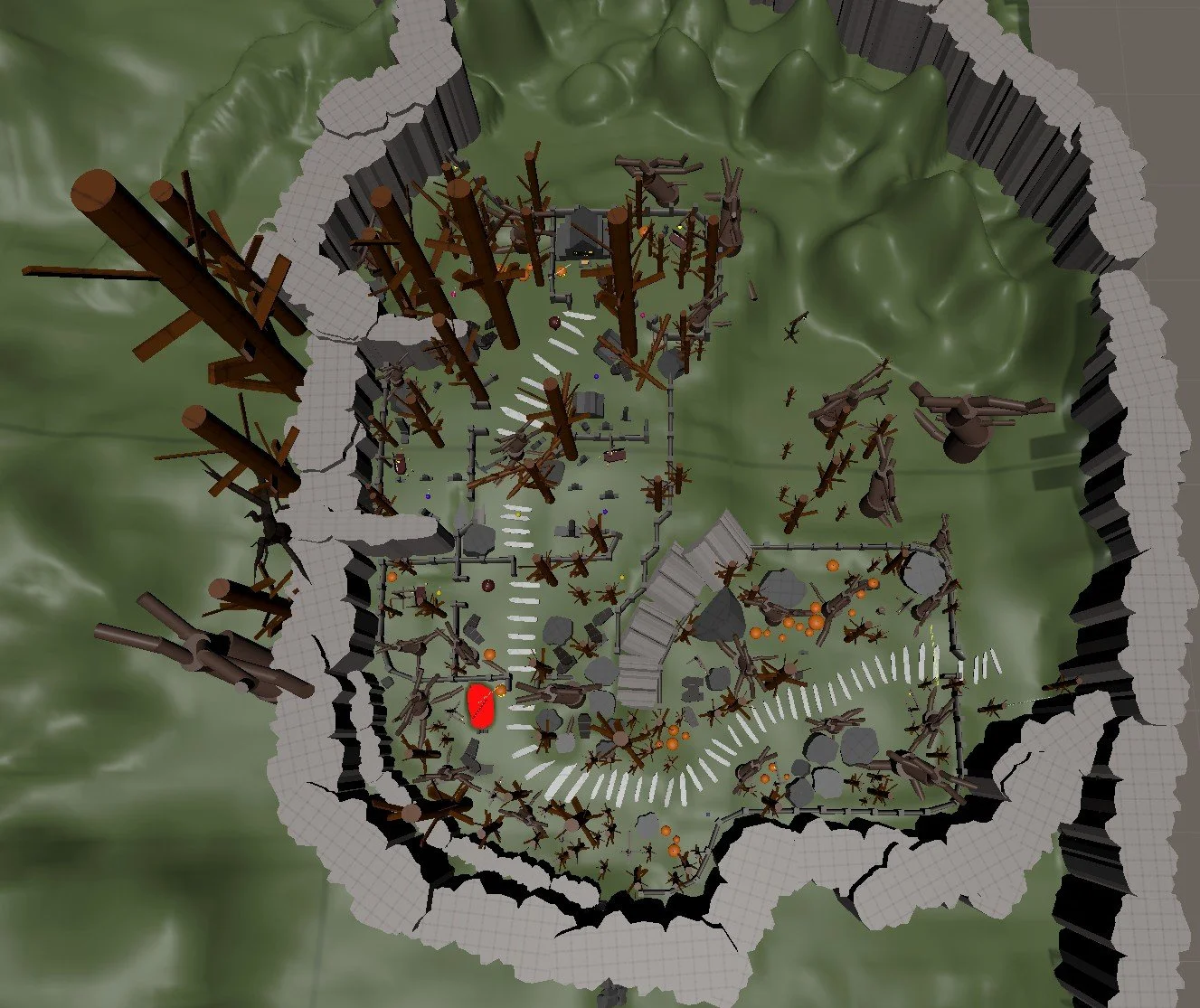
Top Down
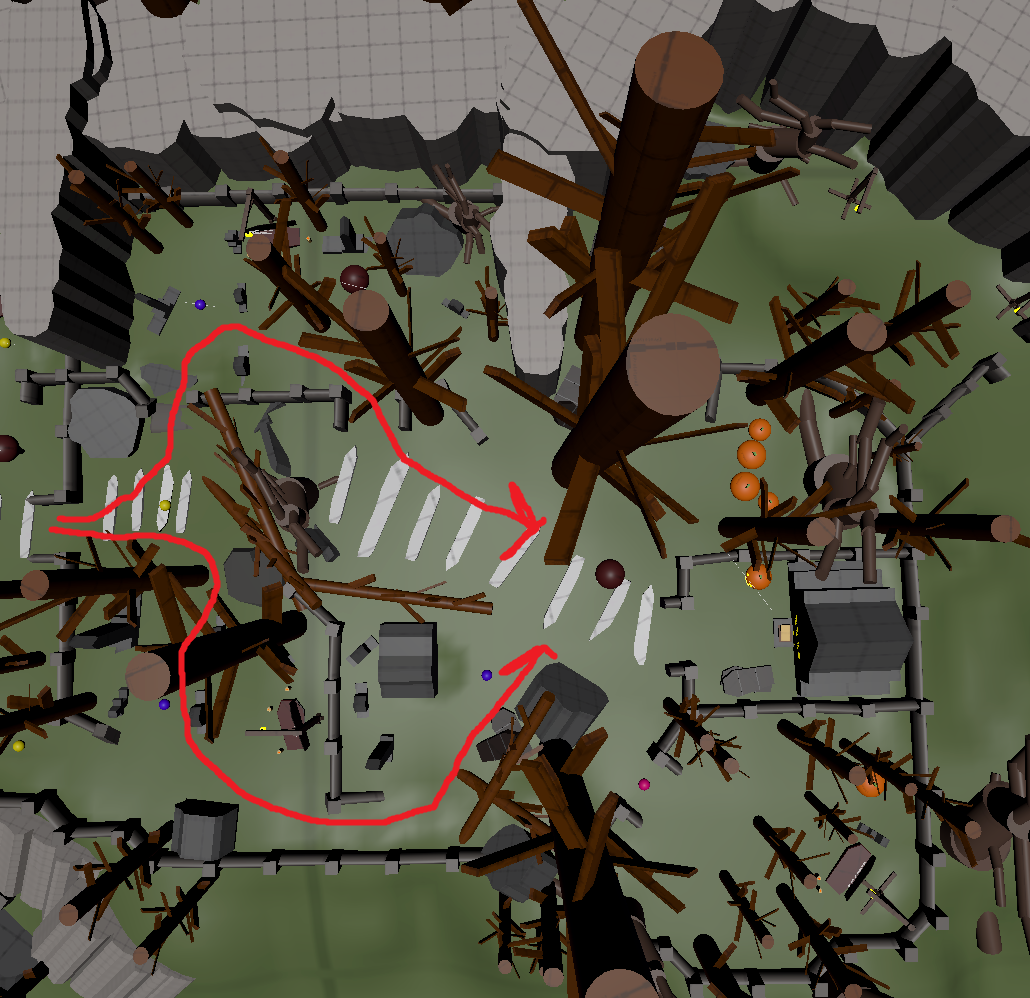
Multiple Paths
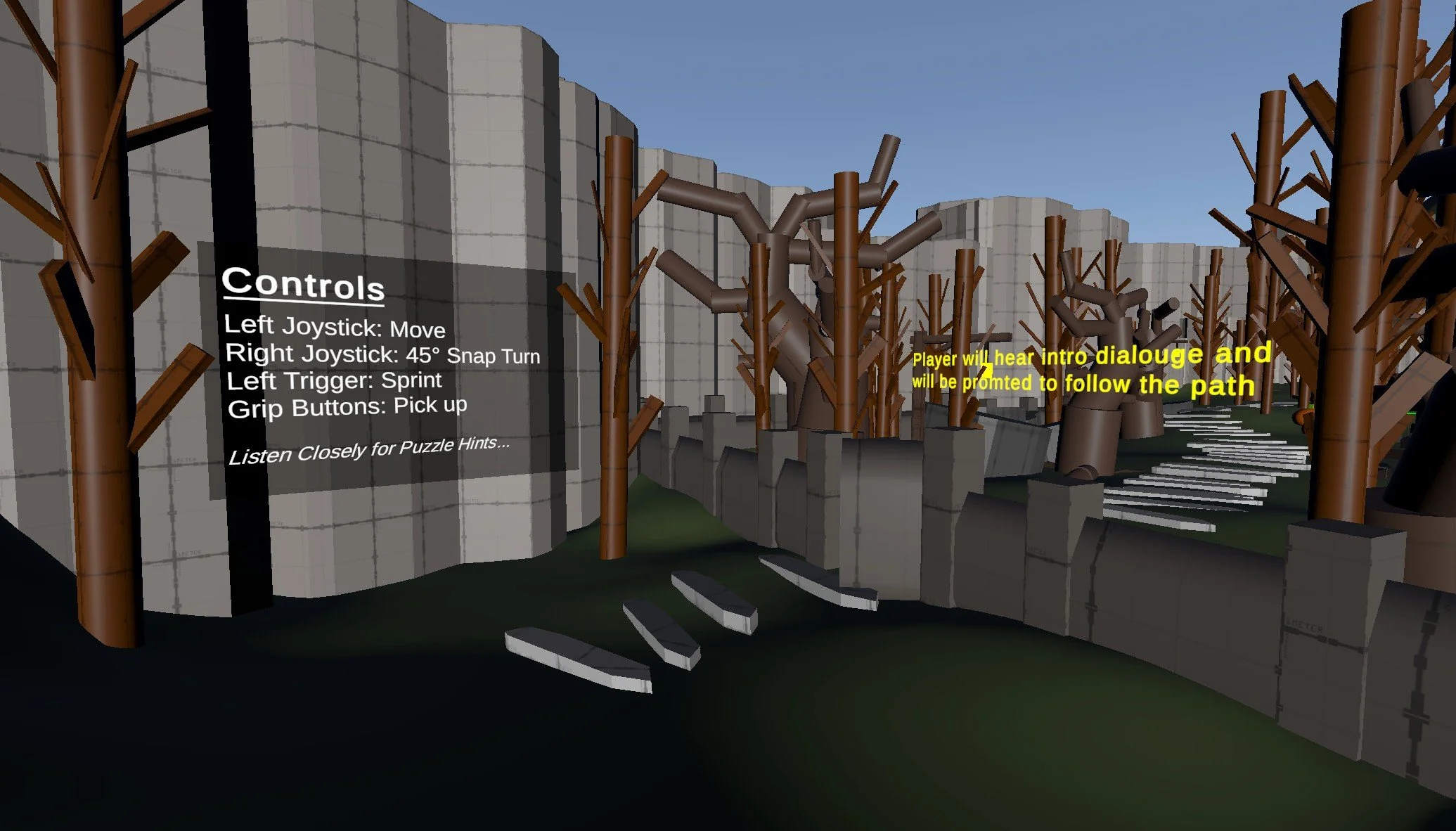
Entrance
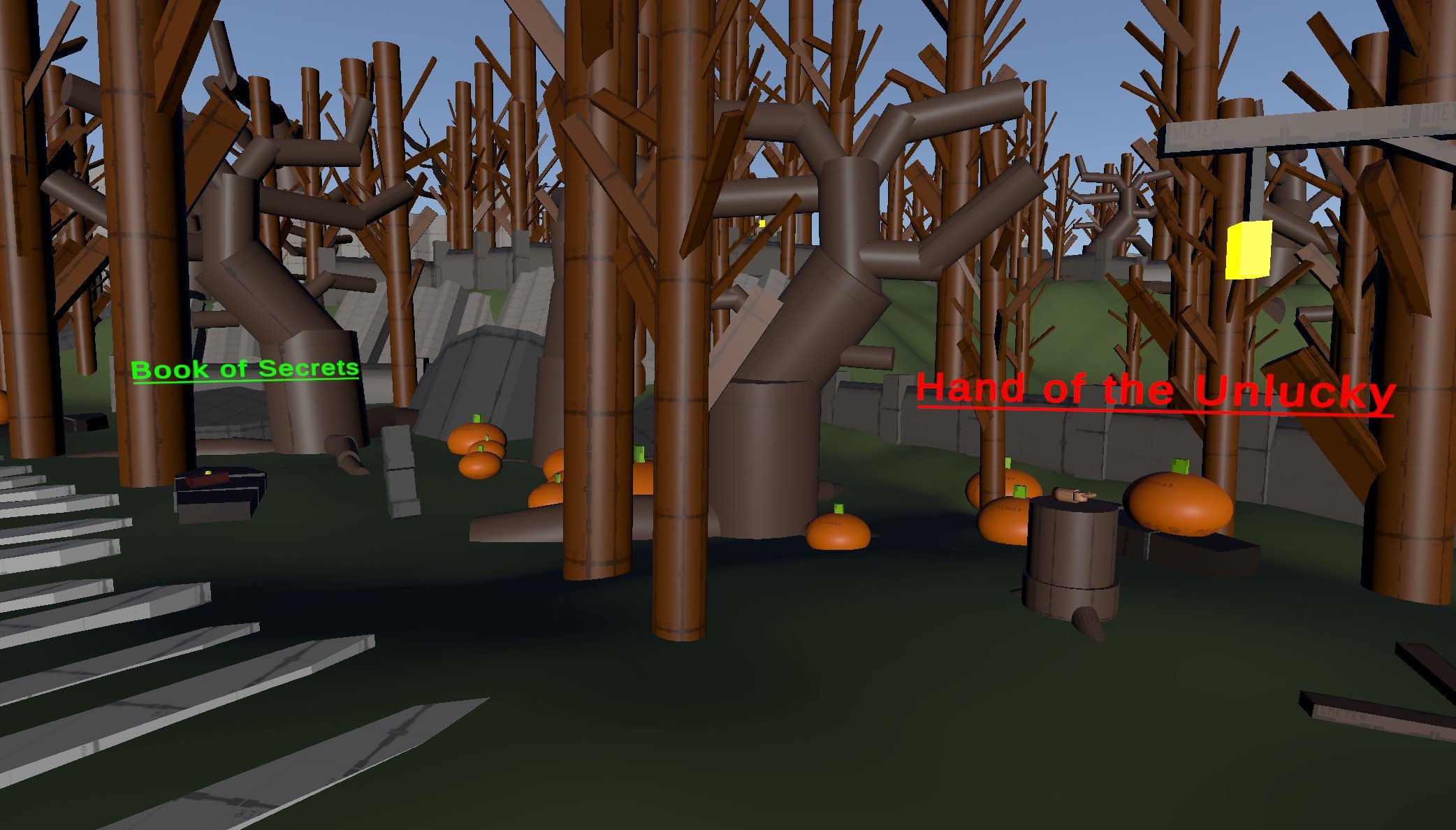
Collection Items: "Hand of the Unlucky" & "Book of Secrets"
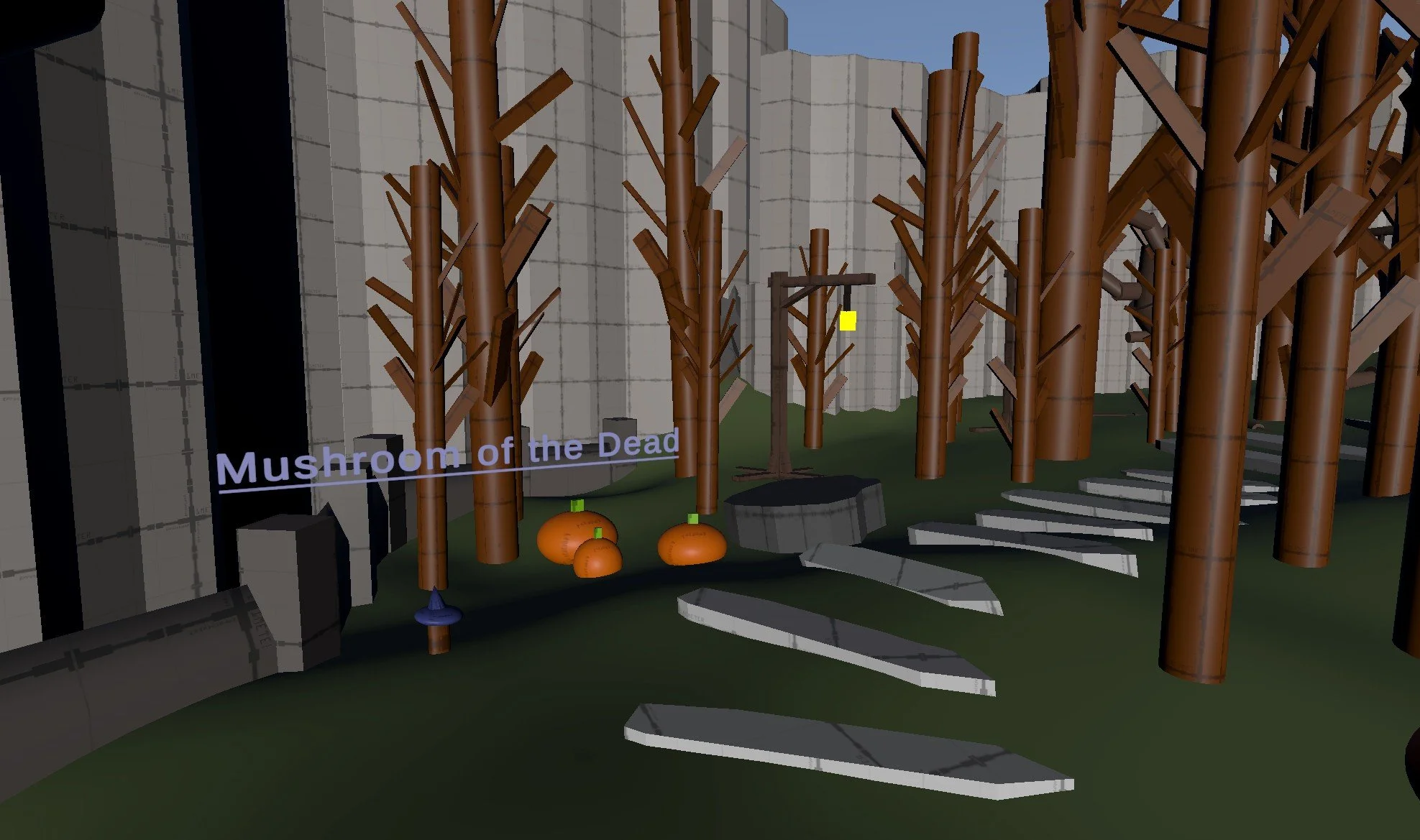
Collection Item: "Mushroom of the Dead"
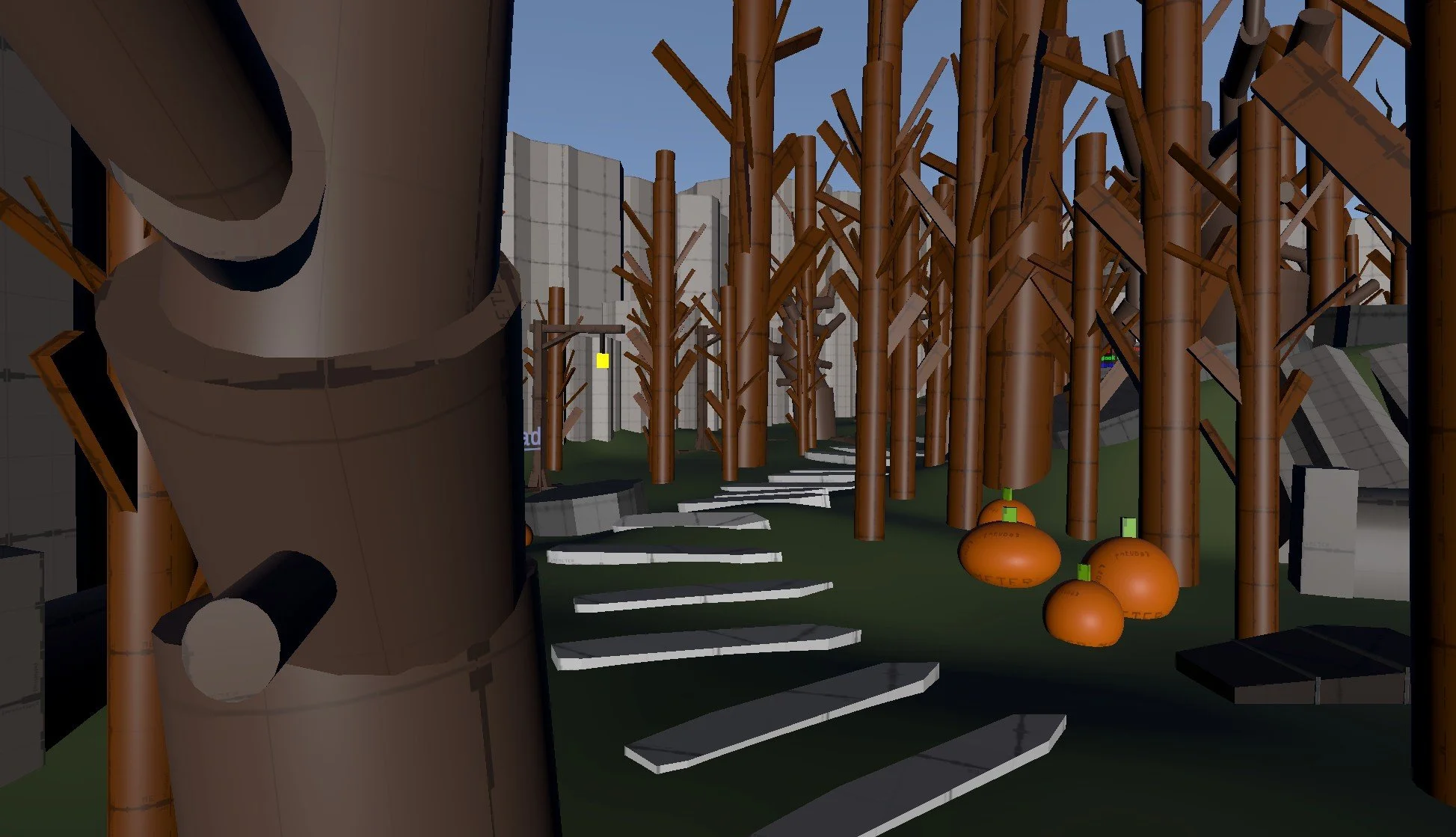
Objective Breadcrumbs
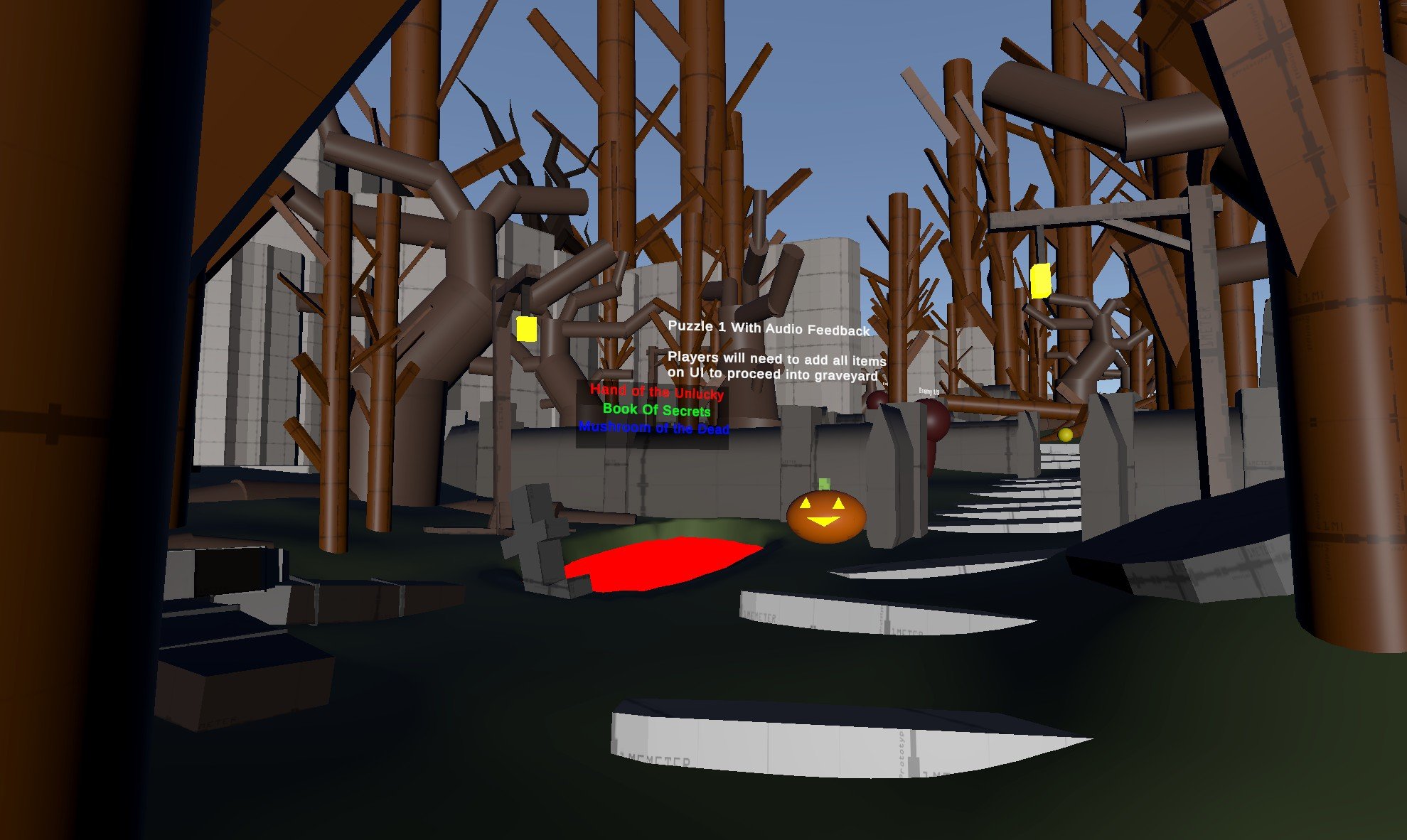
1st Objective: "Grave of Sacrifice"
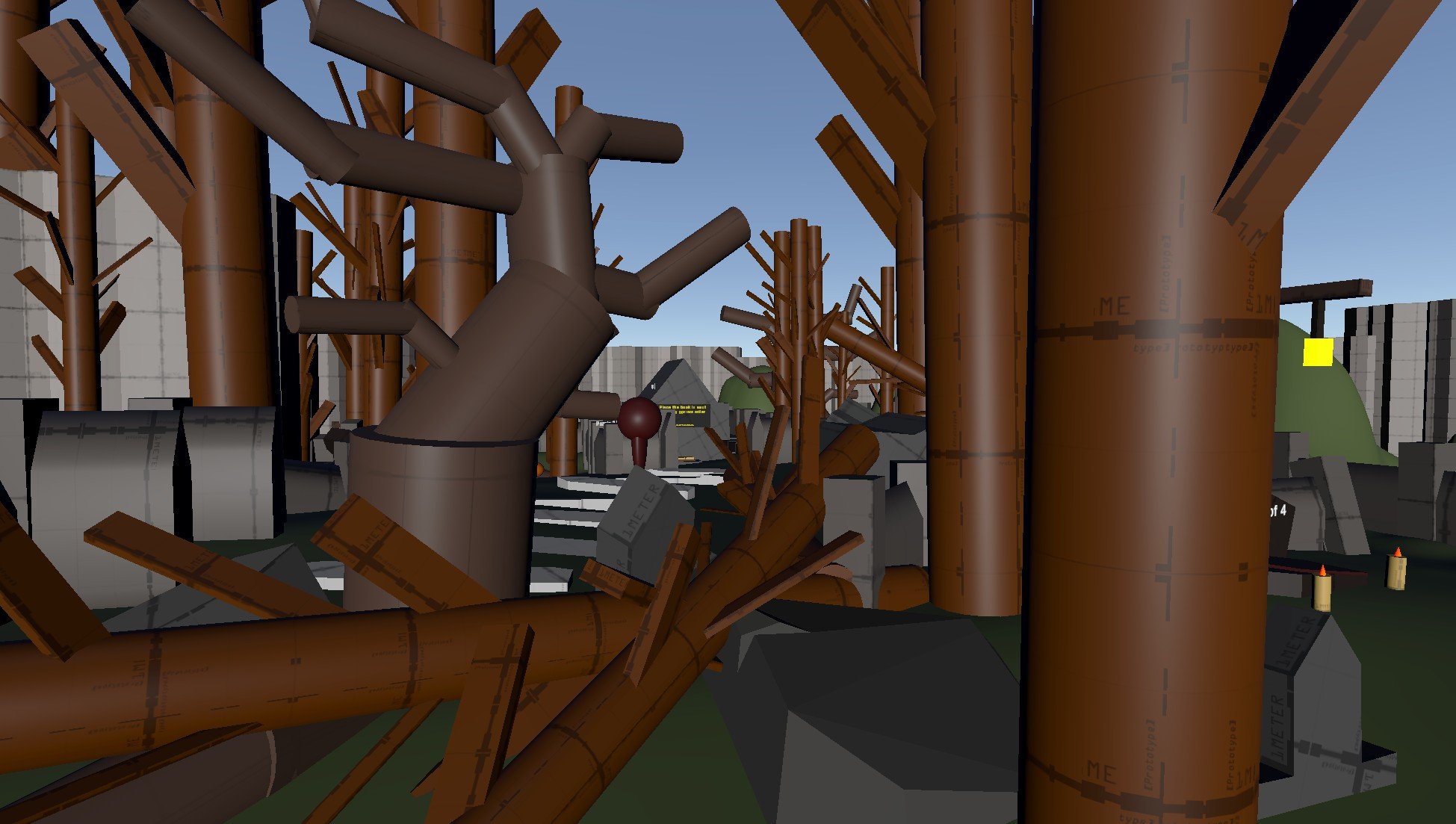
"Necronomicon Sequence" Sightline
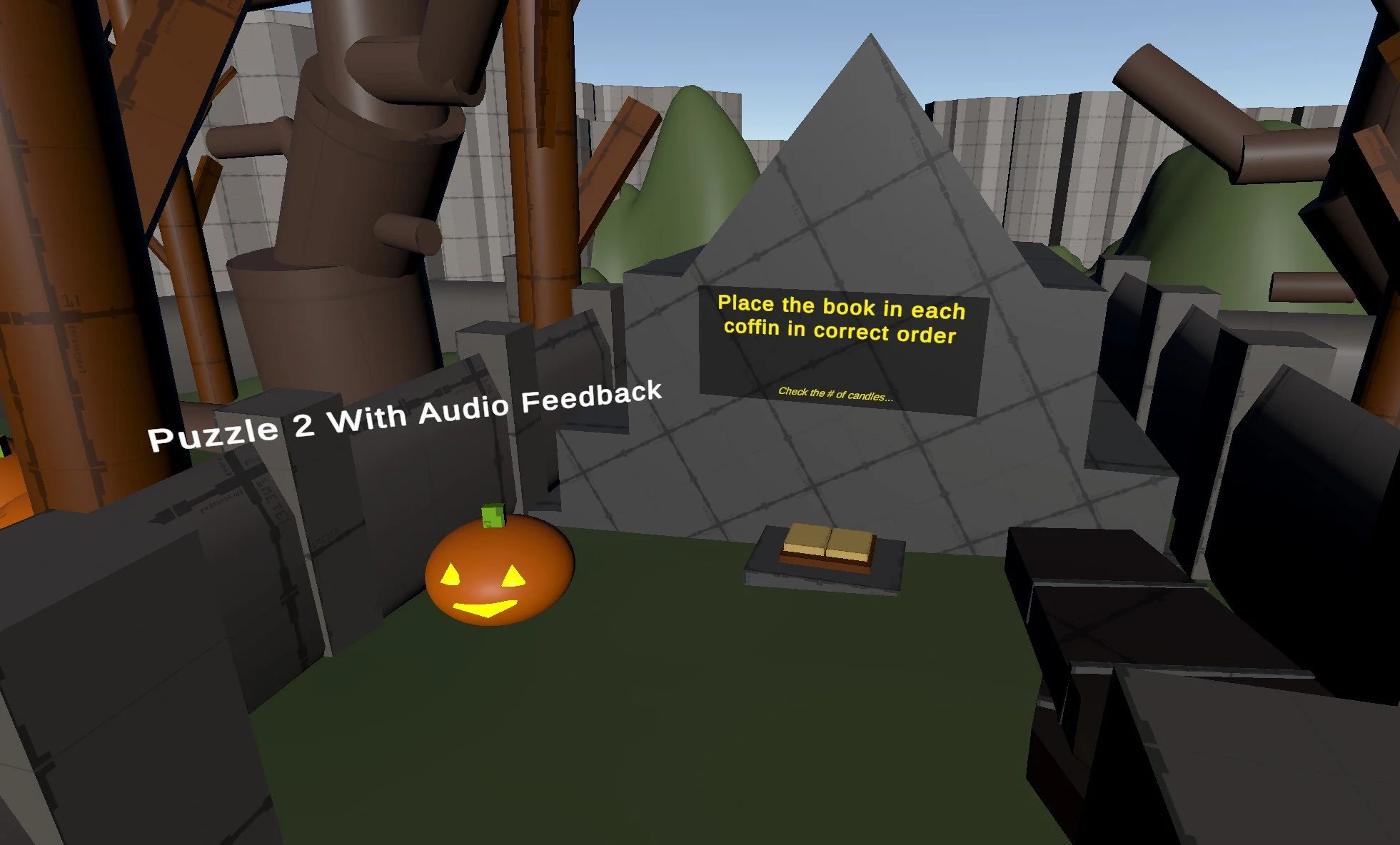
2nd Objective: "Necronomicon Sequence"
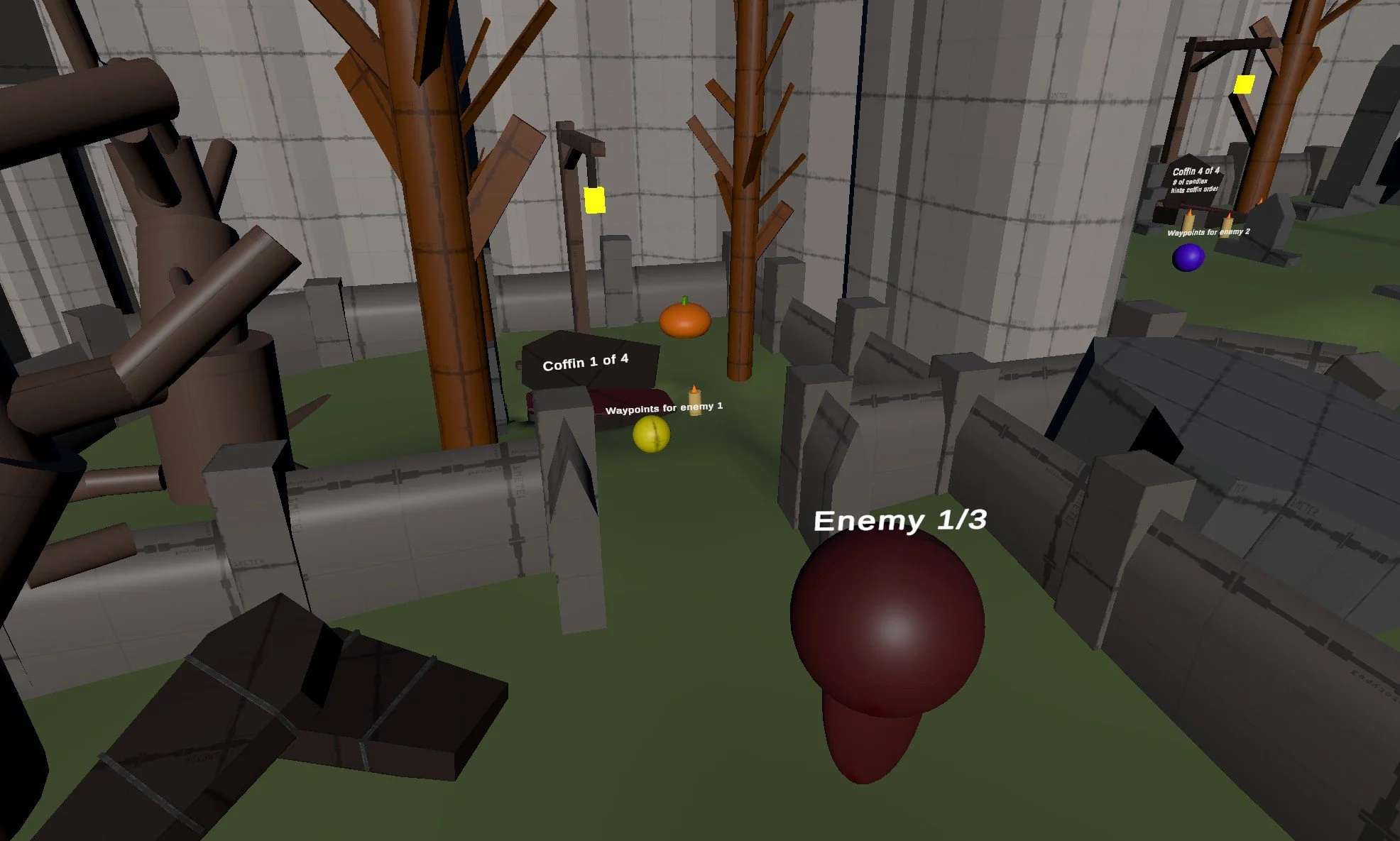
1st Coffin
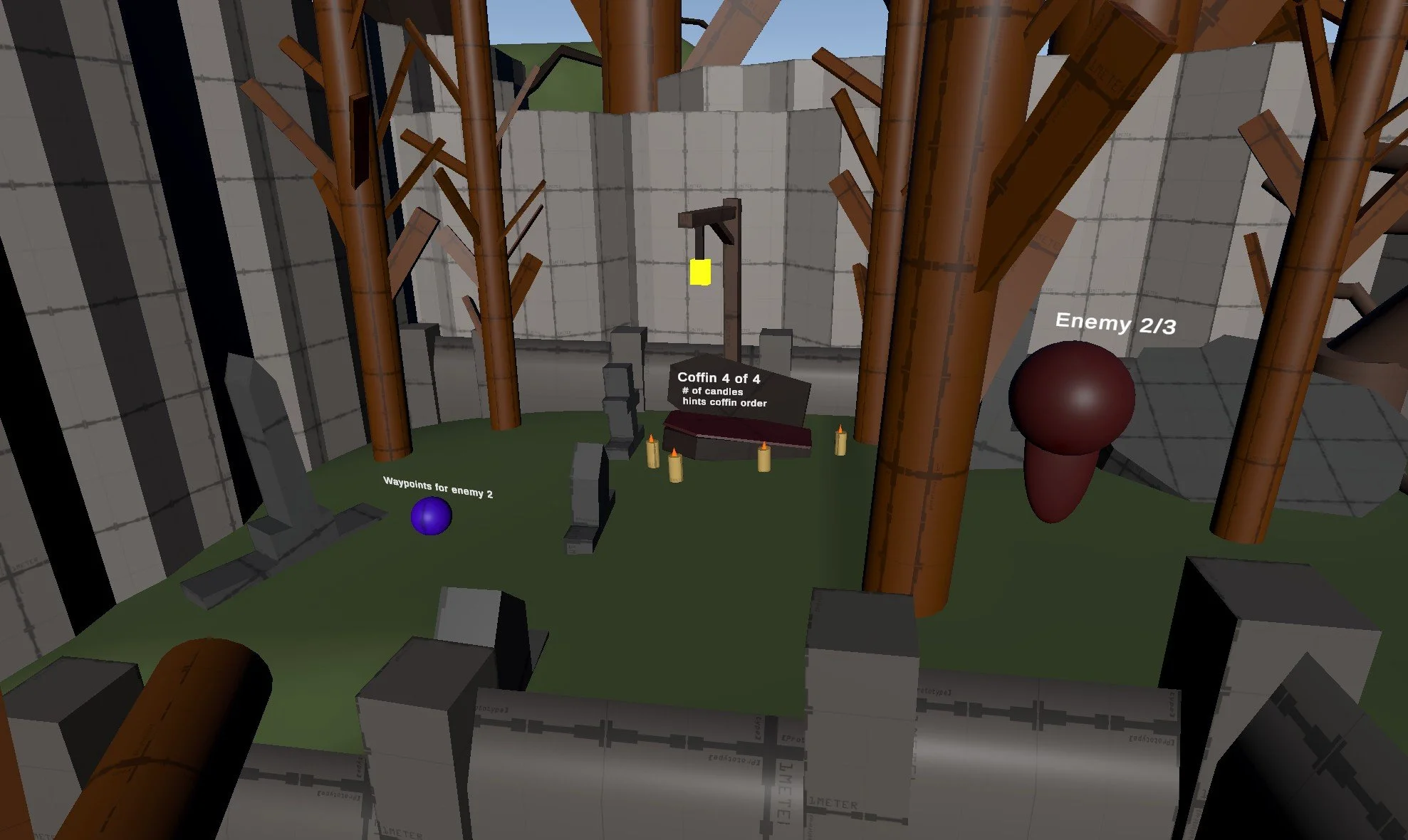
2nd Coffin
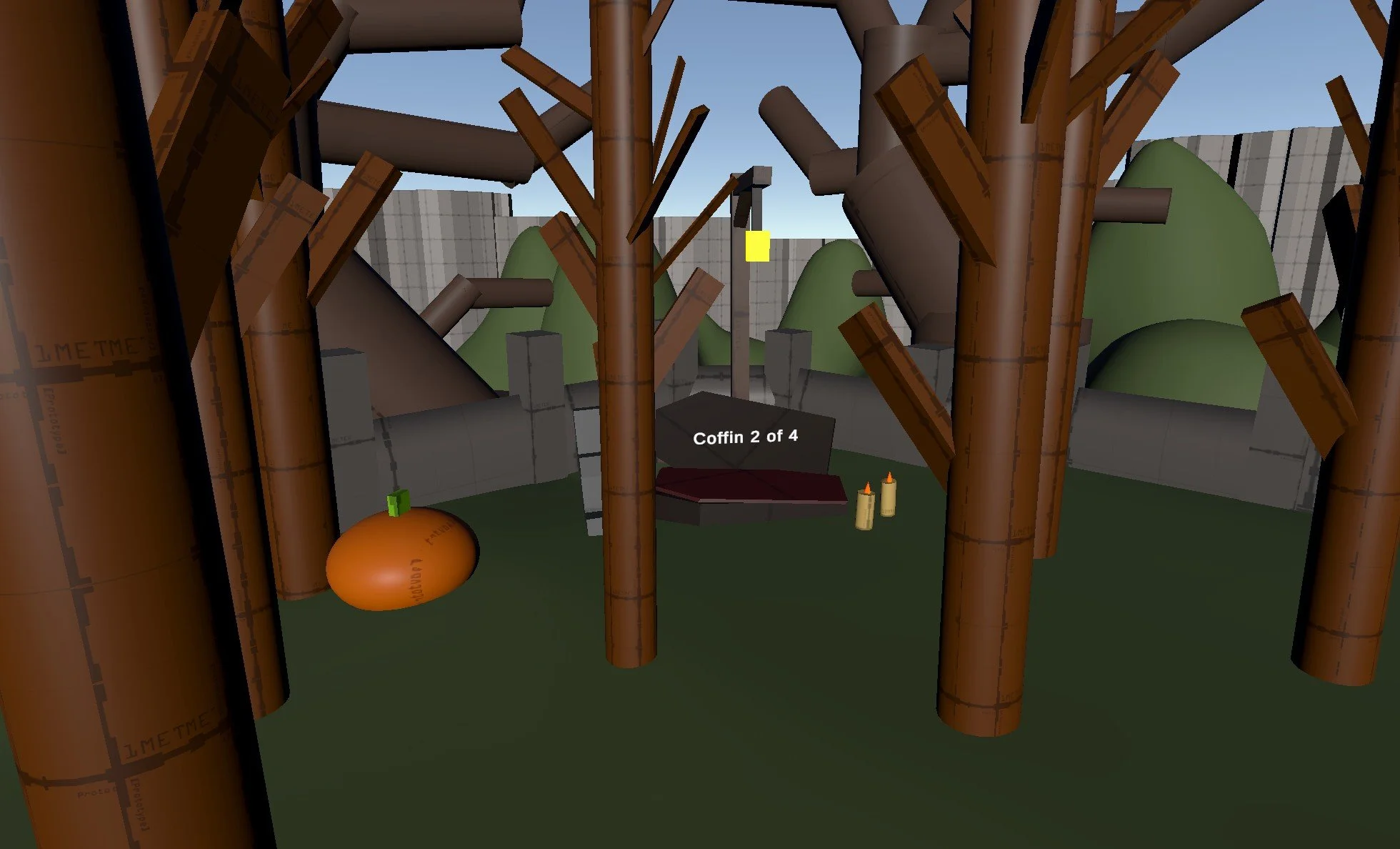
3rd Coffin
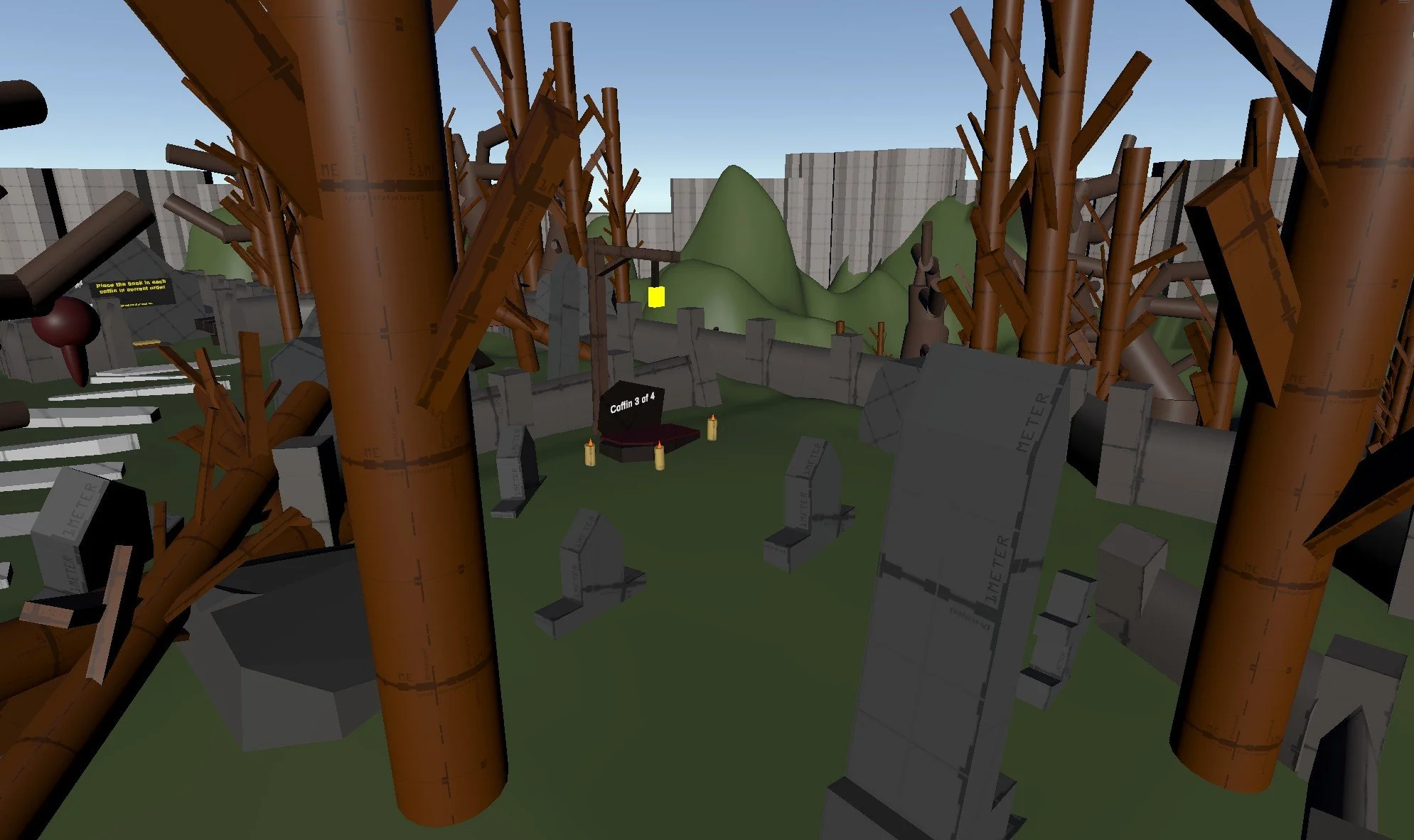
4th Coffin
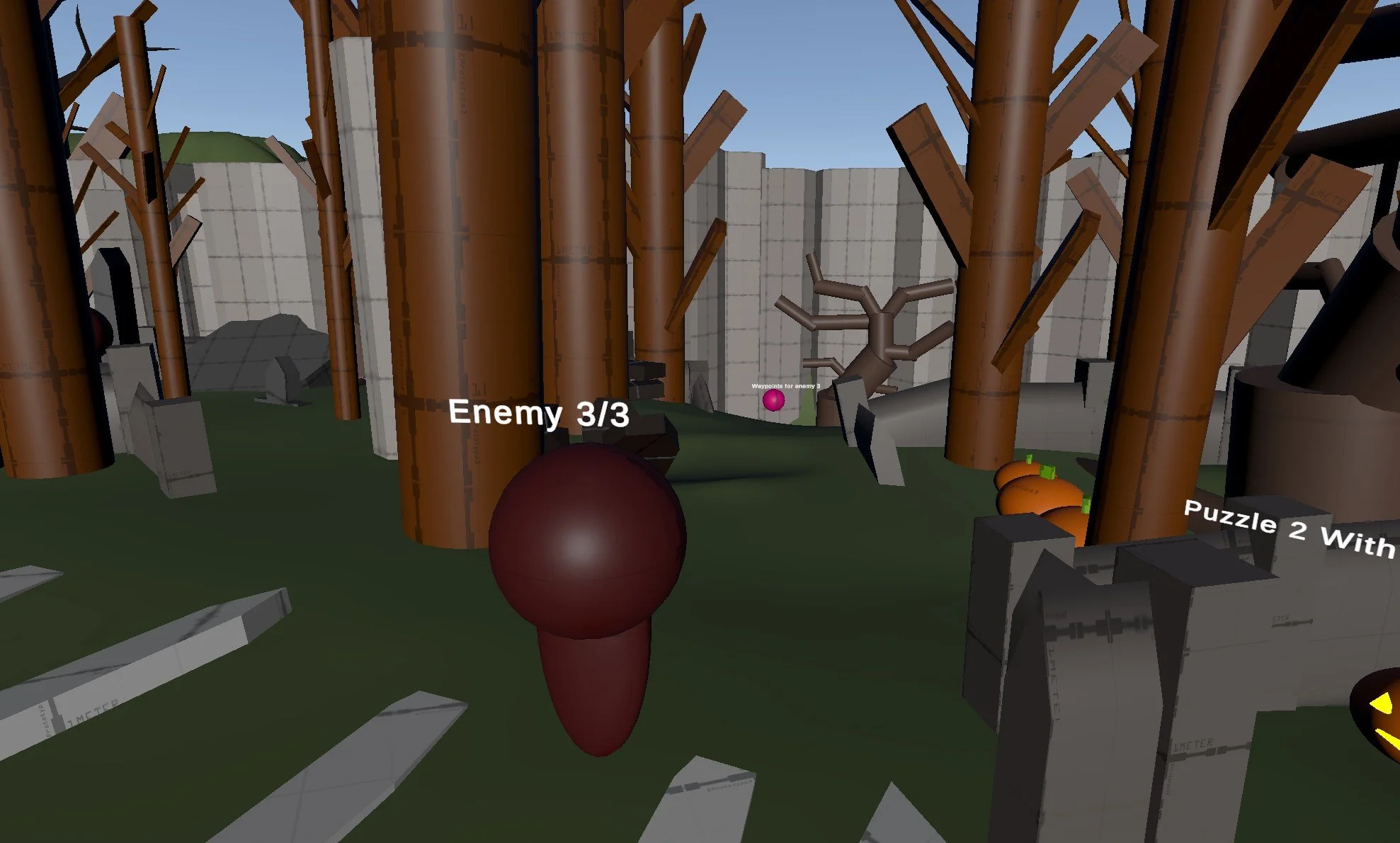
Exit
Design Process
Set Dressing & Environment:
I used low-poly Halloween-themed asset packs, including one with terrain and a skybox to start the level. Props and environmental elements were placed to support the horror tone, help guide players, and make the world feel lived-in and immersive.
Lighting:
I used colored lights to highlight key areas, lead players toward objectives, and enhance the mood. Lighting choices helped reinforce both gameplay and atmosphere without breaking immersion.
Post Processing:
I added post-processing effects to strengthen the horror vibe. Depth of field and bloom helped limit visibility, made lights feel softer, and reinforced the unsettling atmosphere of the environment.
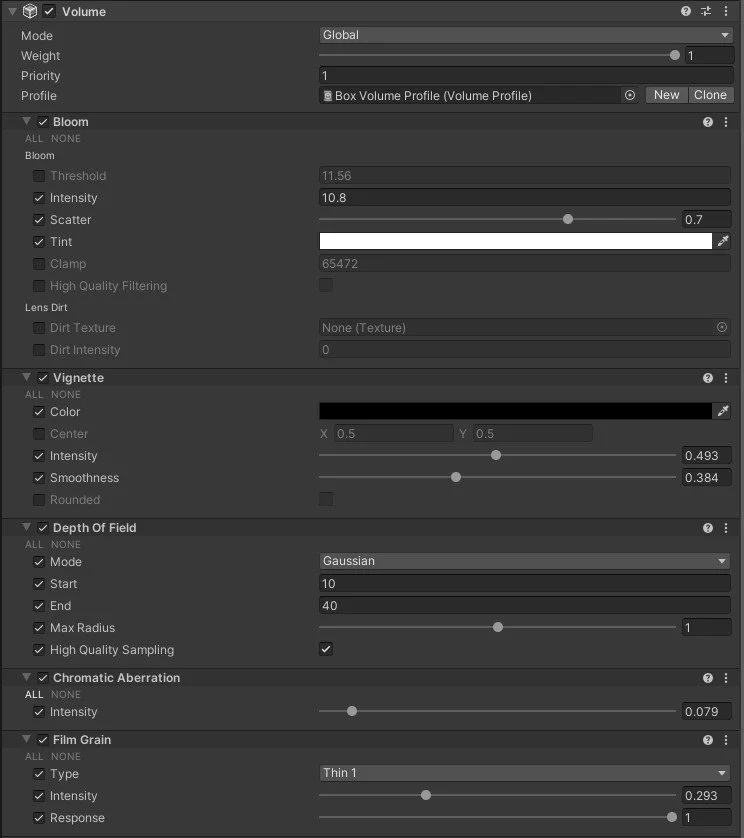
Post Processing Global Volume
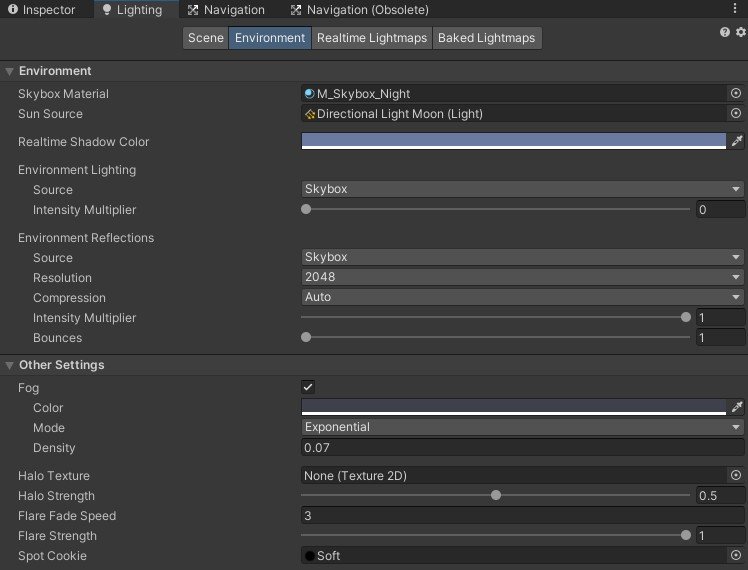
Environmental Fog Profile
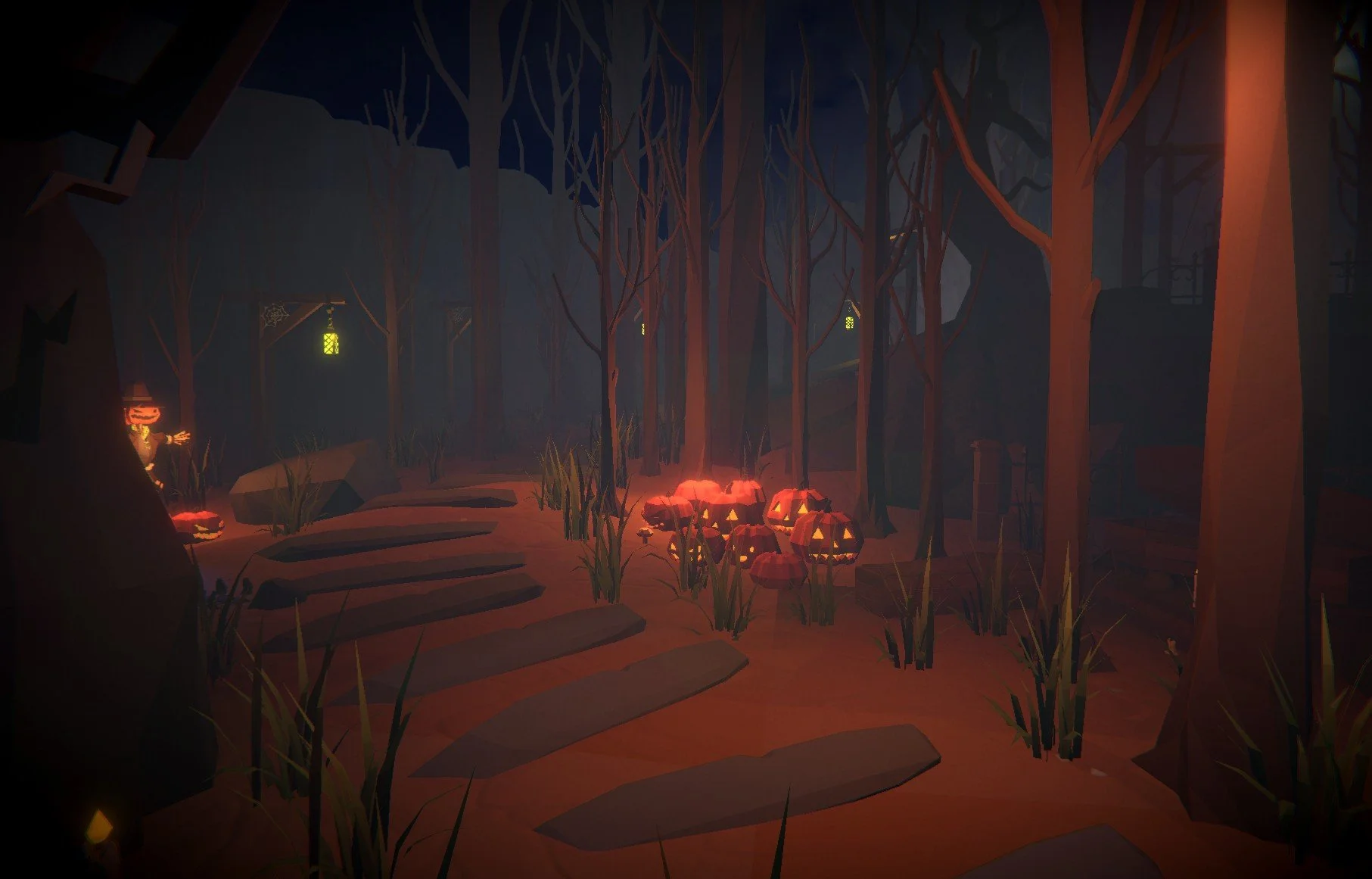
Post Processing & Lighting ON
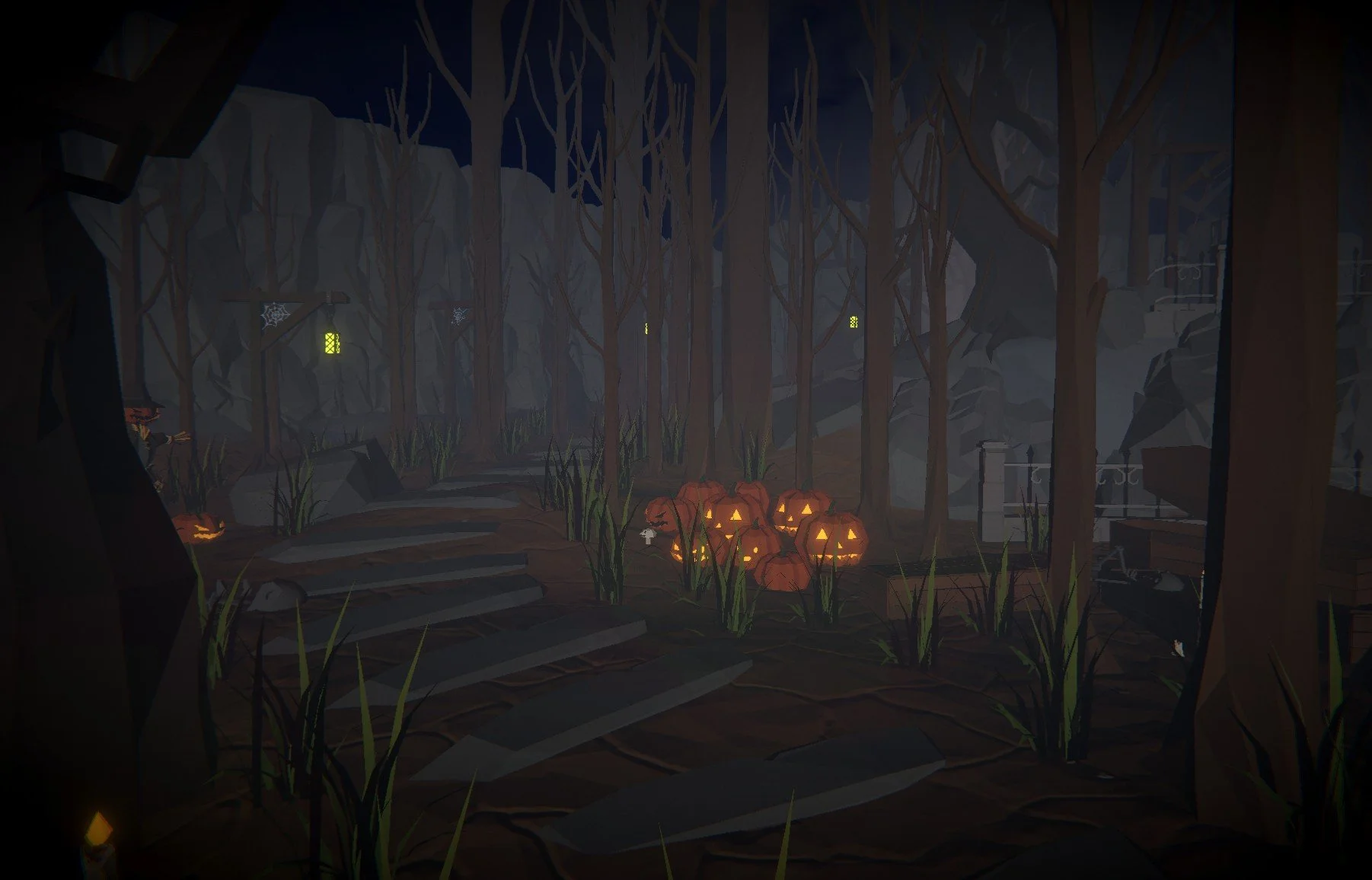
Post Processing & Lighting OFF
Solo Projects
Optimization:
I focused on making sure my lighting and particle systems were properly optimized so the game would run smoothly on the Meta Quest 3, which requires converting the project into an APK and reducing certain quality settings. Earlier test builds had performance issues so I had to rebake and adjust my lightmaps multiple times to maintain a polished look while staying within the device’s limitations. This process became a valuable lesson in designing with intentionality, balancing visual quality with performance requirements to create an experience that looks good and runs efficiently on lower spec hardware.
Player Clarity:
I experimented with different paths players could take, including detours influenced by enemy patterns. At the same time, I made sure the critical path was clear using environmental cues, keeping objectives obvious and pacing consistent while still letting players explore a little.
Animations:
This was my first time working with character animations. I realized enemy movement was essential for immersion, so I learned to create animation trees and integrate them into scripts. It was challenging, but it taught me a lot about states, transitions, and blending animations with gameplay logic.
Project Takeaways
VR Development Experience
This was my first VR project, and I approached it with an open mind. It helped me understand spatial design, player comfort, and level readability in a new way. Small tweaks to scale, timing, and interaction made a big difference in immersion, and the experience strengthened my instincts as a designer.
Overall
This project pushed me outside my comfort zone, requiring me to learn a new system while adapting familiar design principles to VR. The challenge expanded my technical and creative skills and reinforced my motivation to explore new tools and workflows.