
Responsibilities:
Designed and developed four spaces — The Basement, The Greenhouse, the Tutorial, and the HUB — from concept through flow, whiteboxing, lighting, and optimization
Created the level layout and spatial flow for an adventure 3D platformer across interconnected library environments
Whiteboxed and iterated each level from initial concepts
Lit the levels, balancing mood against performance
Optimized the levels to hold performance budgets on target hardware
Led level design as Lead Level Designer across a 6-person team
Details:
Team Size: 6
Genre: Adventure 3D Platformer
Role: Lead Level Designer
Engine: Unity 2022.3.37f1 LTS
Development: March 2025 – May 2025
Tools Used: Unity, Visual Studio, Photoshop
Trailer
Gameplay Videos & Images
Pre - Production
Inspiration
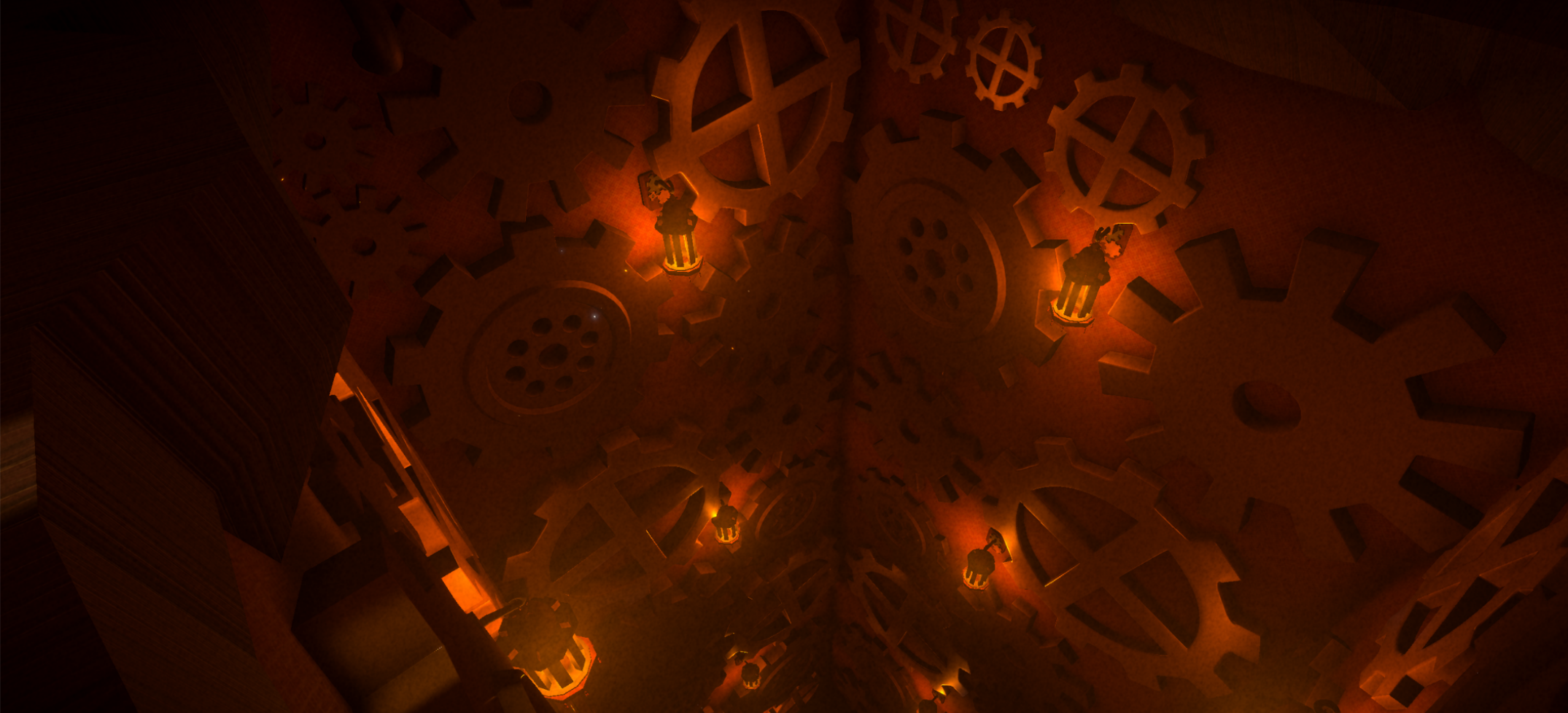
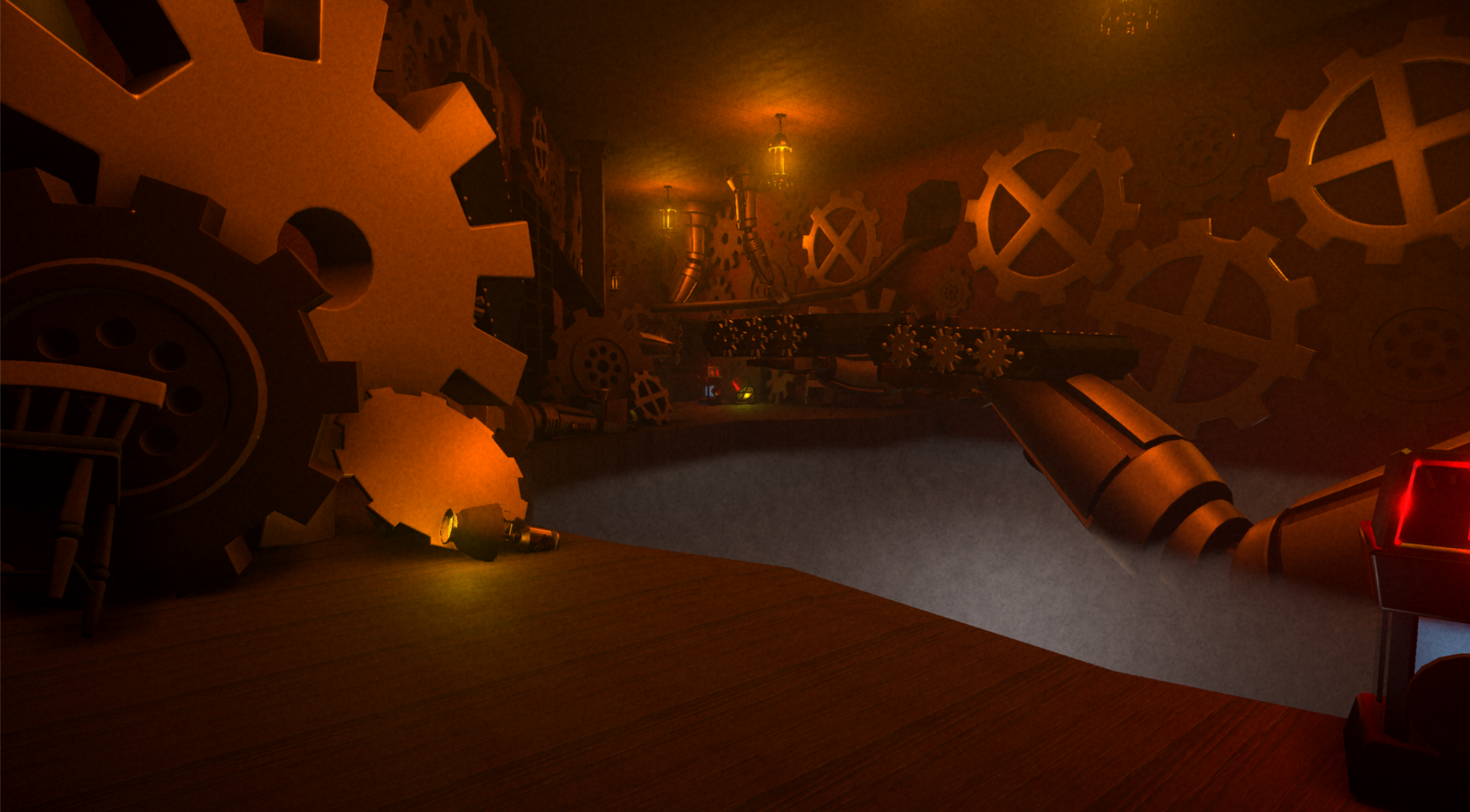
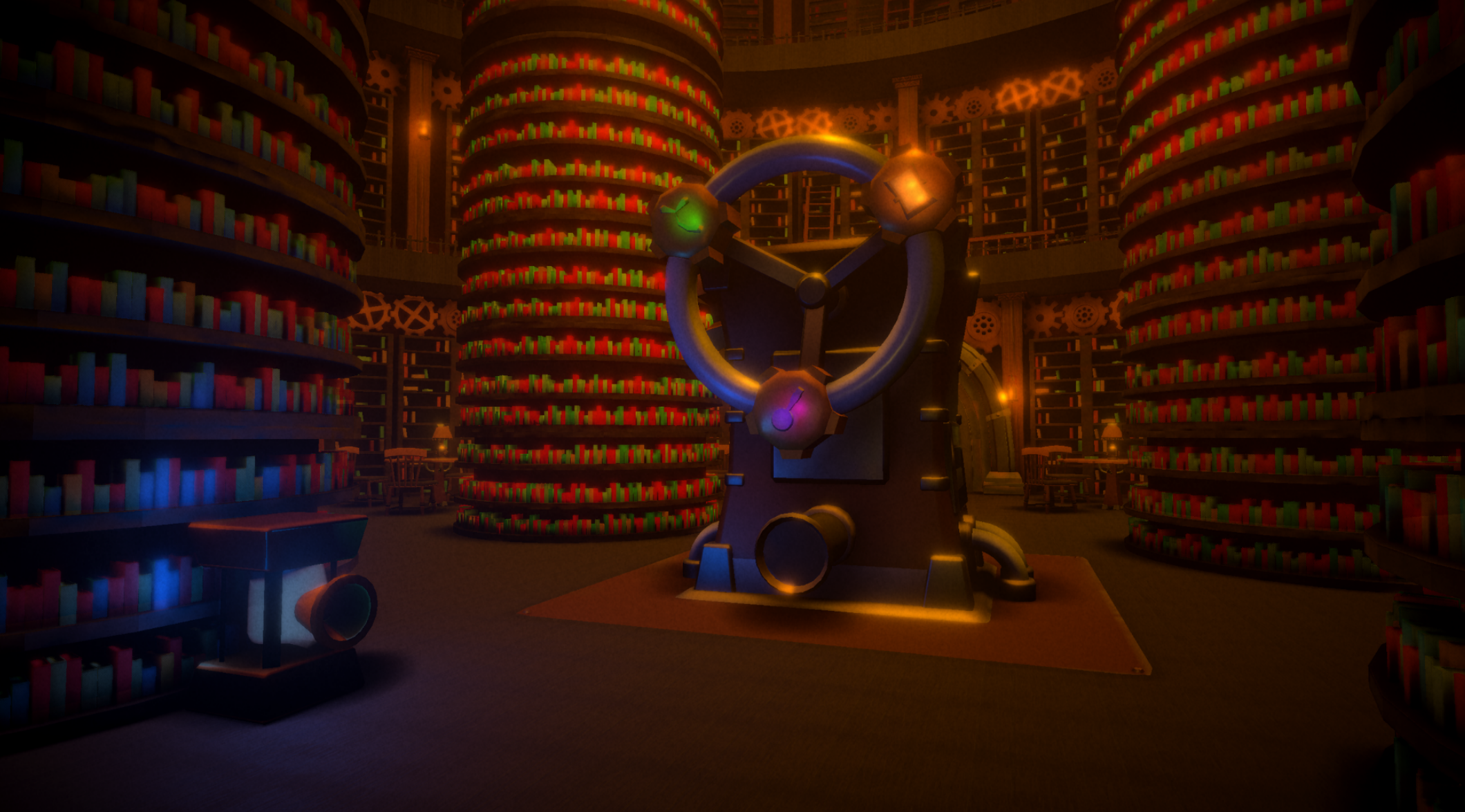
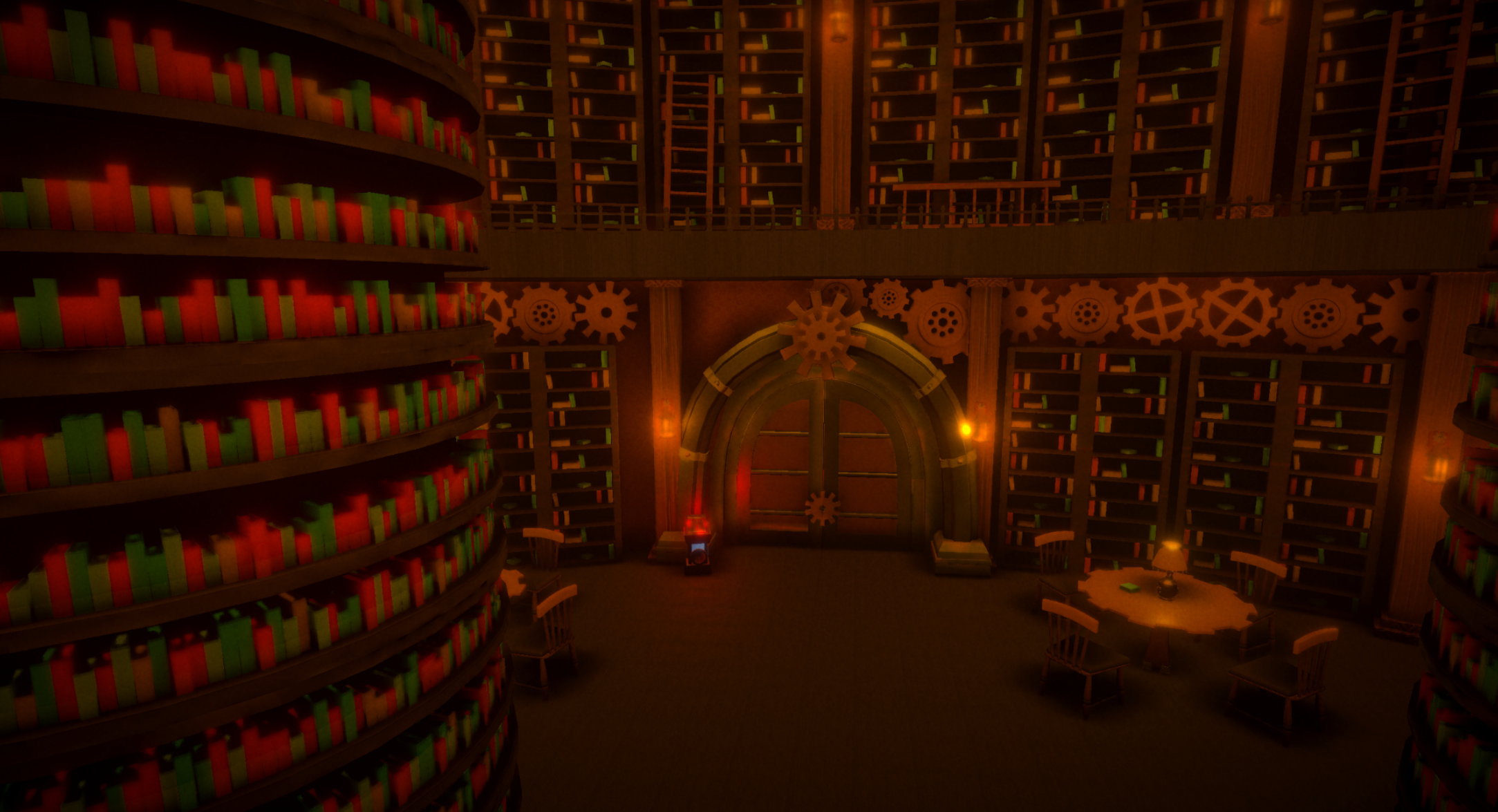
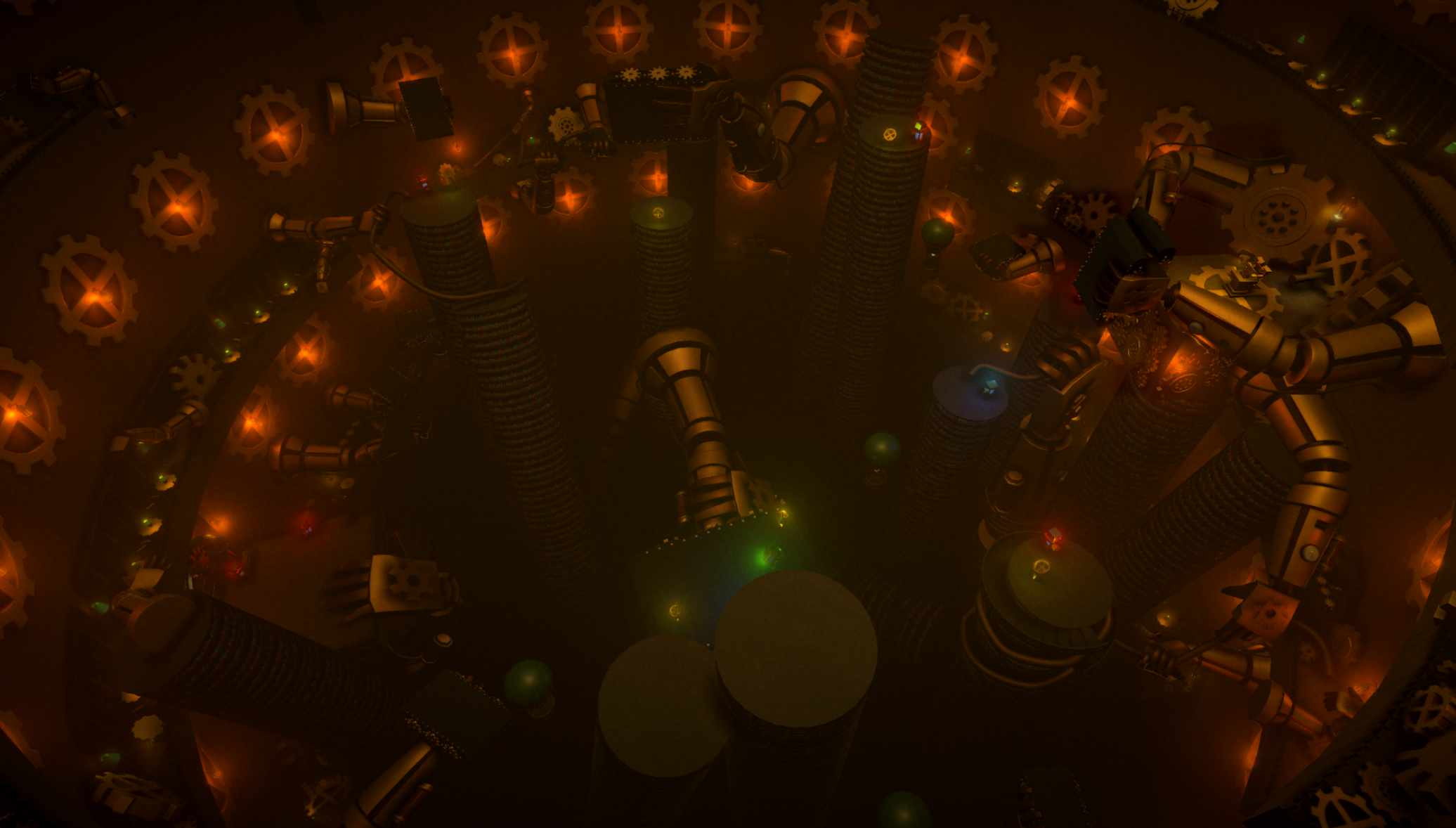
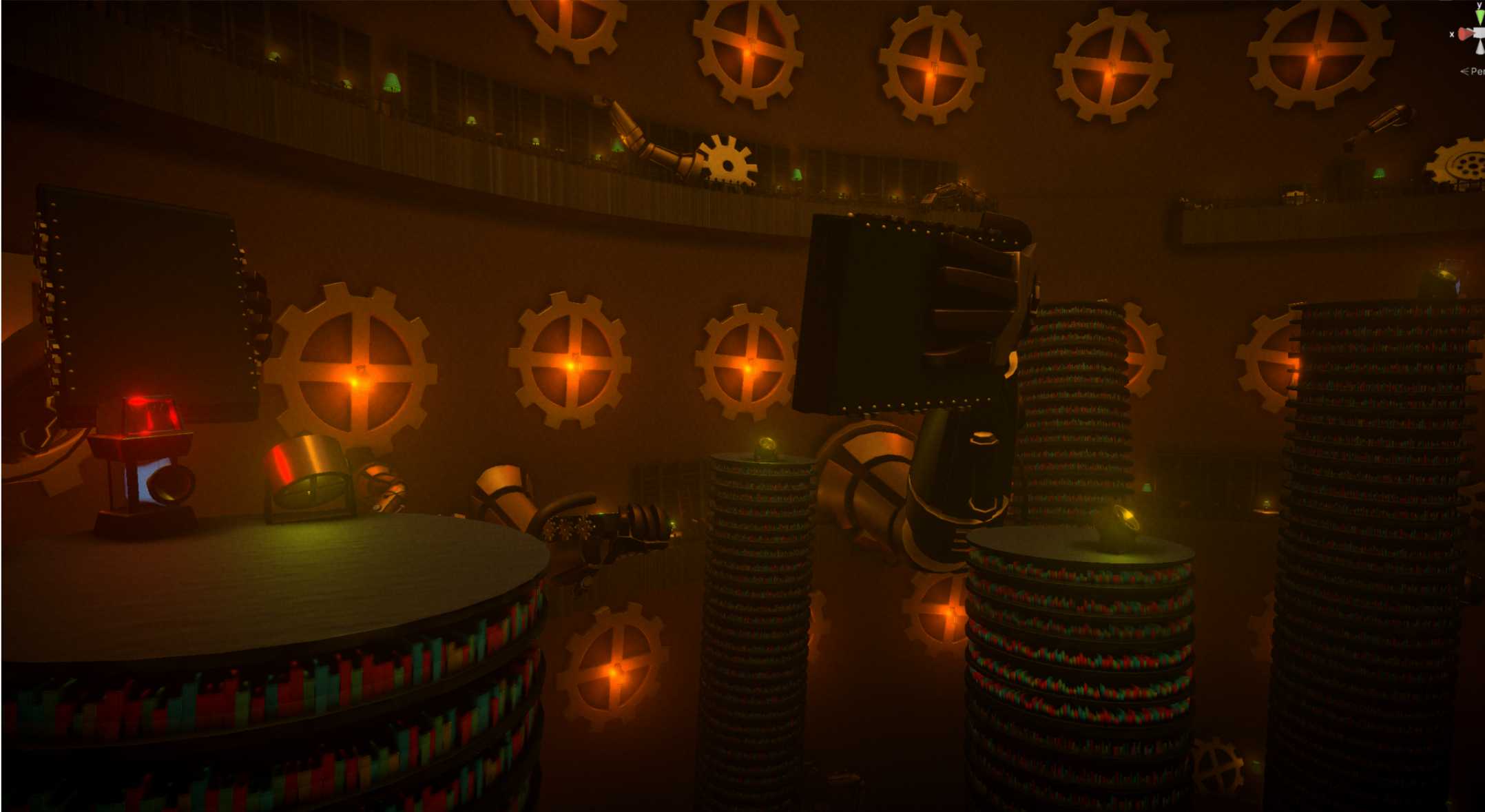
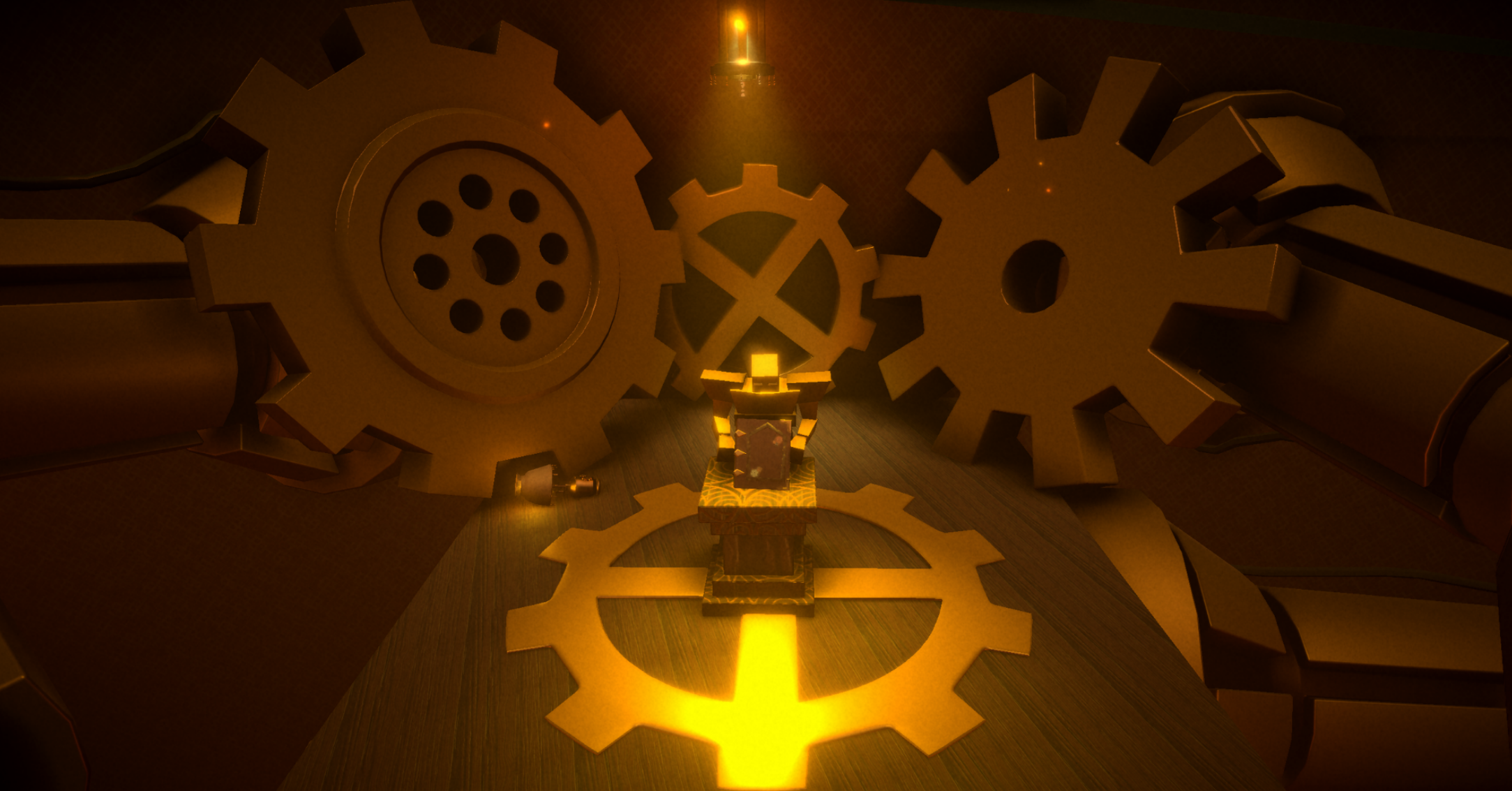
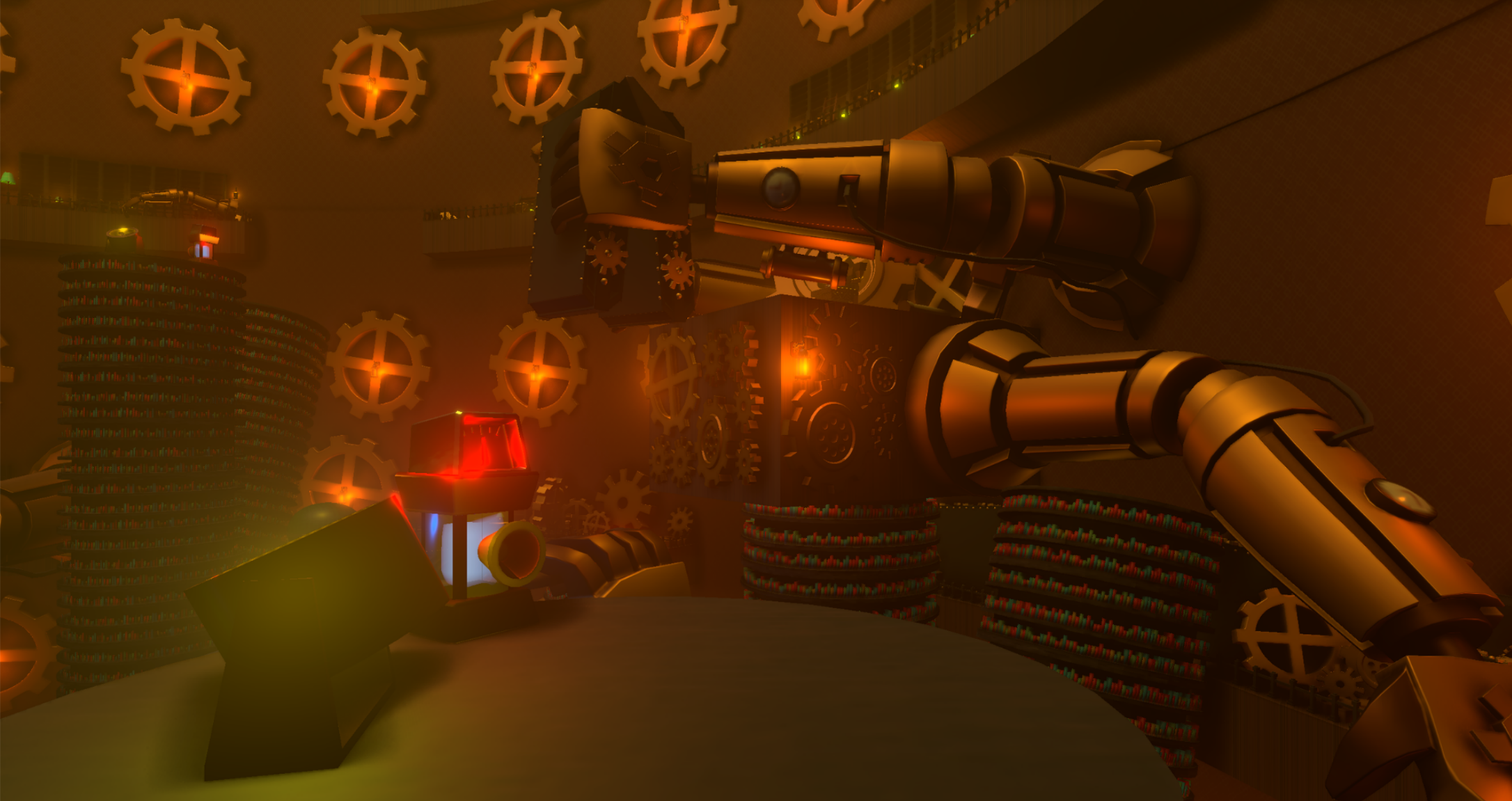
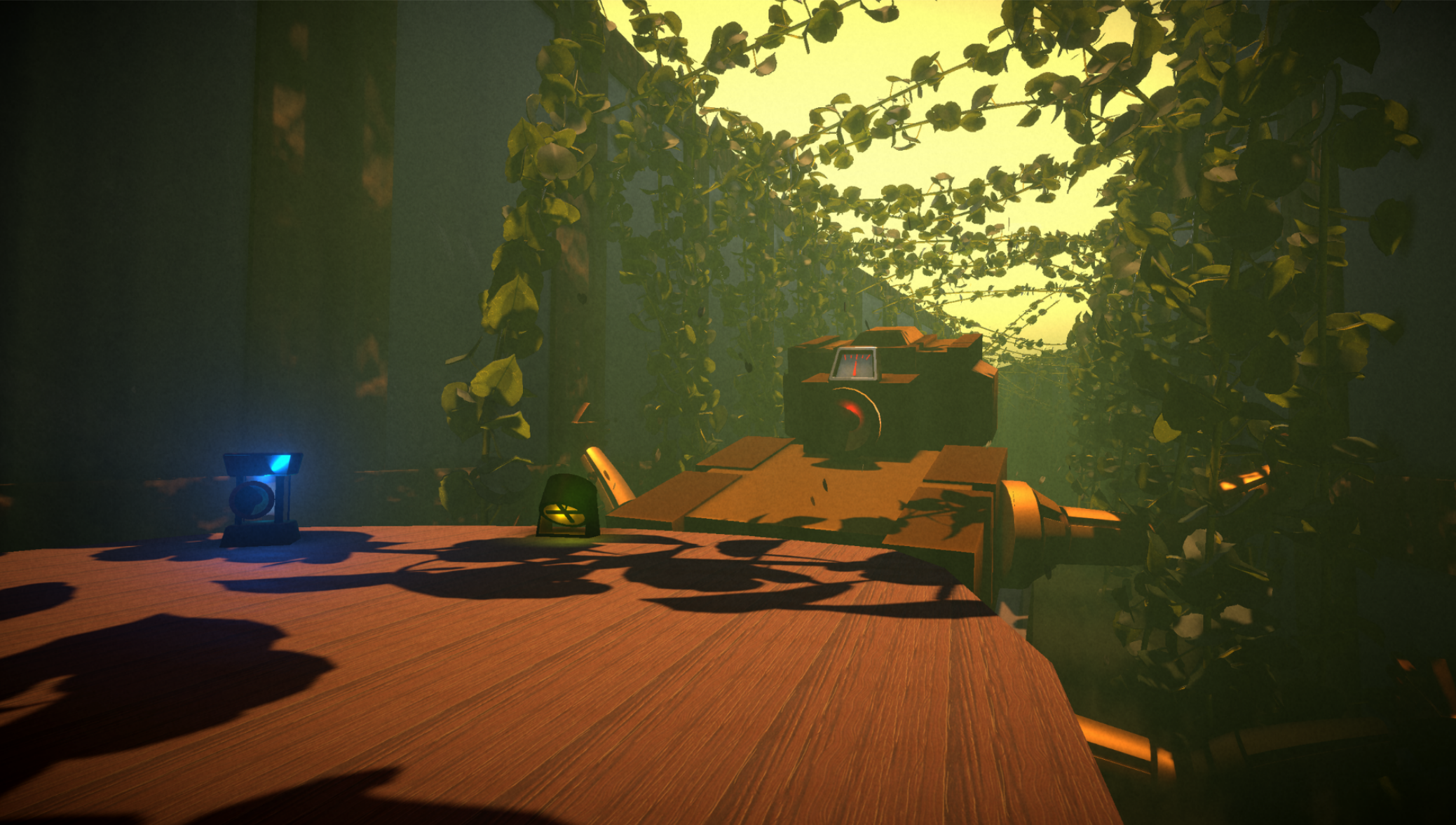
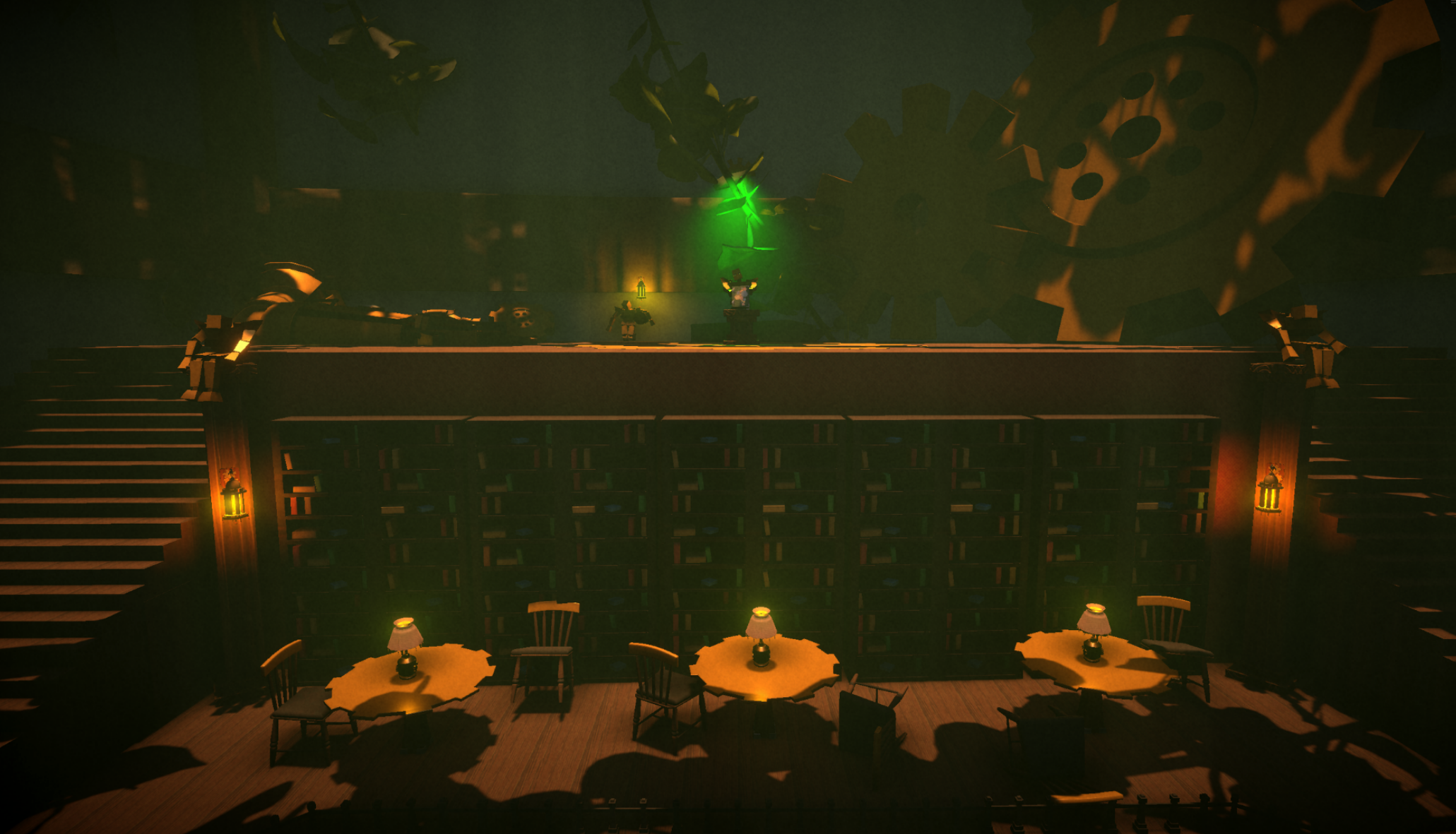
The environment combines a BioShock Infinite inspired art style with a steampunk library filled steam powered machines. Players manage limited steam to power or disable different devices, using launch pads and platforms to solve puzzles and navigate vertical spaces.
Tutorial level
To introduce all core mechanics, I wanted the level to be a condensed, controlled experience. The level was divided into distinct sections to help players better understand each mechanic as they progressed. Small cutscenes were added to reinforce objectives and guide players in the right direction without breaking immersion.
The Basement level
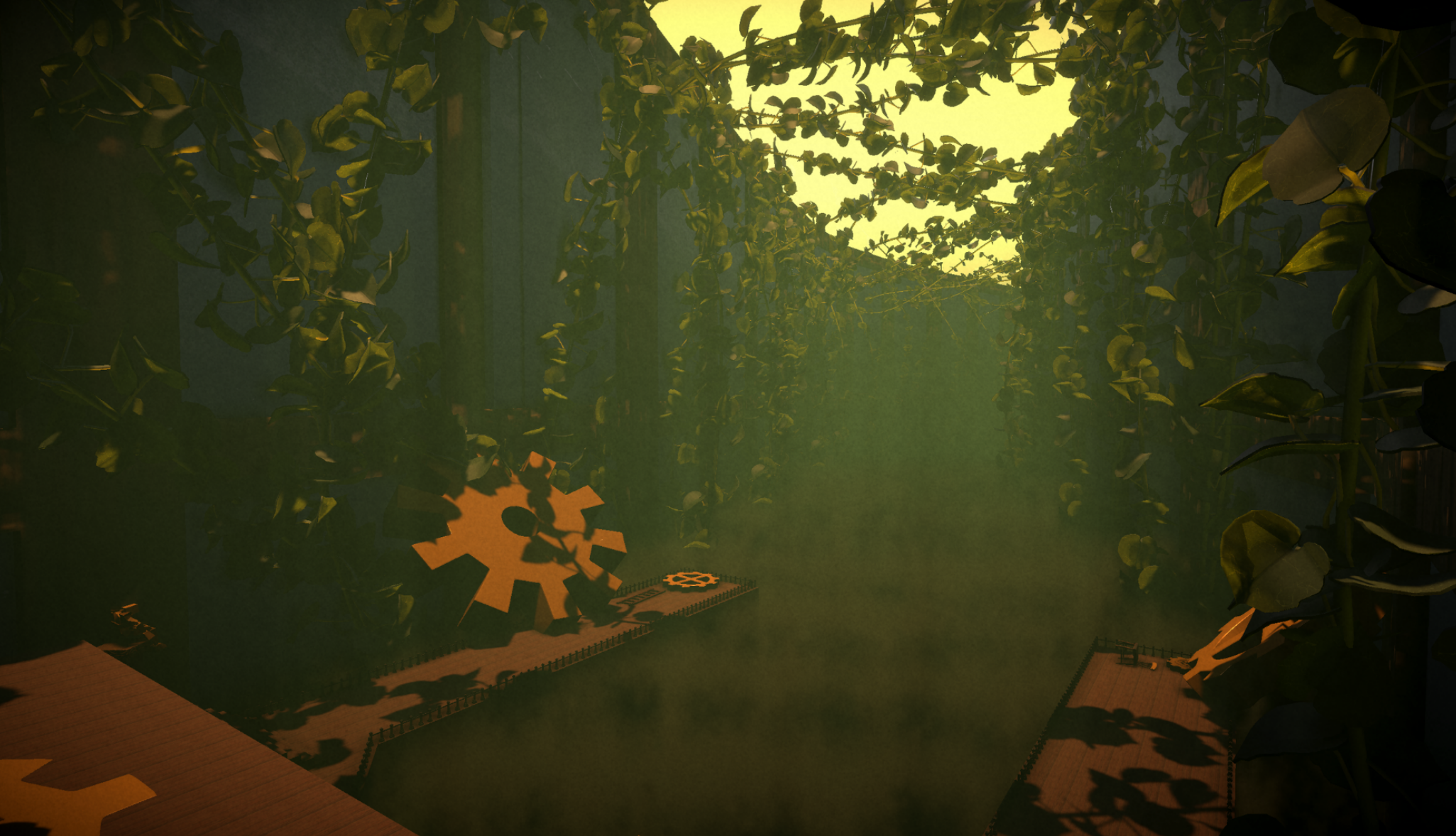
After introducing the core mechanics in a controlled environment, this level allows players to apply them with more freedom and variety in a much larger space. increased verticality encourages player choice & exploration. Players can climb through pipes, ascend using air balloons, and launch themselves with fans as they work toward the objective of finding the first book of human knowledge.
Greenhouse level
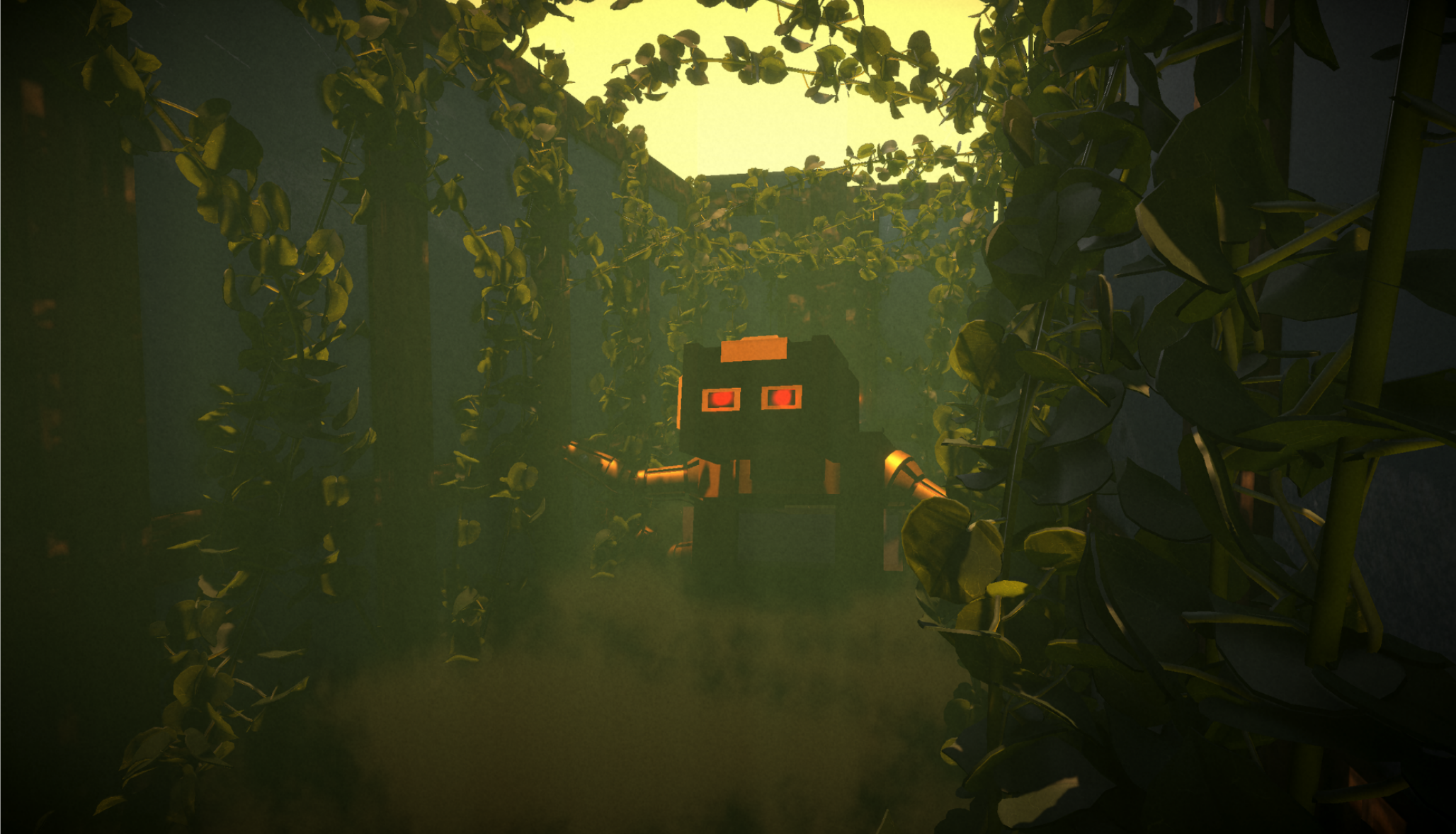
Instead of leaning into puzzle solving I wanted to add more of a combat experience. Here players will fight robots and use the steam in their bodies to power a giant machine that will take them to the final book.
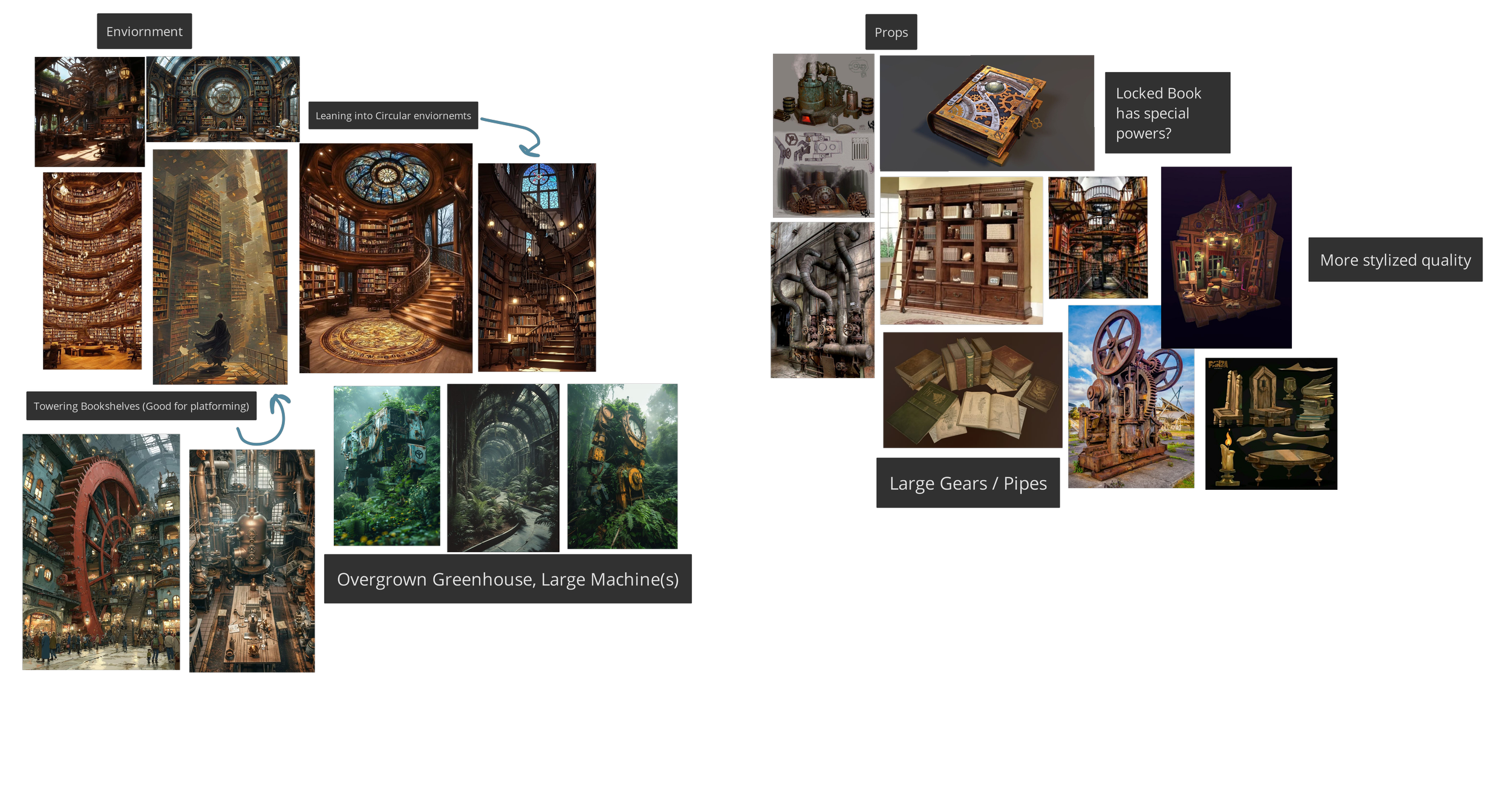
PureRef Environment Board
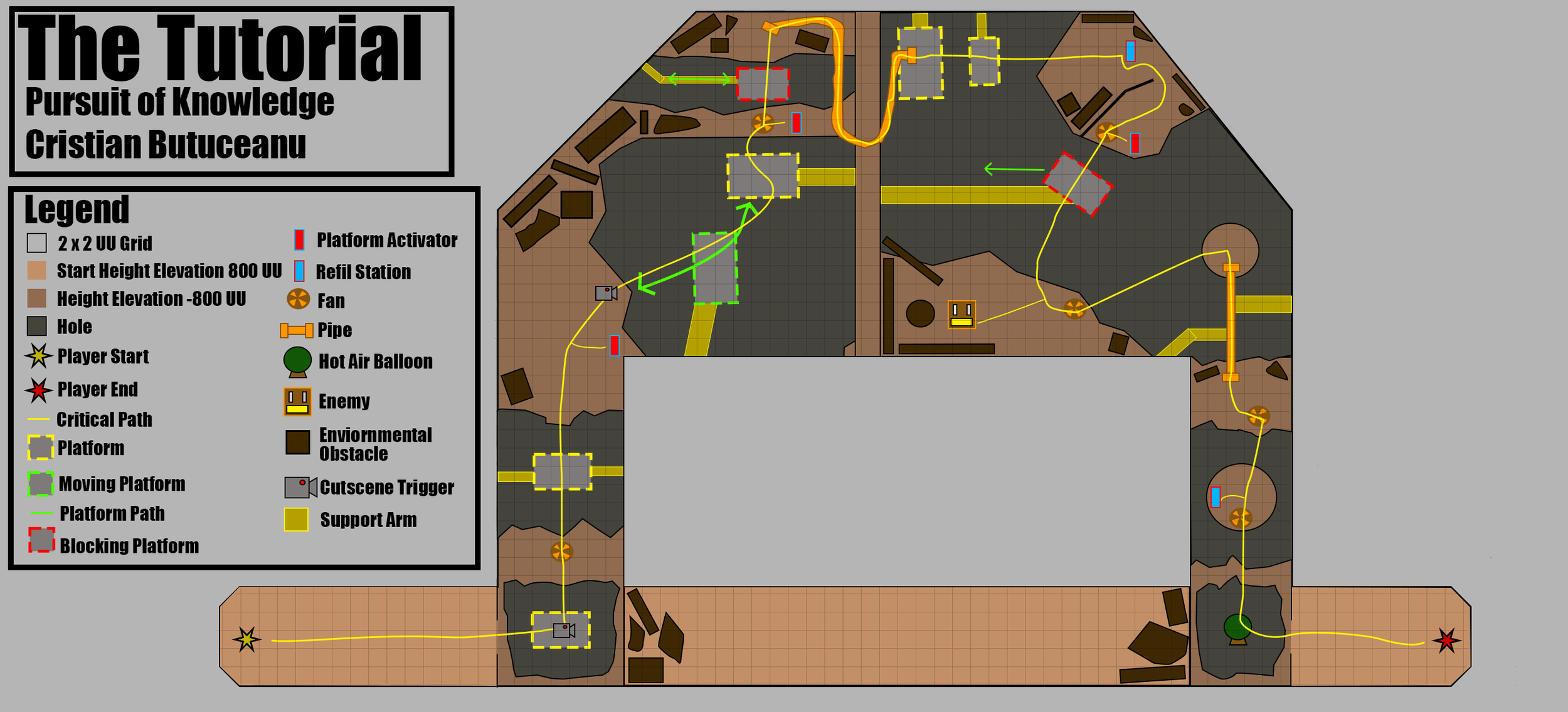
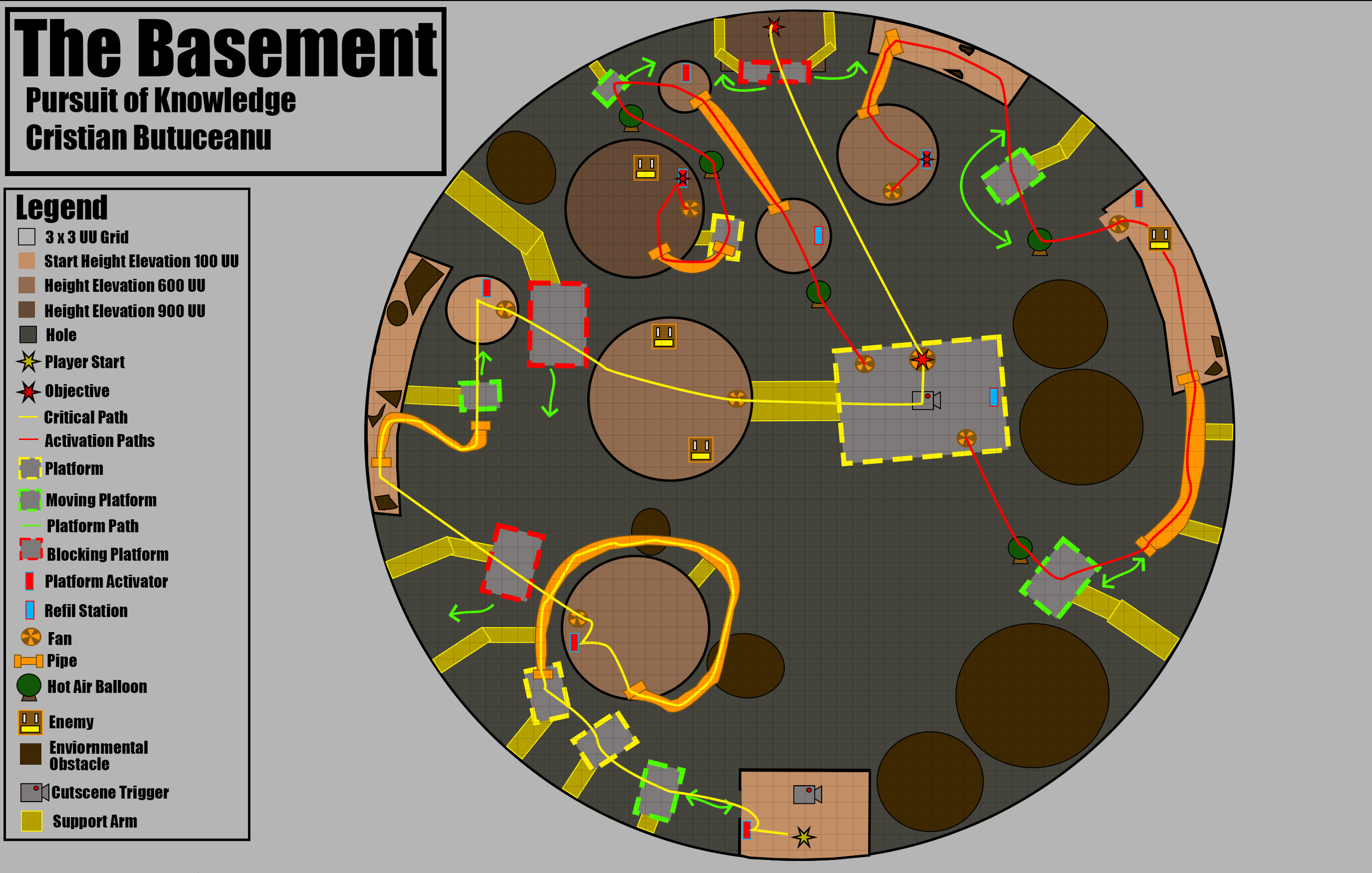
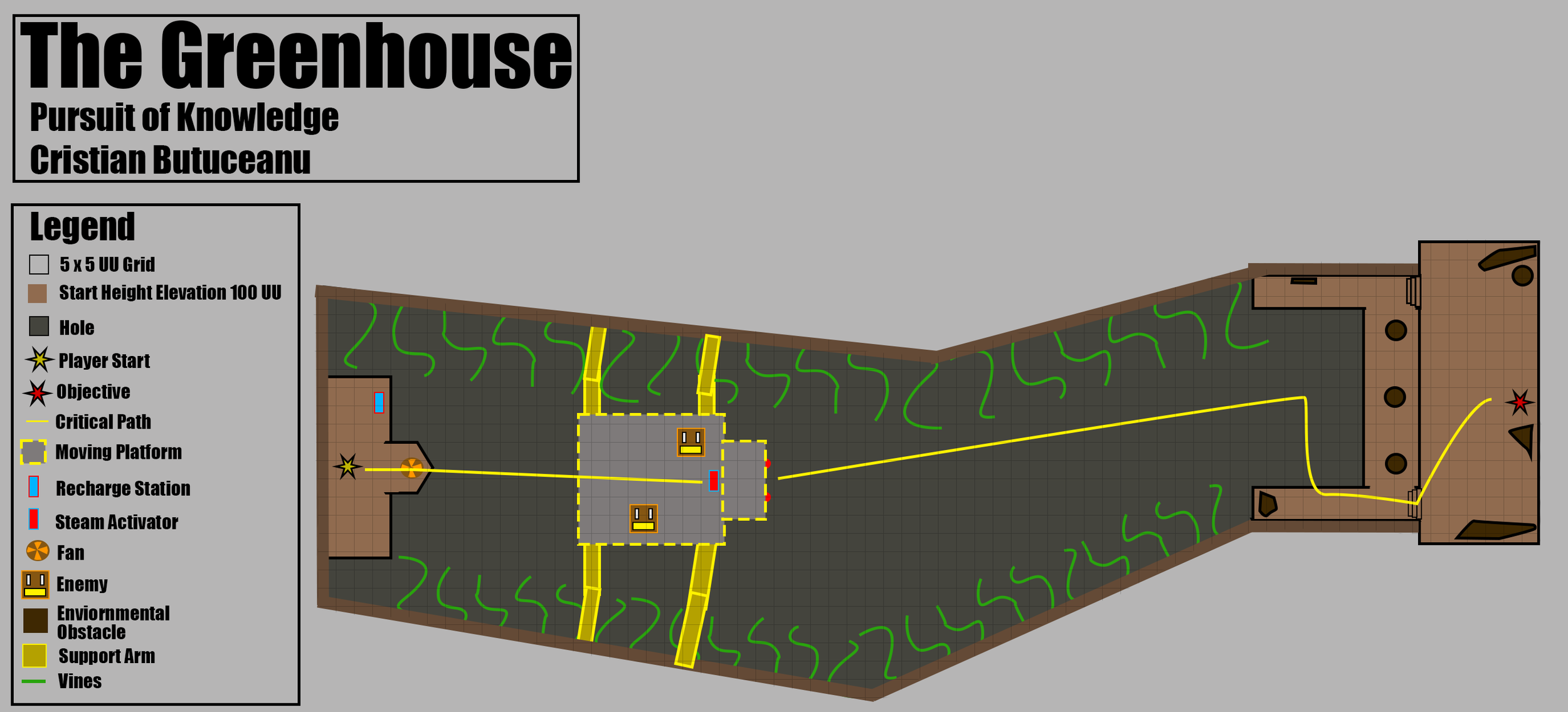
Blockout
Using Unity’s ProBuilder tool and a small set of untextured models, I blocked out each level to quickly test scale, layout, and player readability. Easy to implement mechanics and systems help me iterate quickly and avoid big changes.
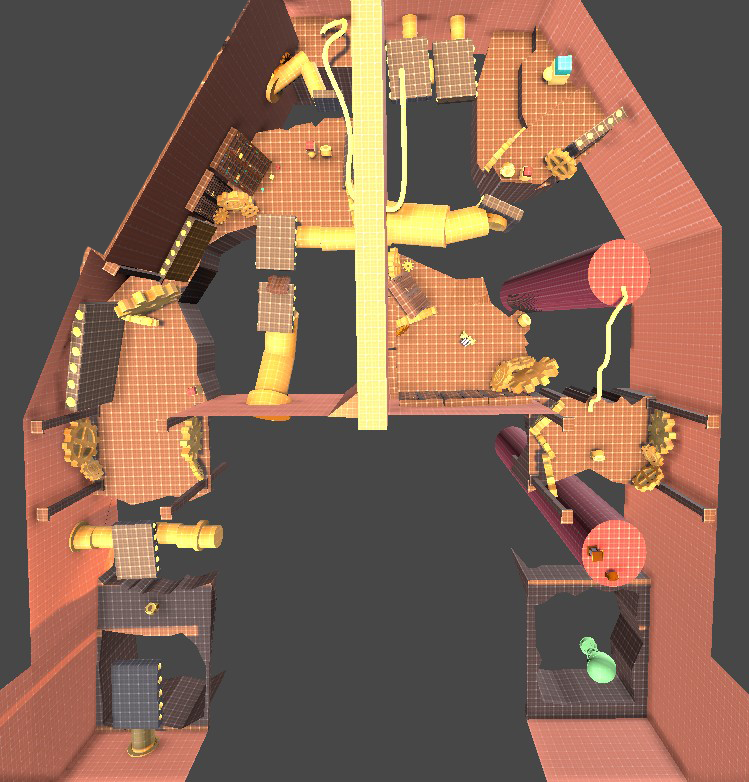
Tutorial Top Down
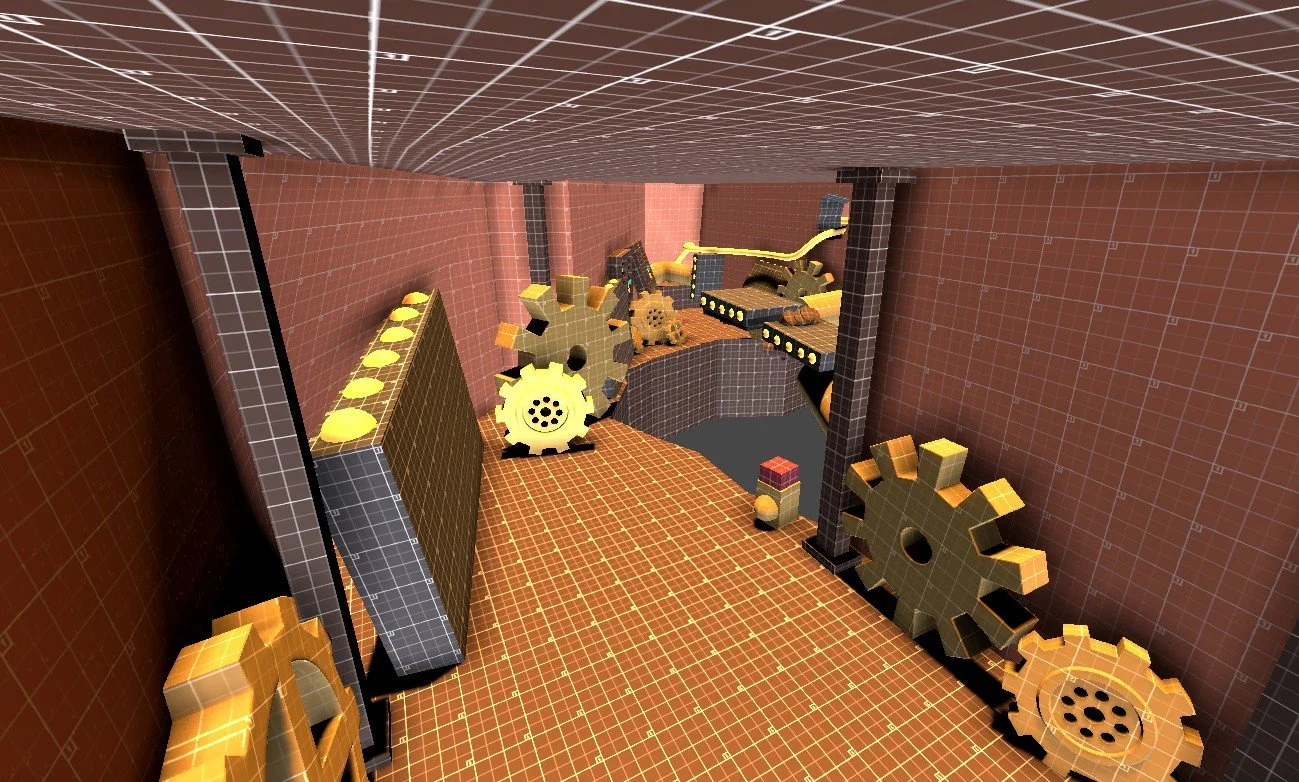
Moving Platform Intro
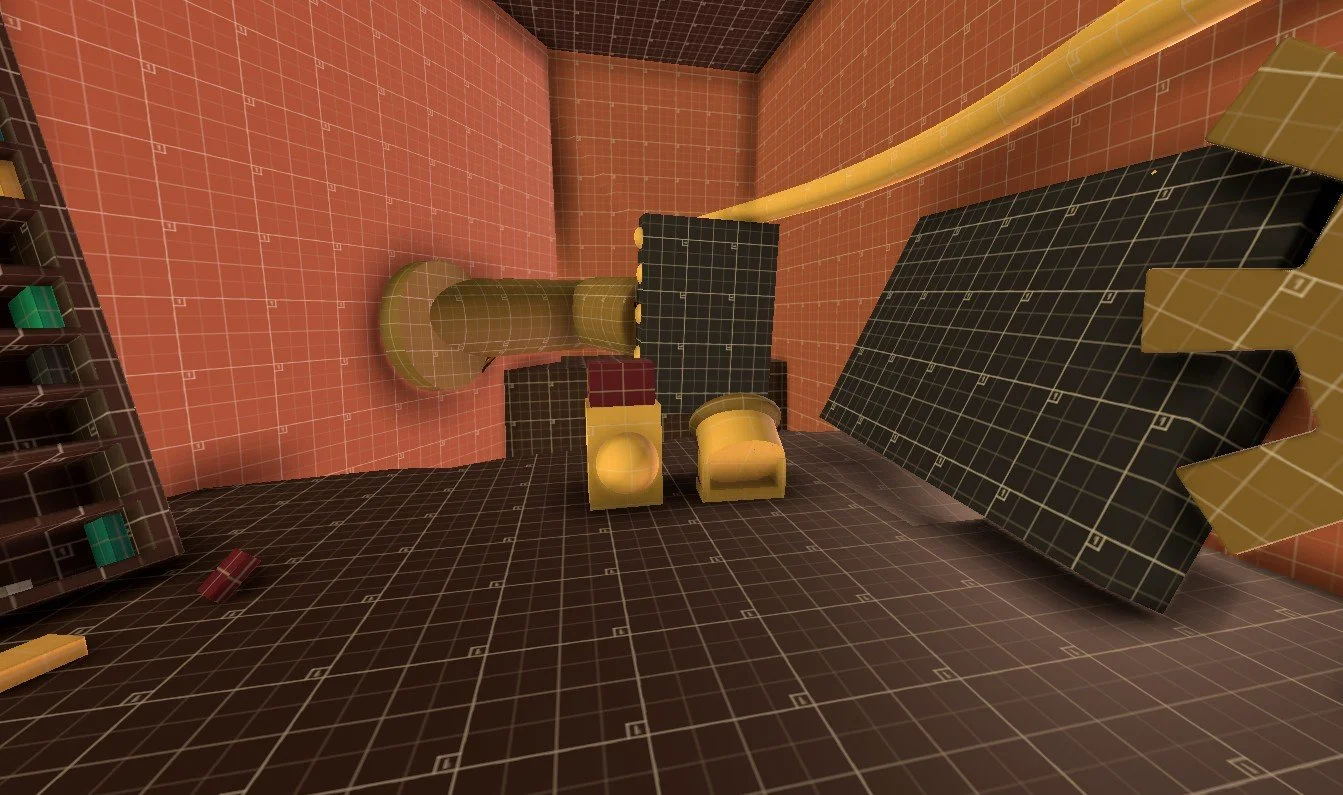
Moving Platform Intro
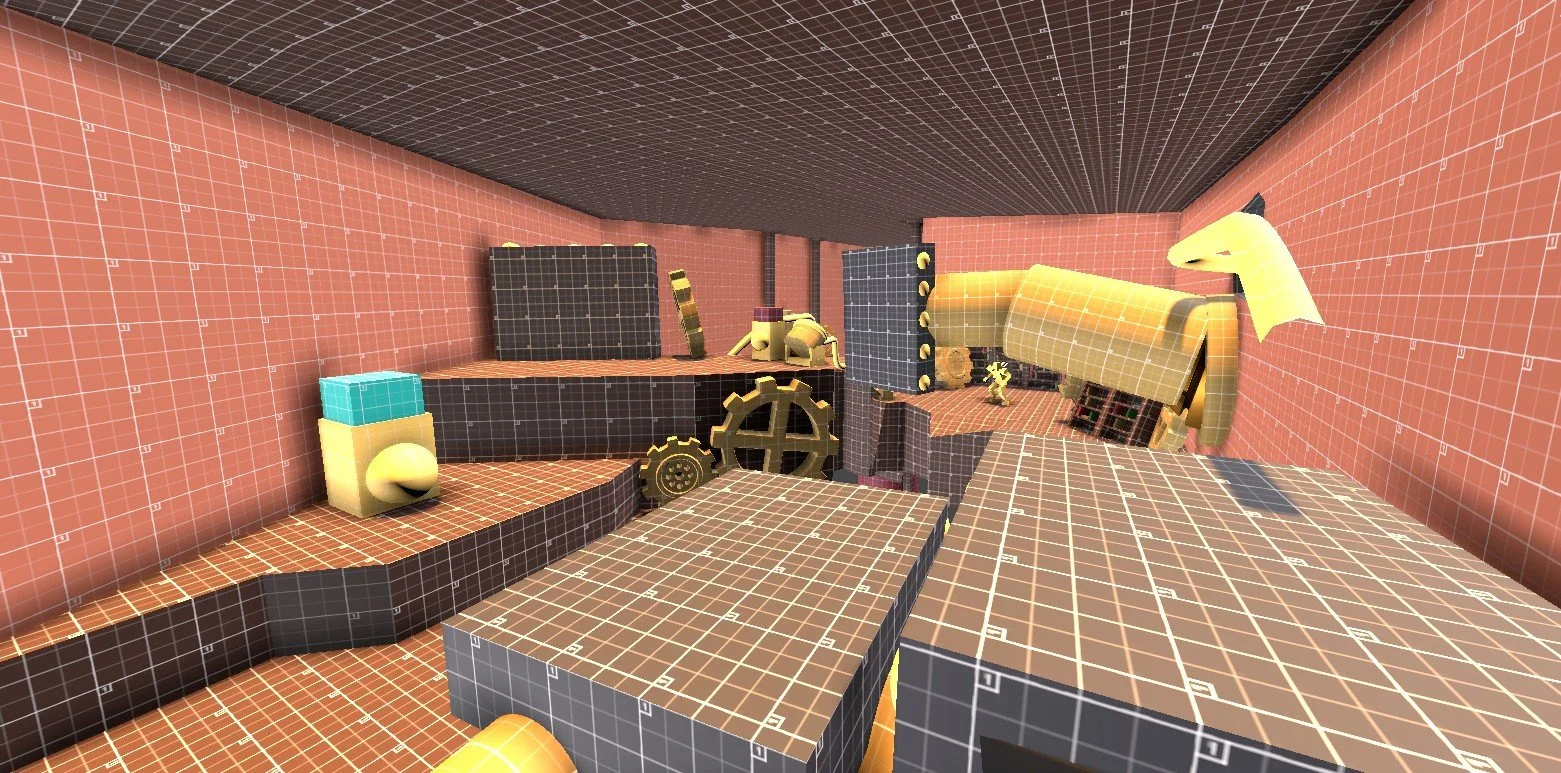
Recharge Station & Platform Block Intro
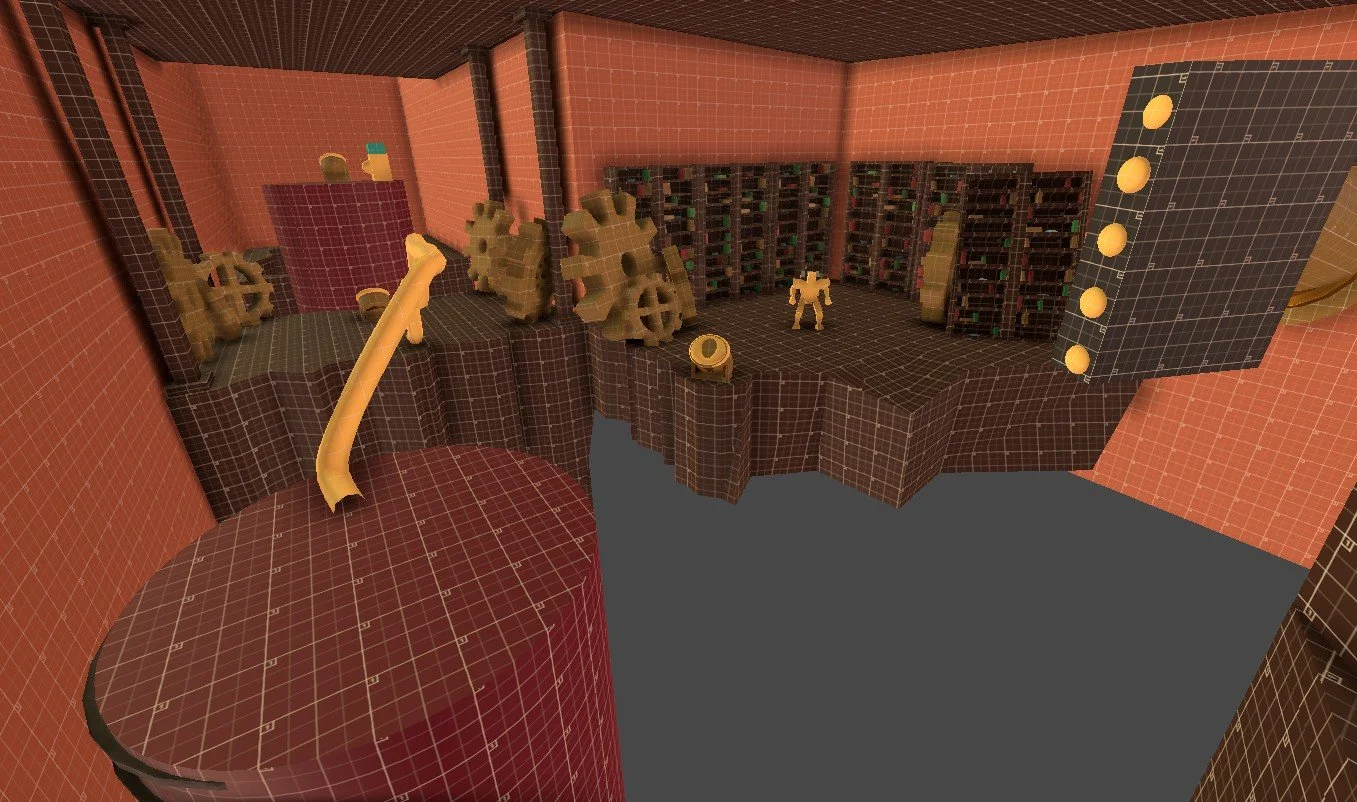
Enemy Intro
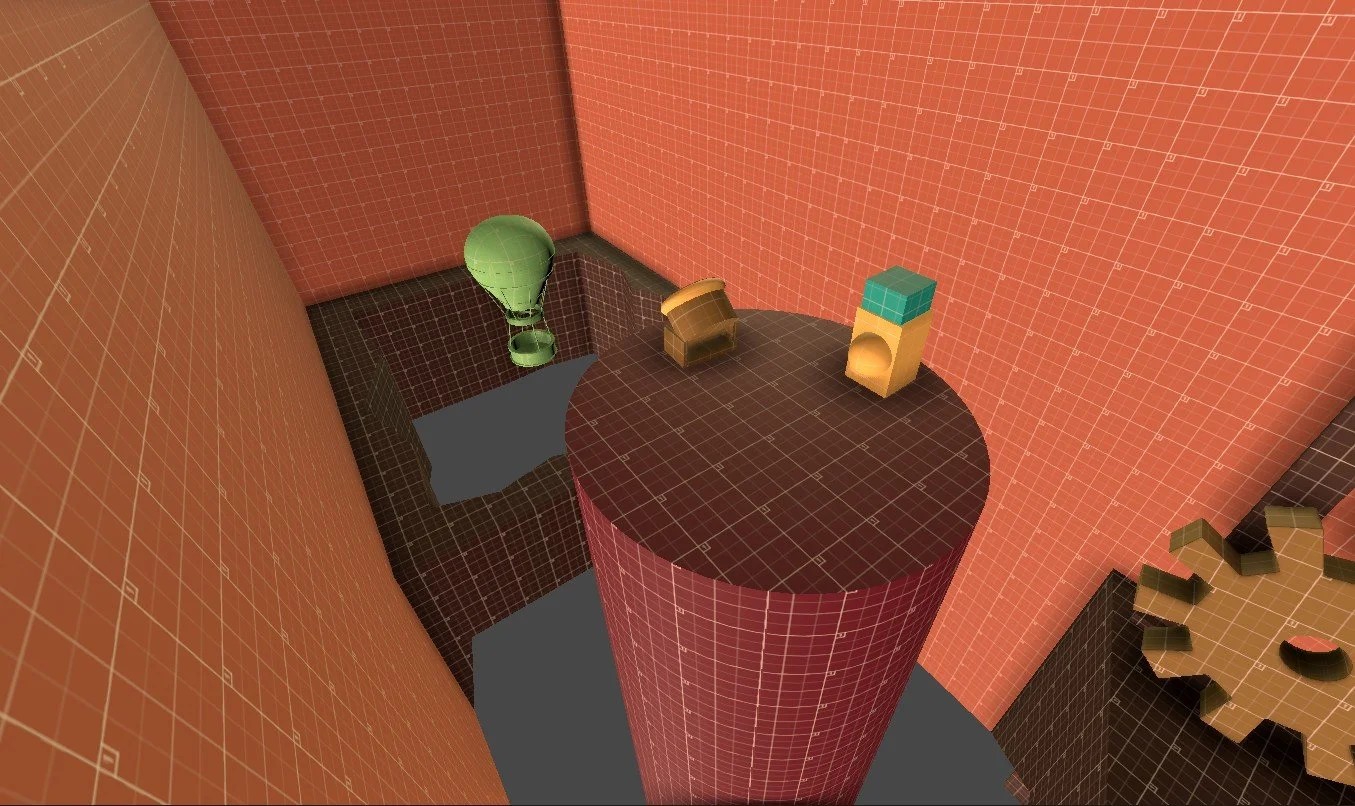
Air Balloon Intro
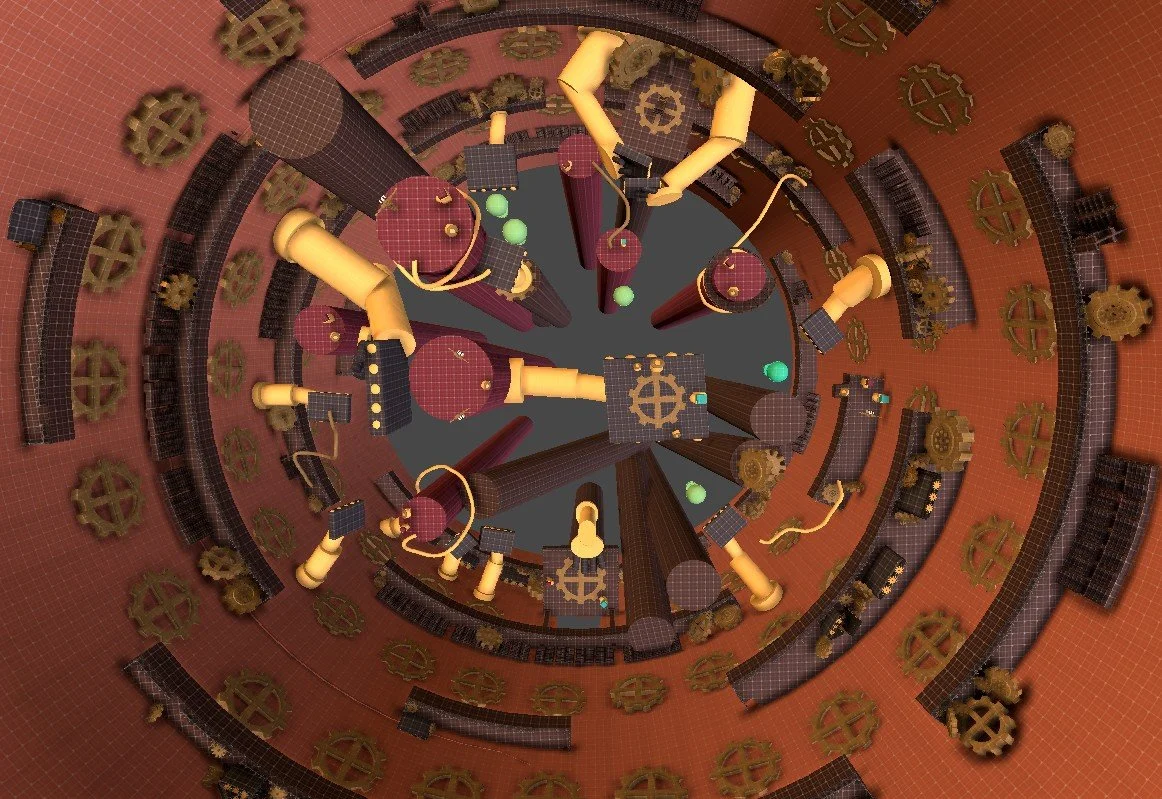
Basement Top Down
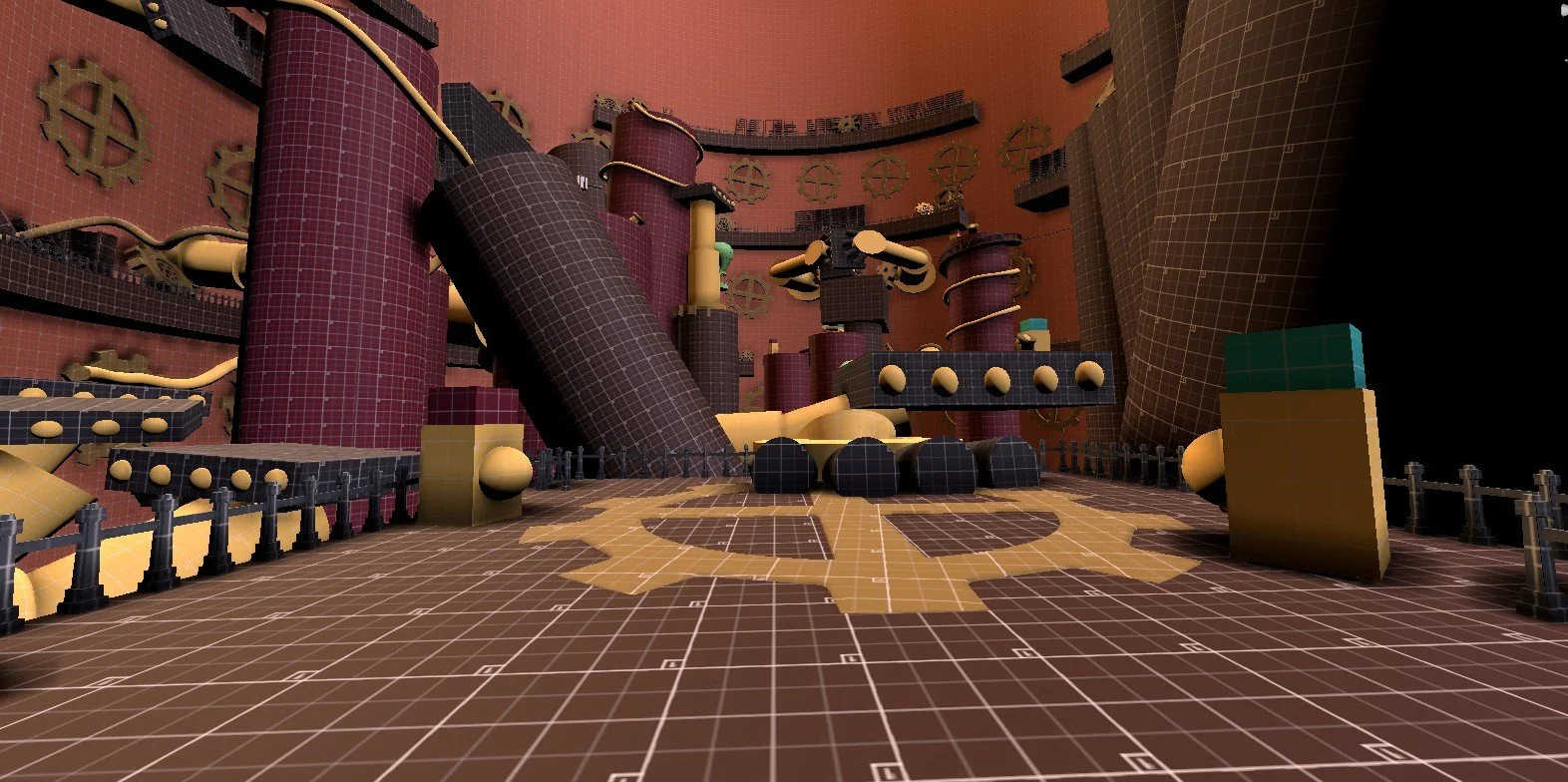
Basement Entrance
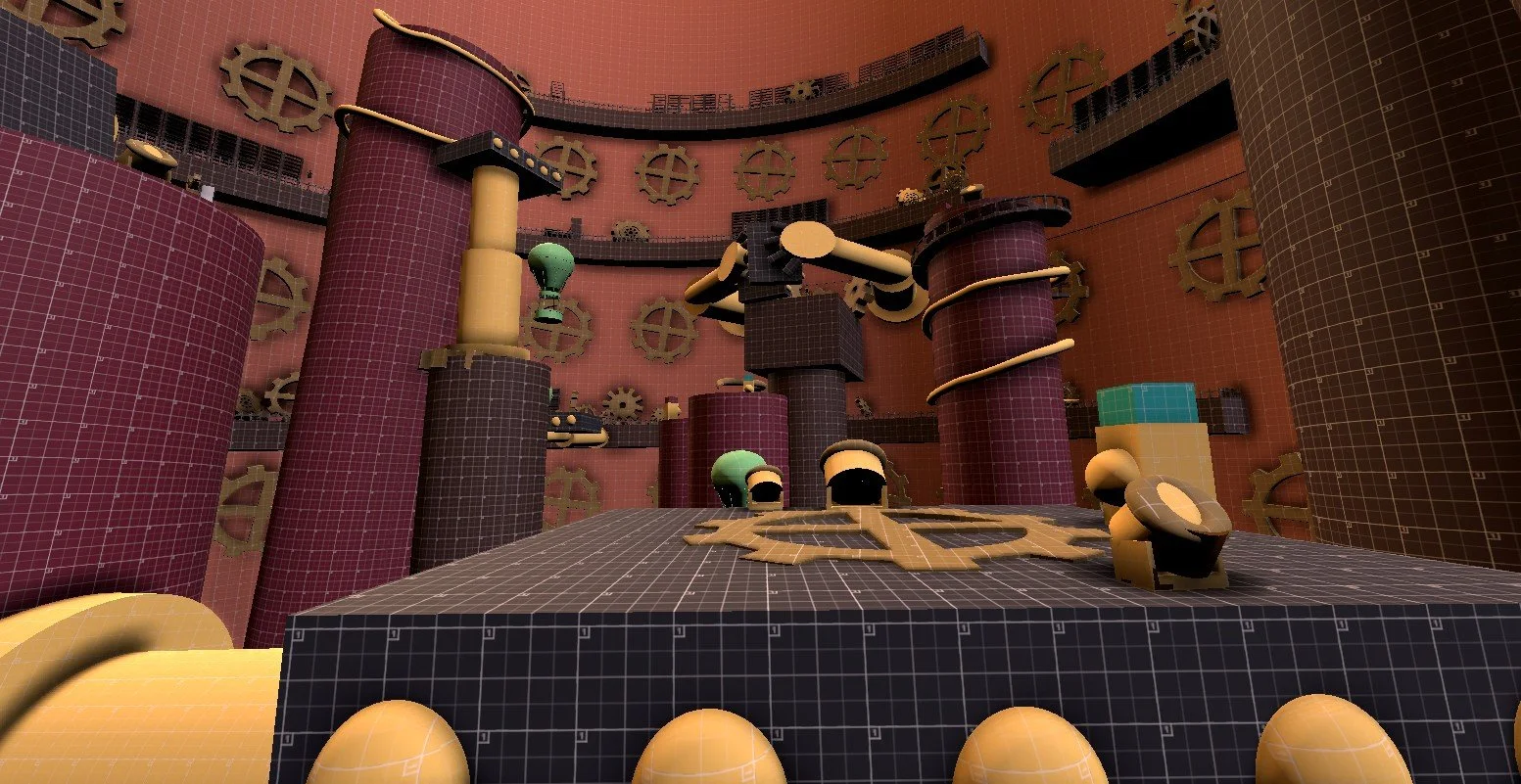
Basement Middle
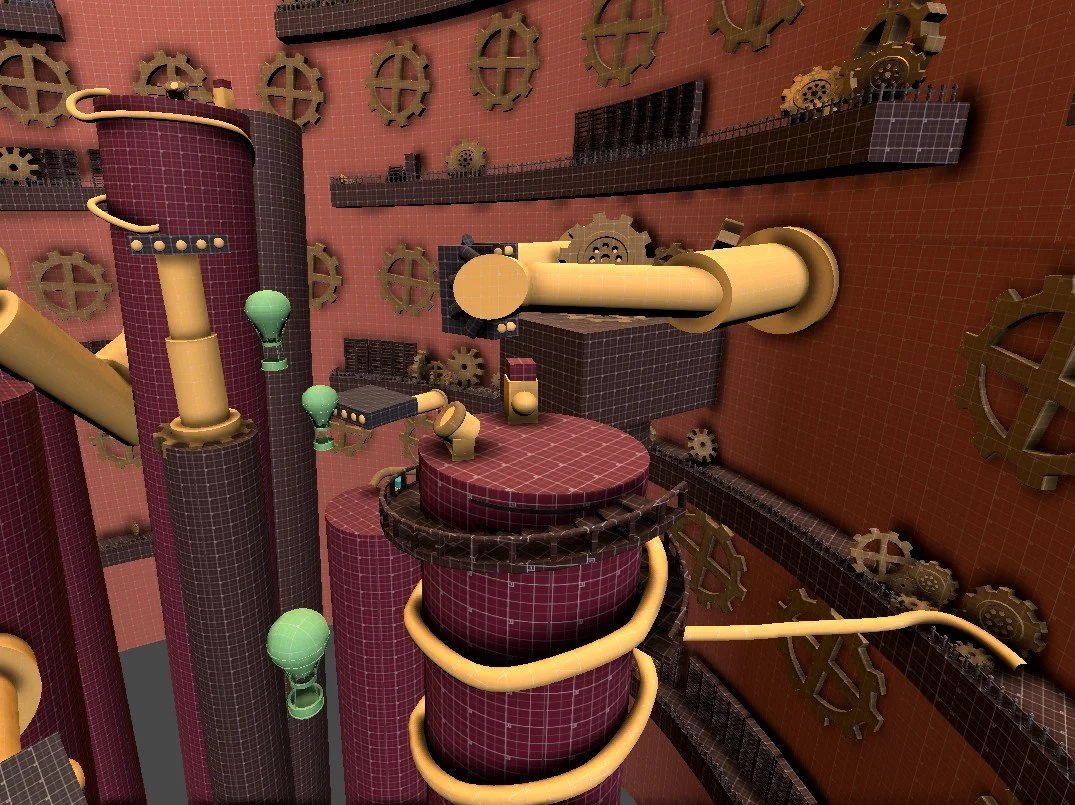
Basement End
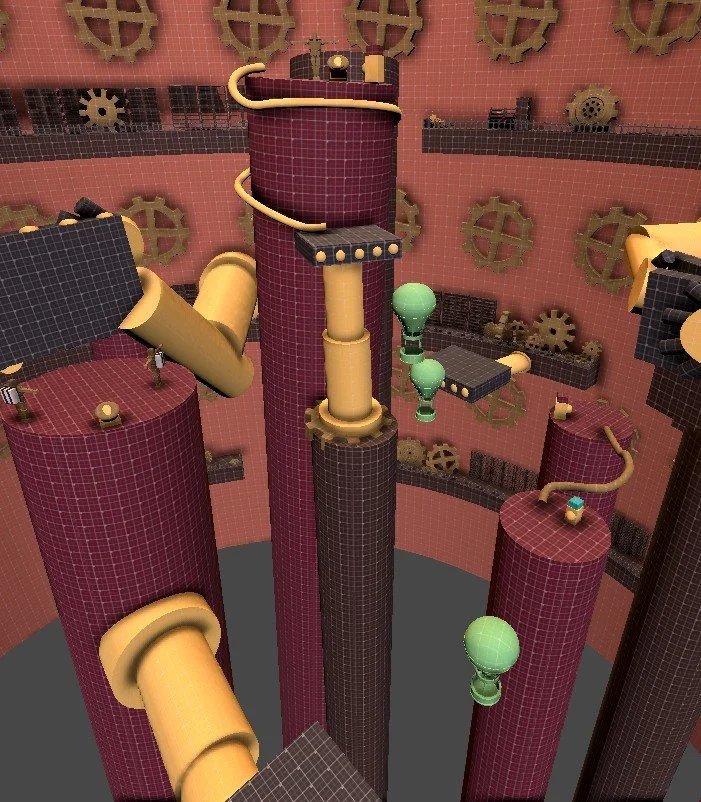
Activation Path #1
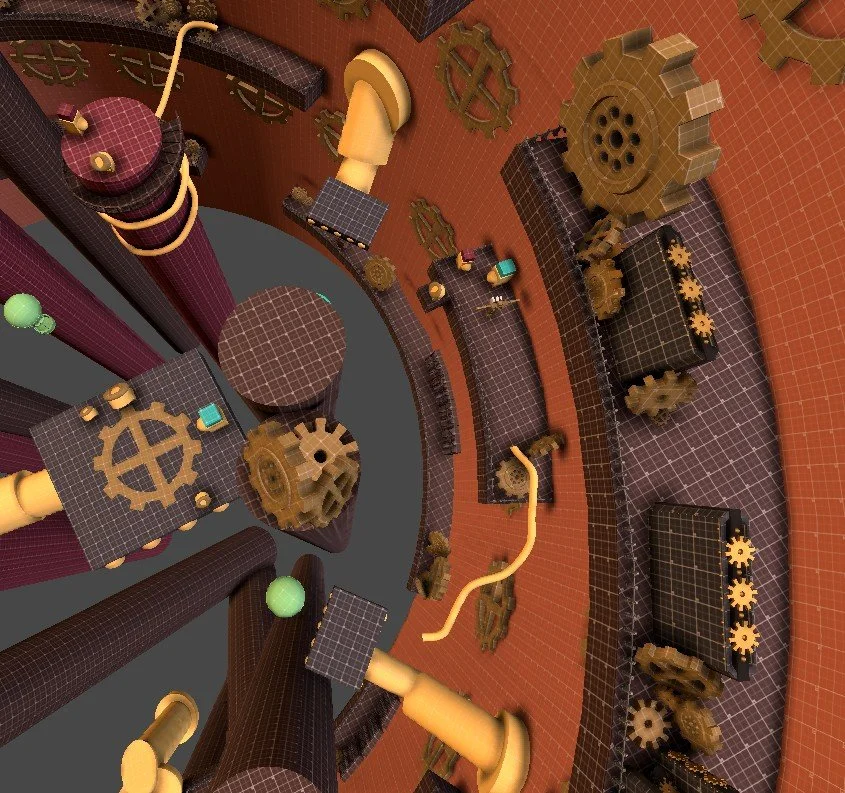
Activation Path #2
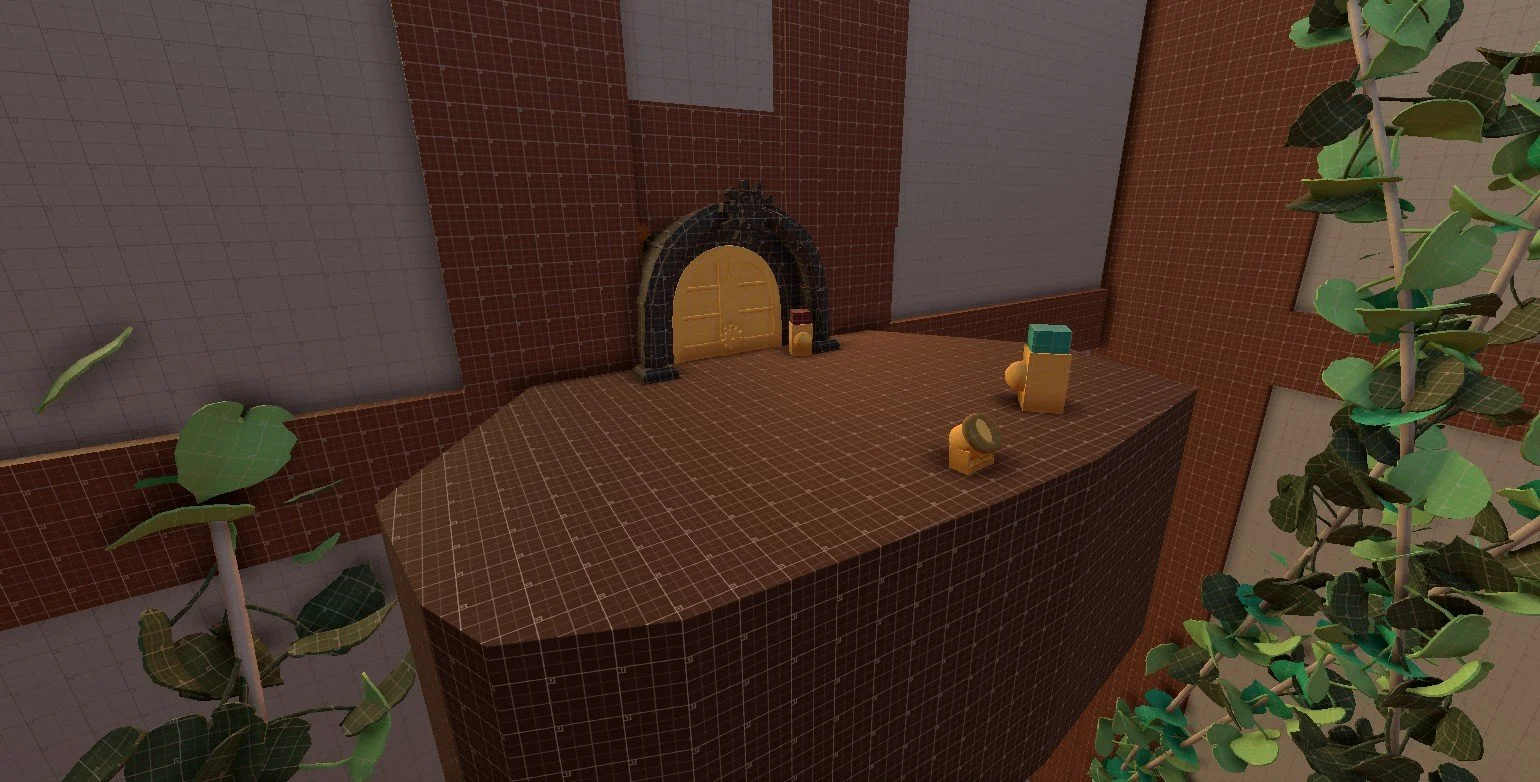
Greenhouse Entrance
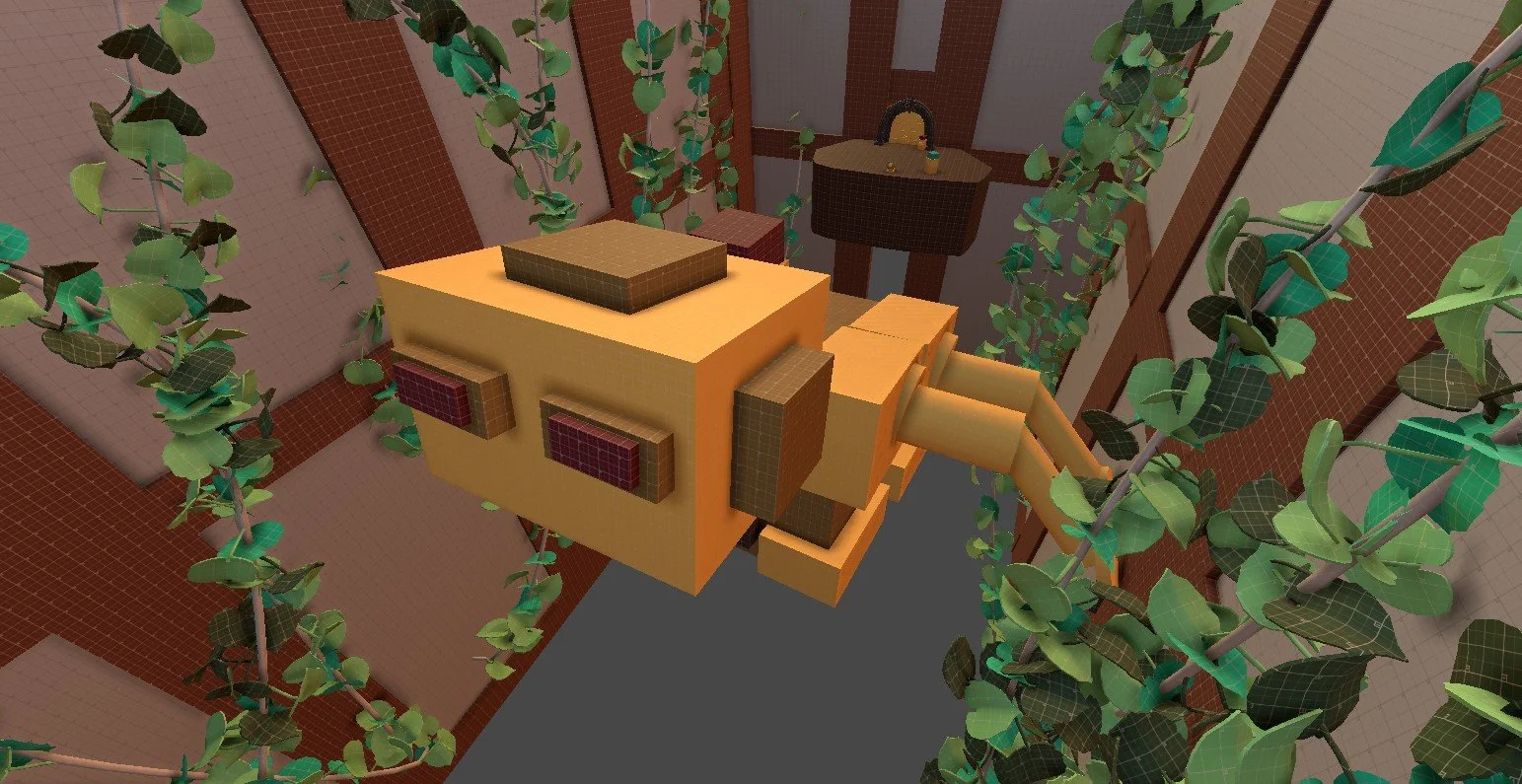
Greenhouse Mech
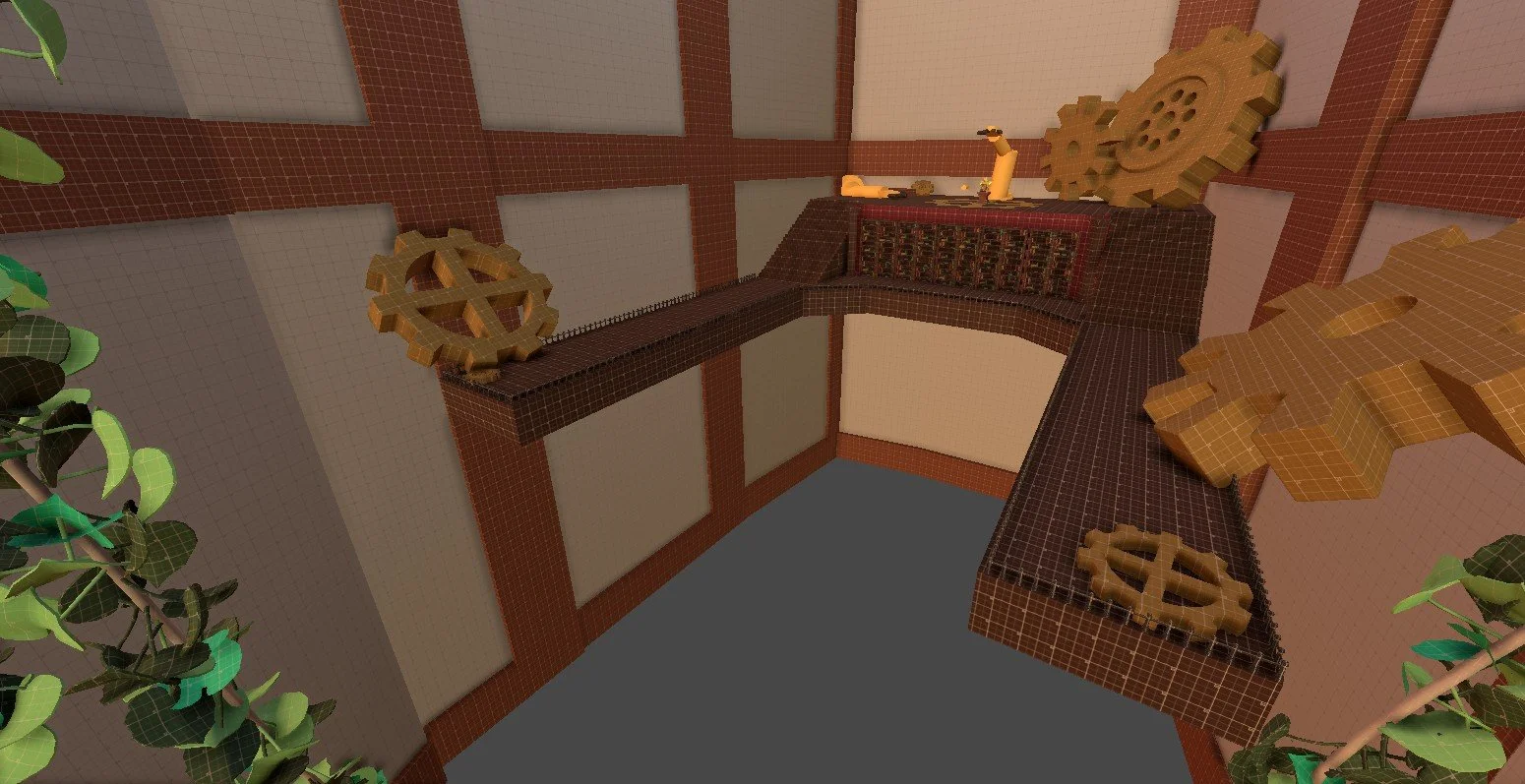
Loading Bay
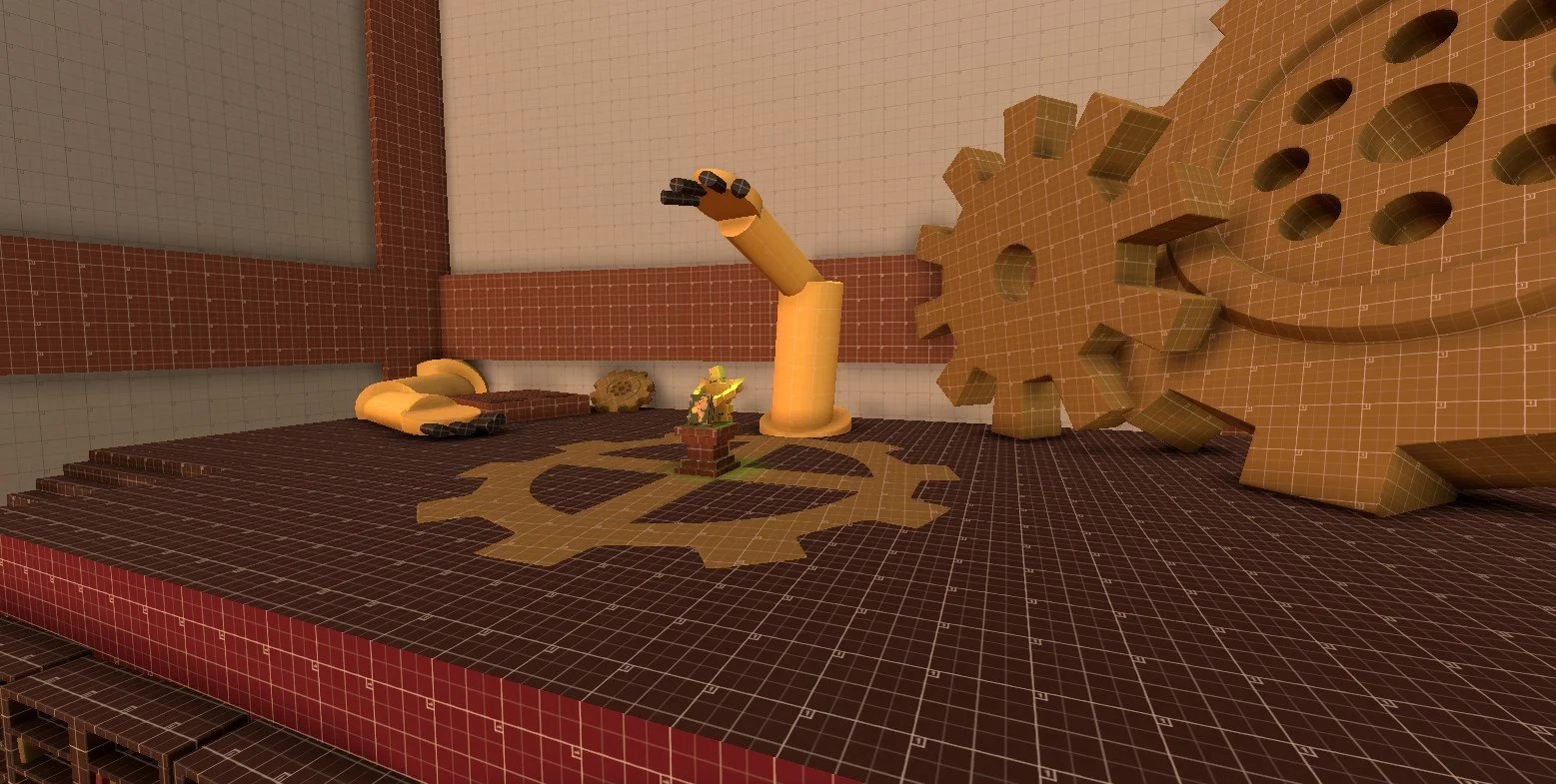
Greenhouse Objective
Design Process
Set dressing:
I wanted the environments to feel aged and rundown while still feeling active and engaging. Props and environmental details were placed to reinforce the steampunk theme while also helping players read the space and understand where they could move or interact.
Lighting, Post Processing & Fog:
Lighting played a big role in establishing mood and guiding the player. I used dynamic lighting and fog volumes to create depth, limit visibility, and build tension. A grainy post processing profile helped sell the old, industrial feel of the world while subtly directing attention toward key paths, objectives, and interactable objects.
Custom Tools & Systems:
To support iteration and flexibility, our programmer created several designer-friendly tools that allowed us to shape gameplay without constant engineering support. I frequently used a moving platform system driven by activators and waypoints to design traversal challenges and timed interactions. I also worked with a configurable enemy spawner that allowed me to adjust difficulty, pacing, and encounter density during playtesting. These tools made it easier to experiment, iterate quickly, and tune the player experience based on feedback.
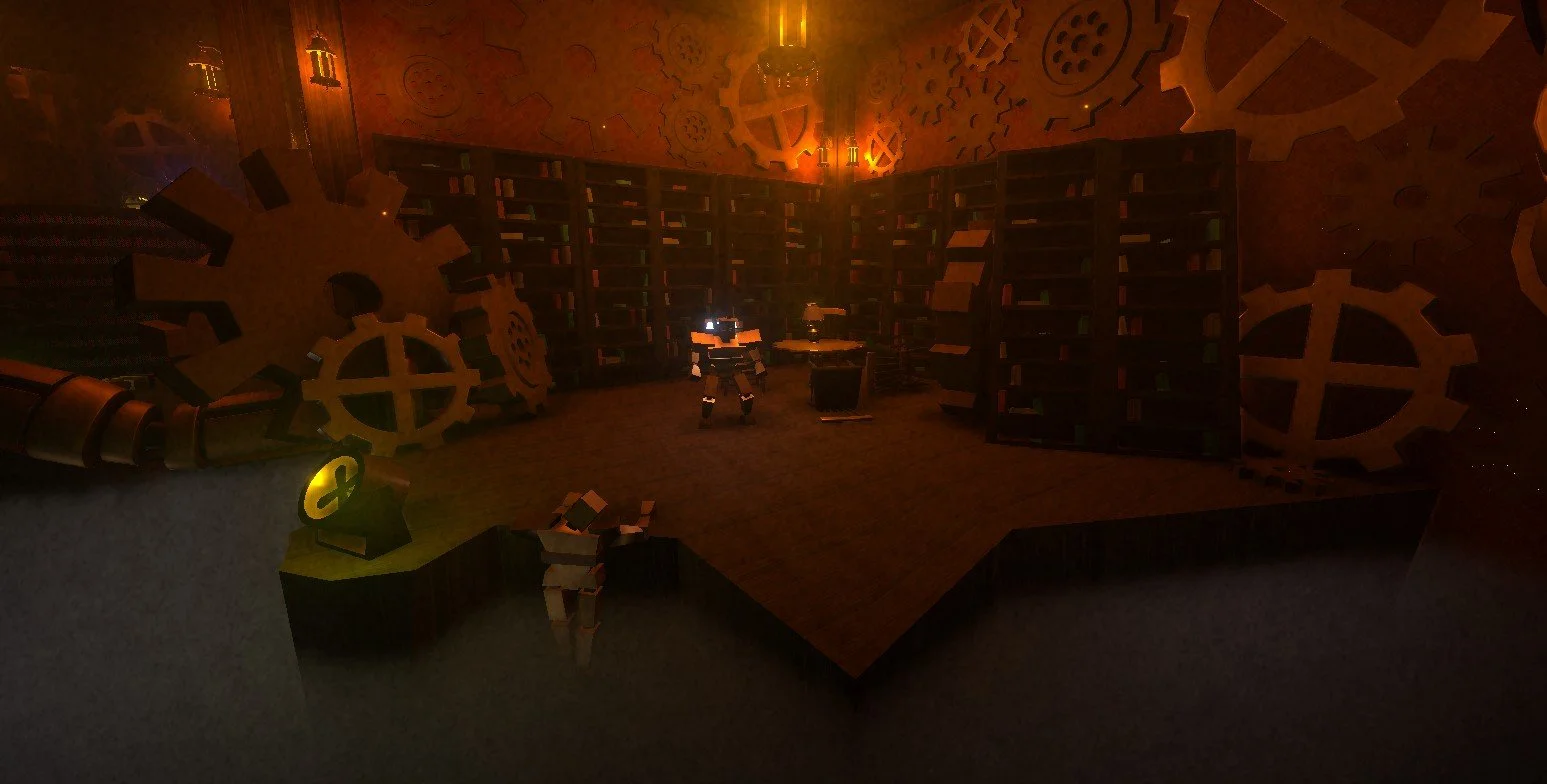
Post Processing & Fog On
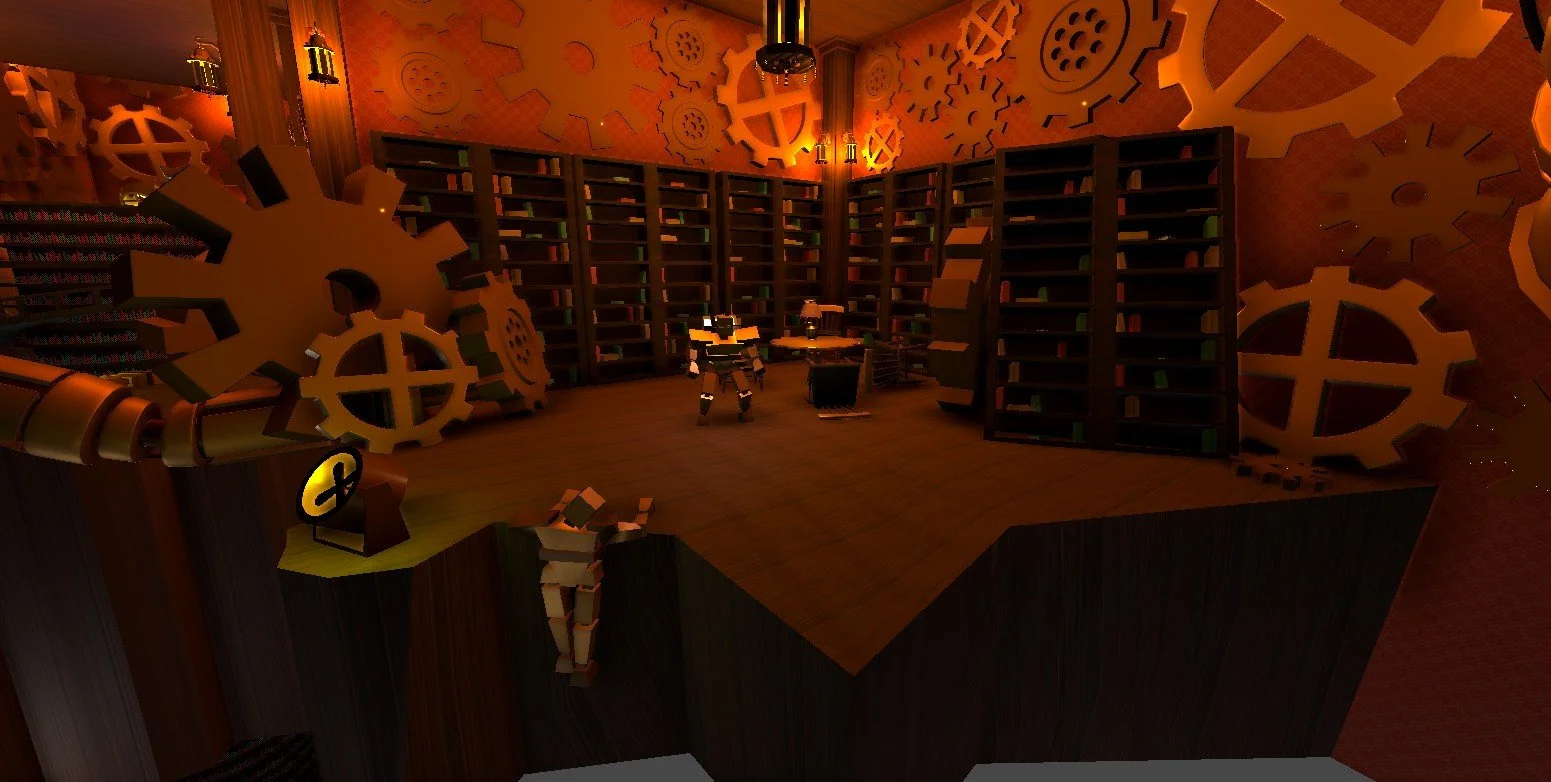
Post Processing & Fog OFF
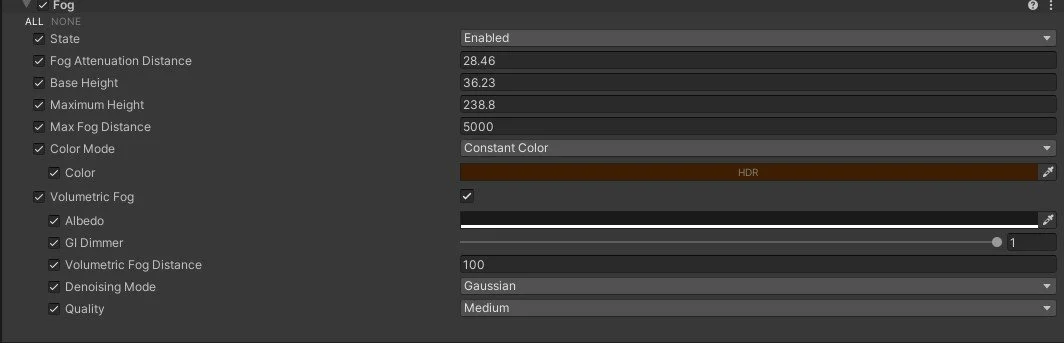
Fog Profile
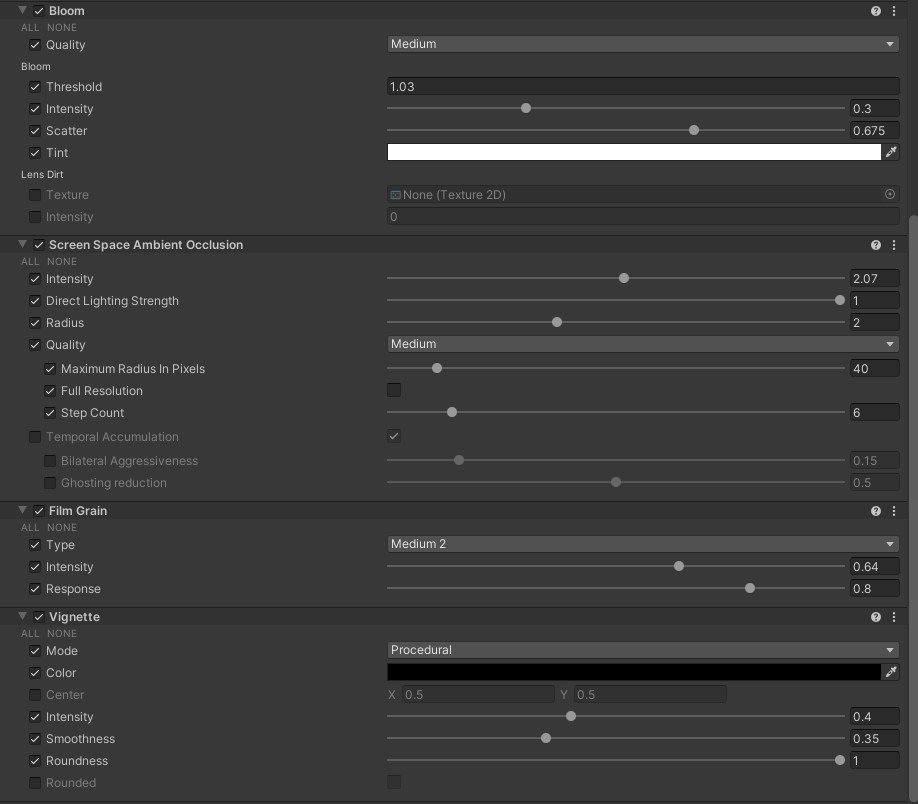
Post Processing Profile
Challenges
Optimization & Static Batching
Because our game was large in scale and had many assets, performance was a major concern. To keep the build running smoothly, I baked lightmaps and used static batching. Baking lighting reduced the runtime cost, and batching static objects lowered draw calls by 50%.
Design Conveyance
When having people playtest the game, i realized that the original design intent I had conflicted with the way that the players would play the game. To fix this I added different affordances like intentionally placing fans and lights to help better guide the player through the game
Project Takeaways
This project pushed me to learn and grow fast. I was new to Unity and game development, and I initially felt overwhelmed by the role I was given. But working through the project taught me how to block out levels quickly, iterate based on playtesting, and optimize spaces for performance. I also learned how to communicate with artists and programmers to make sure the design stayed consistent and playable. I couldn’t have done it without my team’s support, and their guidance helped me become a more confident designer.